
AI Photo Workflows for Photographers
Deliver print-ready galleries, not just fixed frames. Cut high-ISO noise, sharpen soft shots, upscale for large-format print, restore faces, and remove distractions — then run the same edit across the whole shoot in one batch, without installing desktop software.
Quick answer
What AI tools do photographers use to enhance photos?
Photographers use AI to reduce high-ISO noise, sharpen out-of-focus frames, upscale for large-format print, restore faces, and remove distractions. EnhanceCraft combines all of these in the browser — no desktop install or GPU — so an entire shoot can be cleaned, sharpened, and enlarged from any device.
Before

After
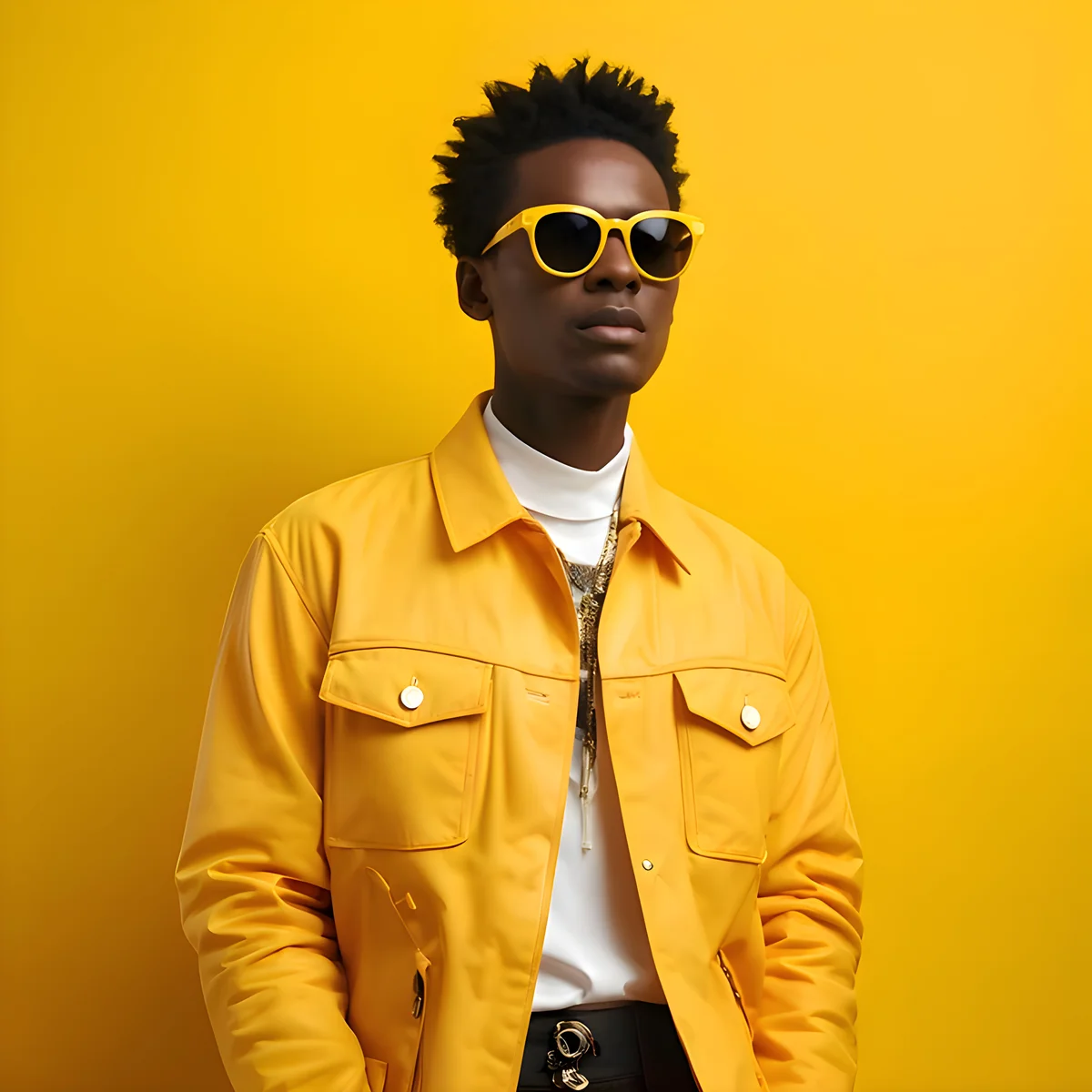
See every enhancement before & after example — upscaling, denoising, deblurring, and face restoration.
8x
Max upscaling
25
Free credits to start
< 15s
Processing time
AI Tools for Every Photography Challenge
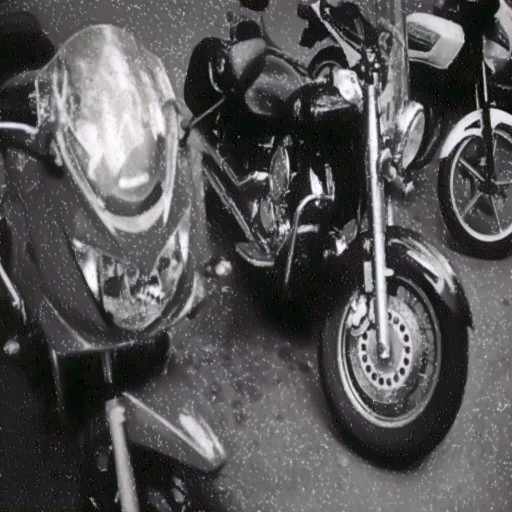
AI Denoising
Reduce noise from high-ISO shots, long exposures, and underexposed frames. Recover clean detail from images you thought were unusable.
Try free →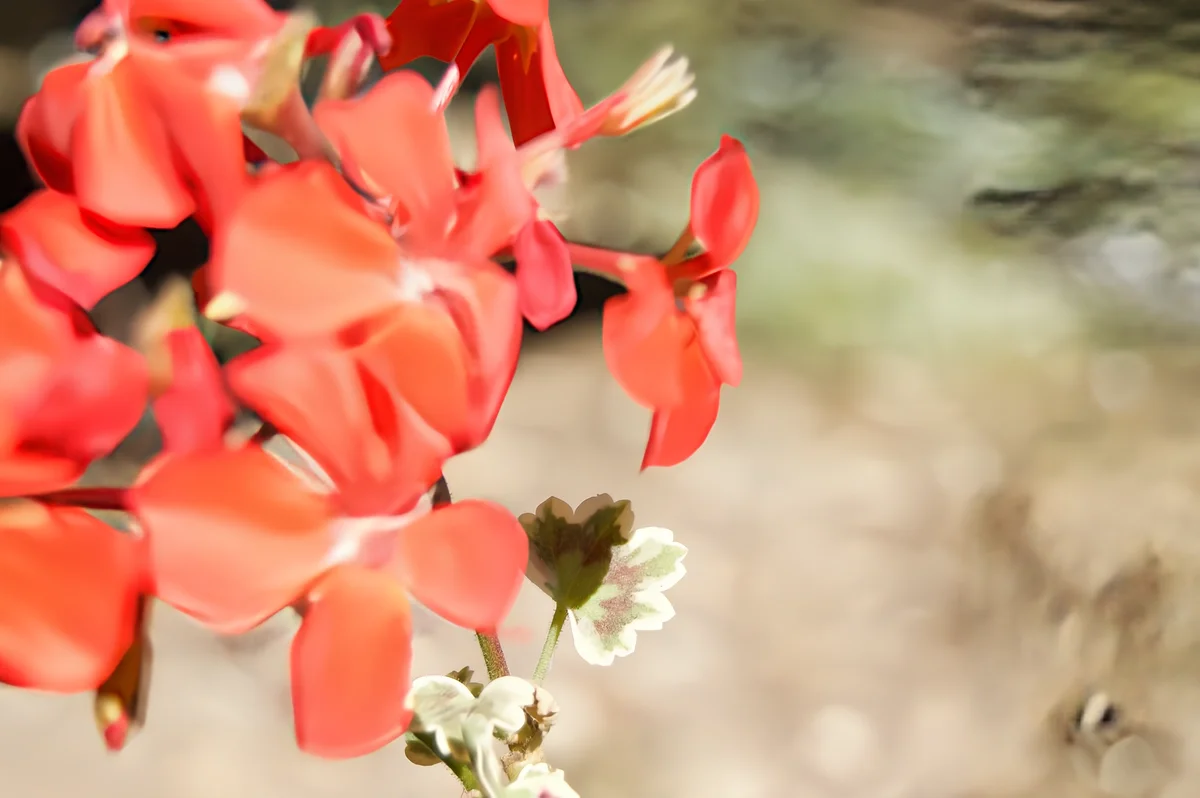
AI Deblurring
Recover sharpness from motion blur and out-of-focus shots. Fix images where subject movement or camera shake blurred otherwise perfect frames.
Try free →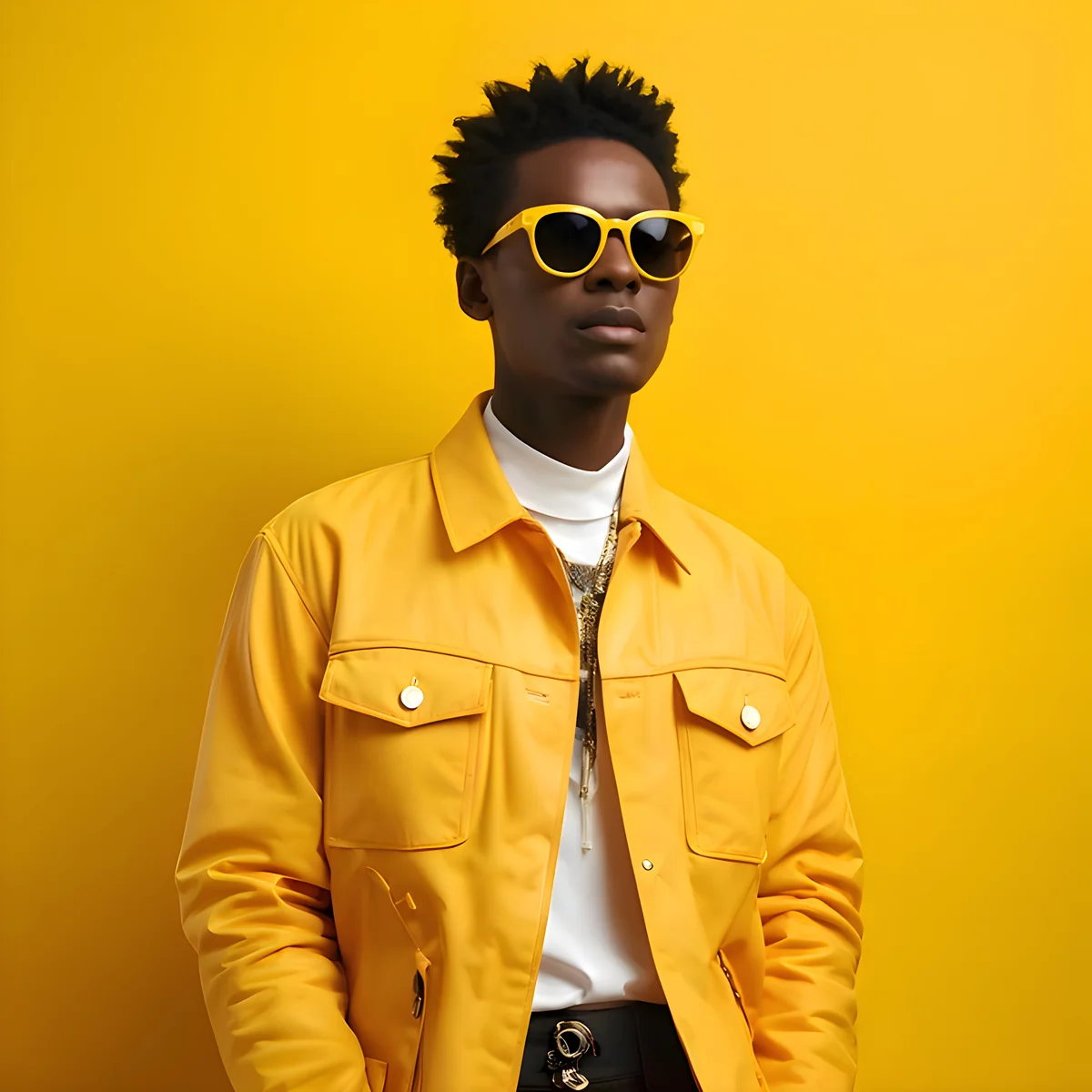
Image Upscaling
Upscale images 2x, 4x, or 8x for large-format printing — from a standard shot to gallery-sized output without visible quality loss.
Try free →
Face Restoration
Restore sharpness and detail to faces in portraits, family photos, and old scans. Recover expressions and features from blurry or degraded originals.
Try free →A Typical Enhancement Workflow
- 1Export from your editor, then upload — Save high-quality JPEGs (PNG and WebP also work) from Lightroom, Photoshop, or your camera. RAW and TIFF files are not supported. Files up to 25 MB on free, 50 MB on paid plans.
- 2Denoise and sharpen — Remove high-ISO noise and recover focus from soft or motion-blurred frames.
- 3Restore faces if needed — For portraits, old scans, or any image where facial detail matters.
- 4Upscale for print — 4x or 8x for large-format gallery prints, photographic albums, or client deliveries at maximum resolution.
- 5Remove distractions — AI inpainting removes stray tourists, wires, clutter, or anything that shouldn't be in the frame.
Who Uses EnhanceCraft for Photography
Wedding & Portrait Photographers
Restore faces in blurry or underexposed frames. Upscale for large album prints. Remove distracting background elements without re-shooting.
Landscape & Nature Photographers
Recover clean, noise-free detail from high-ISO night shots and astrophotography. Upscale for gallery-quality large-format prints.
Photo Restorers
Restore old family photos, scanned prints, and damaged originals. Combine general restoration, face restoration, and upscaling for complete recovery.
Photography Hobbyists
Save photos taken in challenging conditions. Fix shake, noise, soft focus, and limited resolution on images that matter personally.
Frequently Asked Questions
Can I use EnhanceCraft for large-format print output?
Yes. EnhanceCraft upscales images 2x, 4x, or 8x — producing files suitable for large-format printing at standard gallery and photographic print sizes. For very large print (billboard or museum-scale), results vary by source quality. For standard large-format prints (16×20, 24×36 inches), 4x or 8x upscaling from a typical camera resolution produces clean, high-quality output.
Does AI denoising work well on high-ISO photography?
Yes. AI denoising is particularly effective on high-ISO noise from nighttime photography, indoor low-light shooting, and astrophotography. The AI reduces luminance and chroma noise while preserving fine detail and edge sharpness — better than traditional software-based noise reduction at high noise levels.
Can I restore old family photos or damaged prints?
Yes. EnhanceCraft includes dedicated old photo restoration that handles fading, scratches, tears, and overall quality degradation from aging. Face restoration can be applied alongside general restoration for sharper portrait detail. Both tools work together for maximum recovery from heavily degraded originals.
Does EnhanceCraft integrate with Lightroom or Photoshop?
EnhanceCraft is a web-based tool and does not have native Lightroom or Photoshop plugins. The workflow is: export from Lightroom/Photoshop, process in EnhanceCraft, reimport. For batch workflows, the EnhanceCraft API can be integrated into custom automation scripts.
Enhance Your Photos Free
25 free credits to start, then 10 every month. No credit card. No software to install. Works on any device with a browser.