
AI Image Enhancement — Before & After Gallery
Real results from every EnhanceCraft AI tool. Click any example to try that tool free with your own images — 25 free credits to start, then 10 every month, no credit card required.
E-commerce & Product
Product Pipeline
Marketplace-ready product photos in a single pass — the full Amazon and Shopify preparation sequence applied in one job.
Before

After

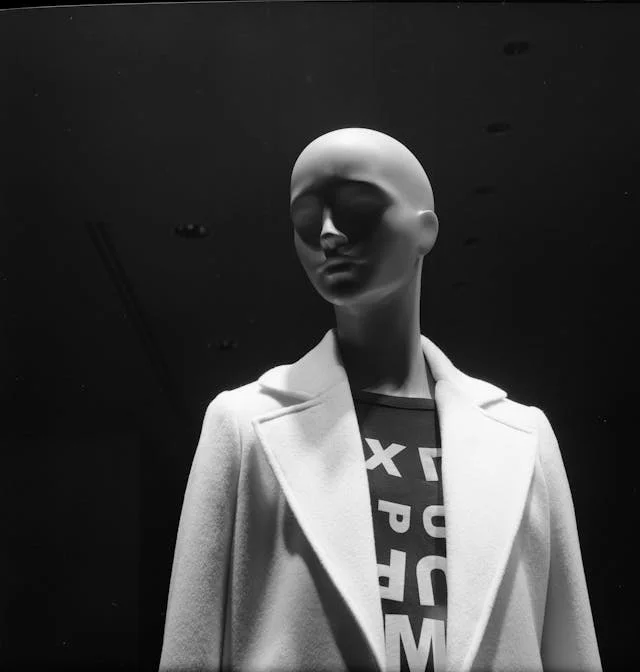
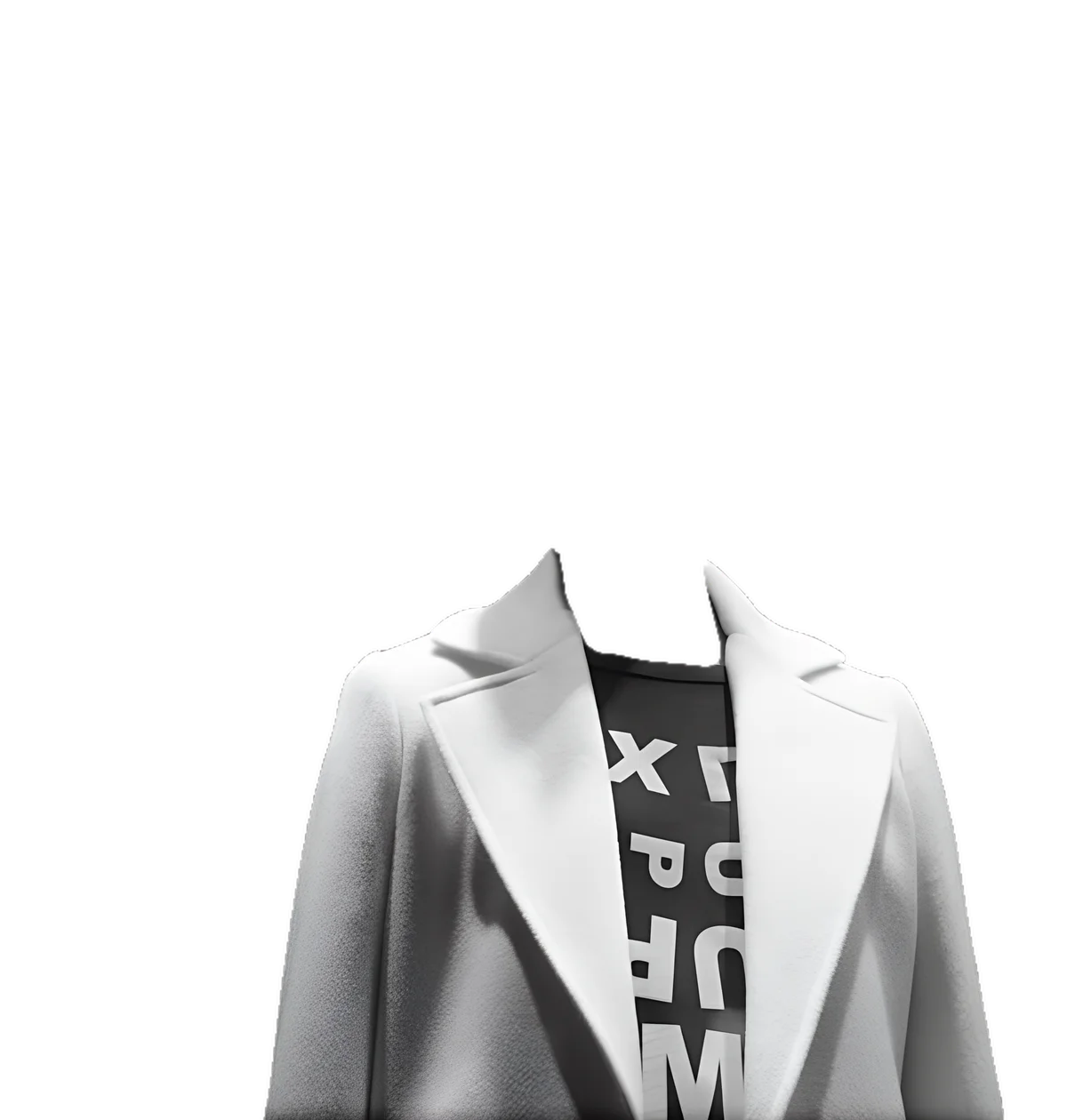
Ghost Mannequin
The complete apparel sequence in one job — the mannequin is removed and the garment rebuilt into a clean, hollow product shot.
Before
After
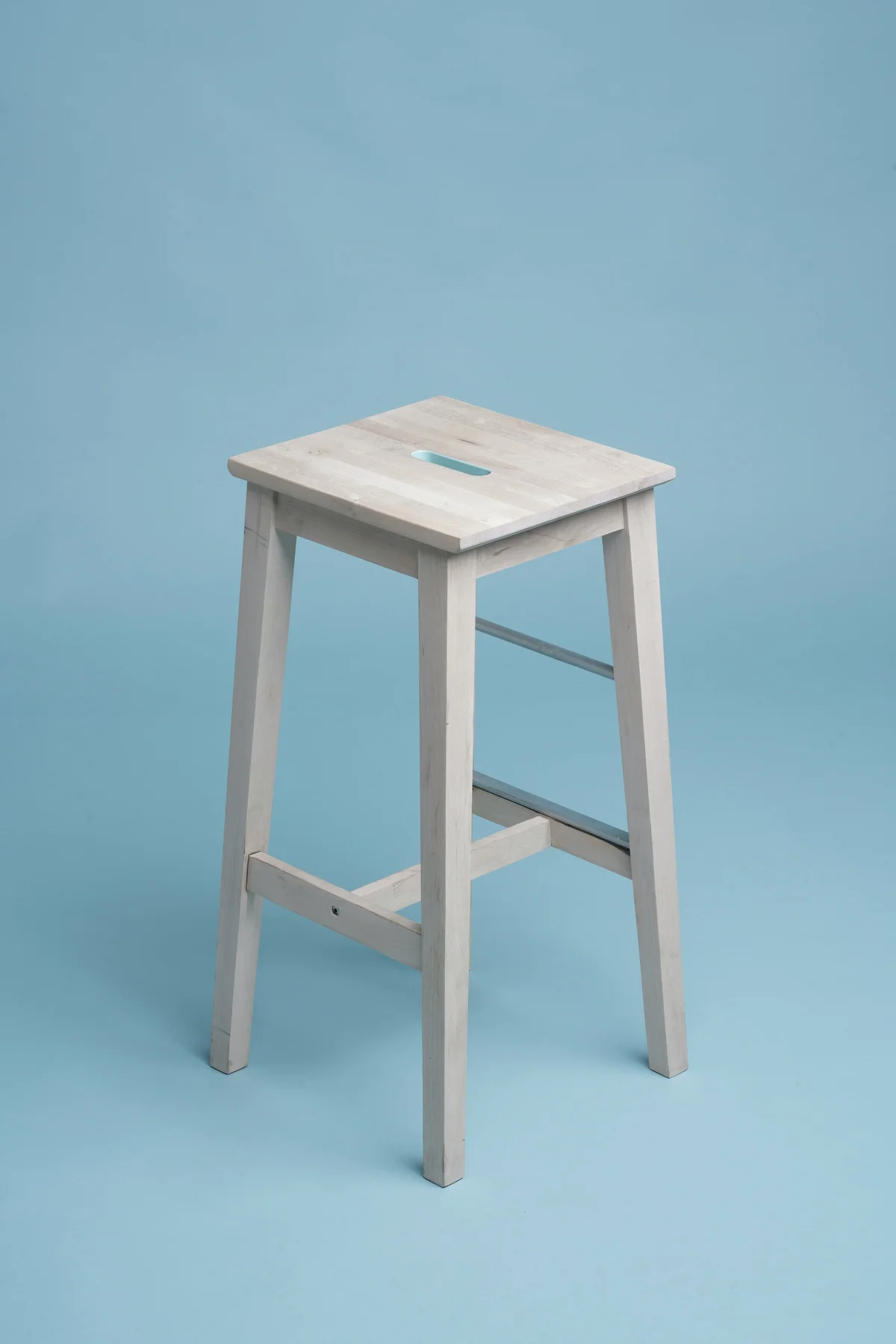
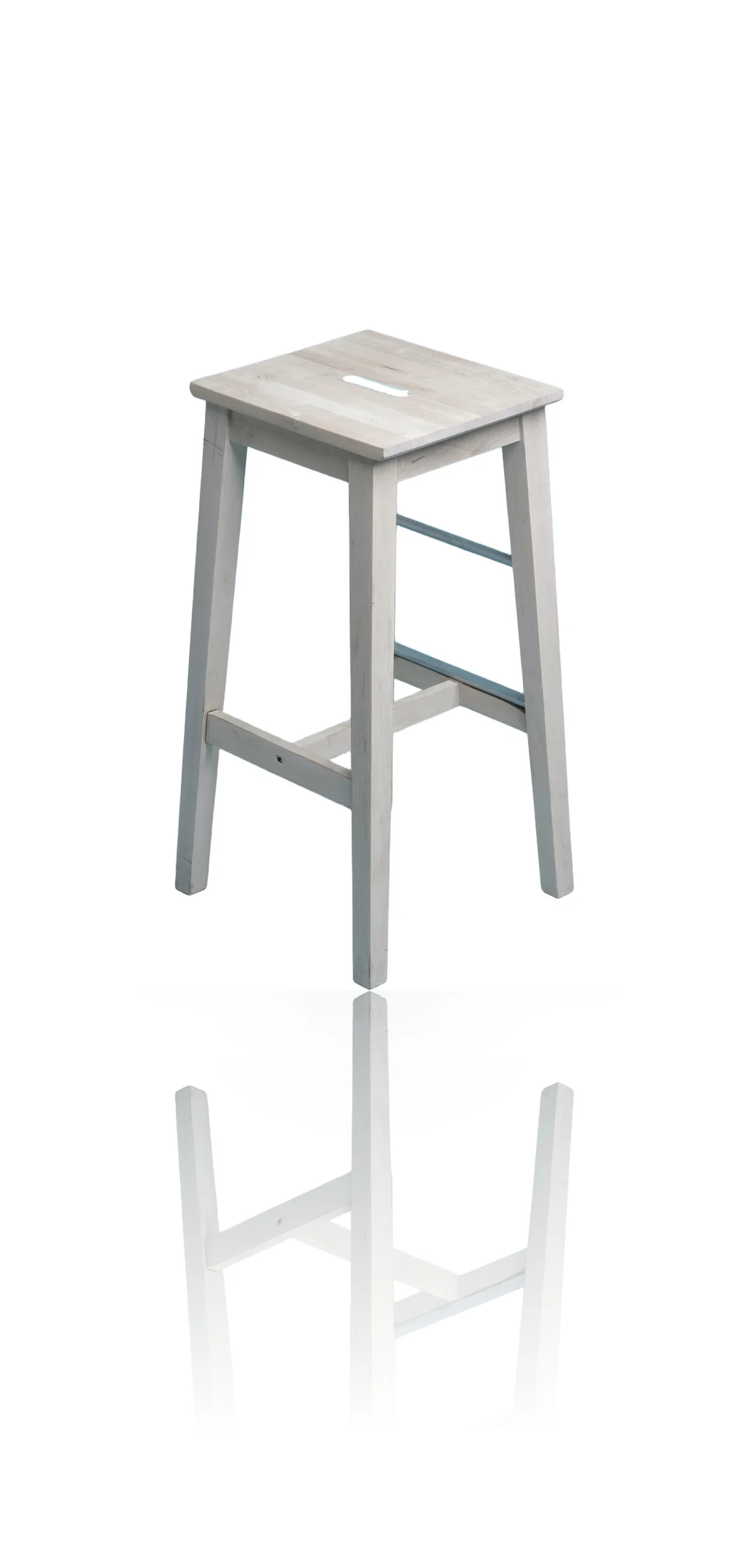
Reflection & Shadow
Adds studio-quality ground shadow and mirror reflection to flat product cutouts.
Before
After
Real Estate
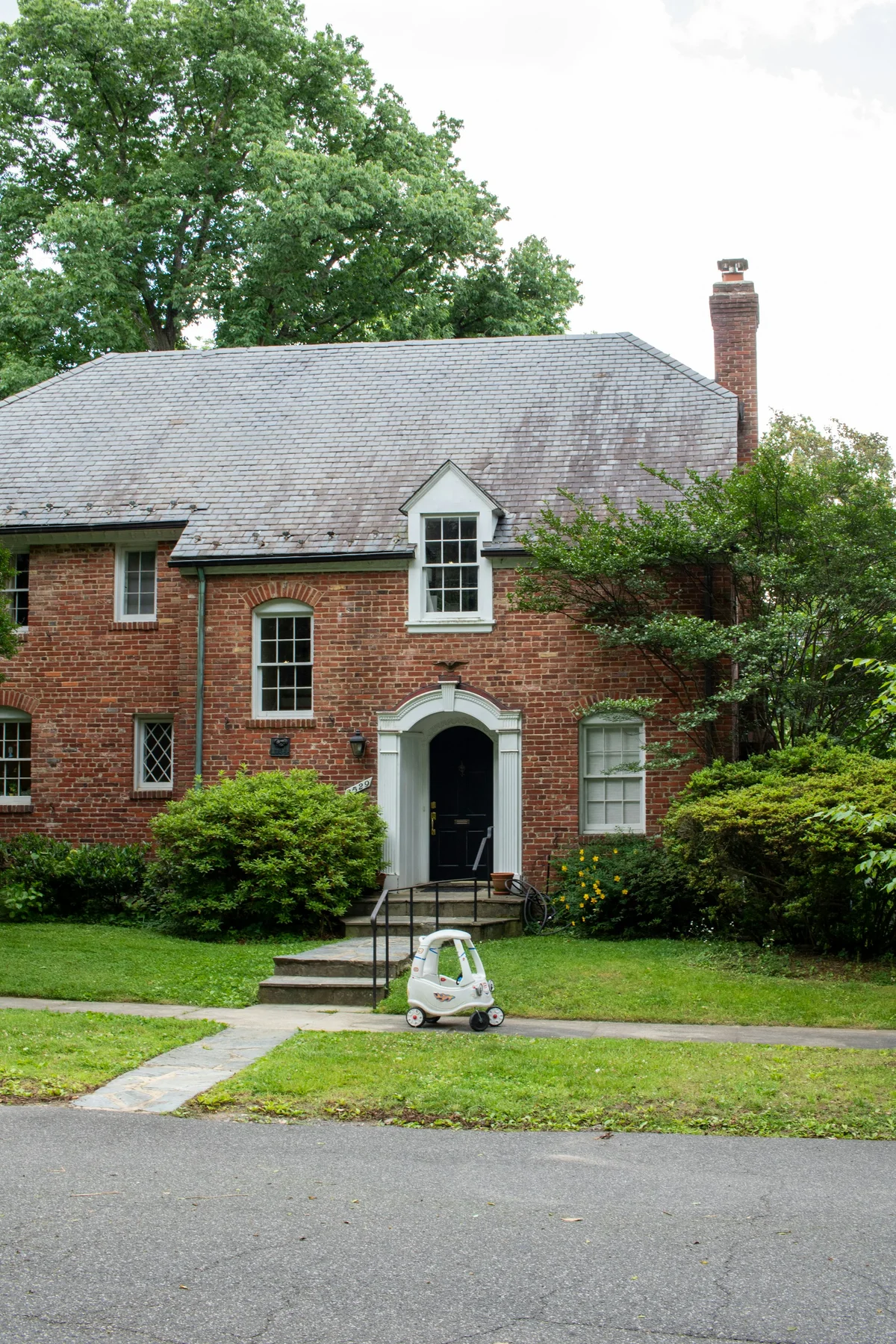
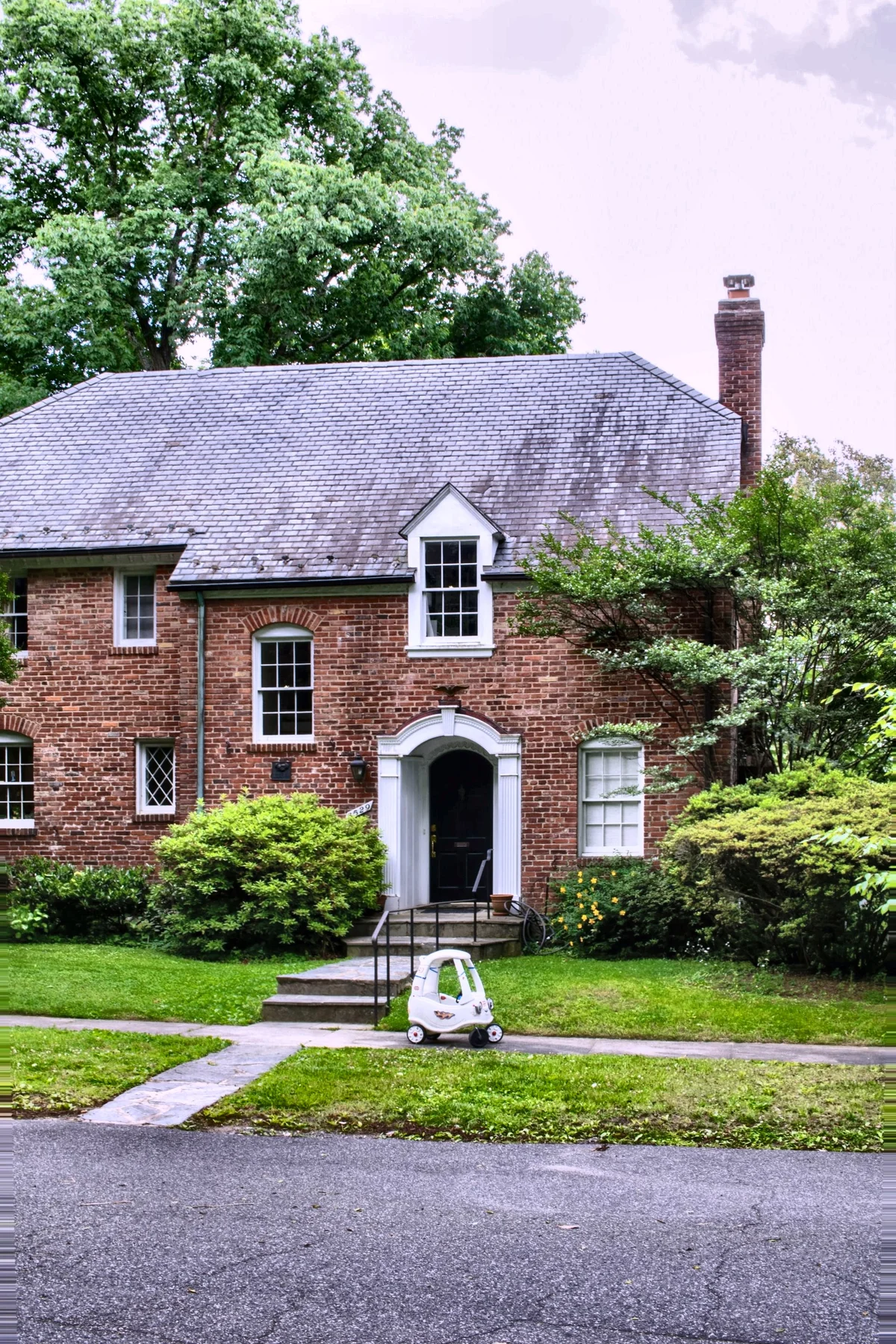
Real Estate Edit Pack
Every standard property-photo correction in one click — the full listing preparation sequence applied across a whole shoot.
Before
After
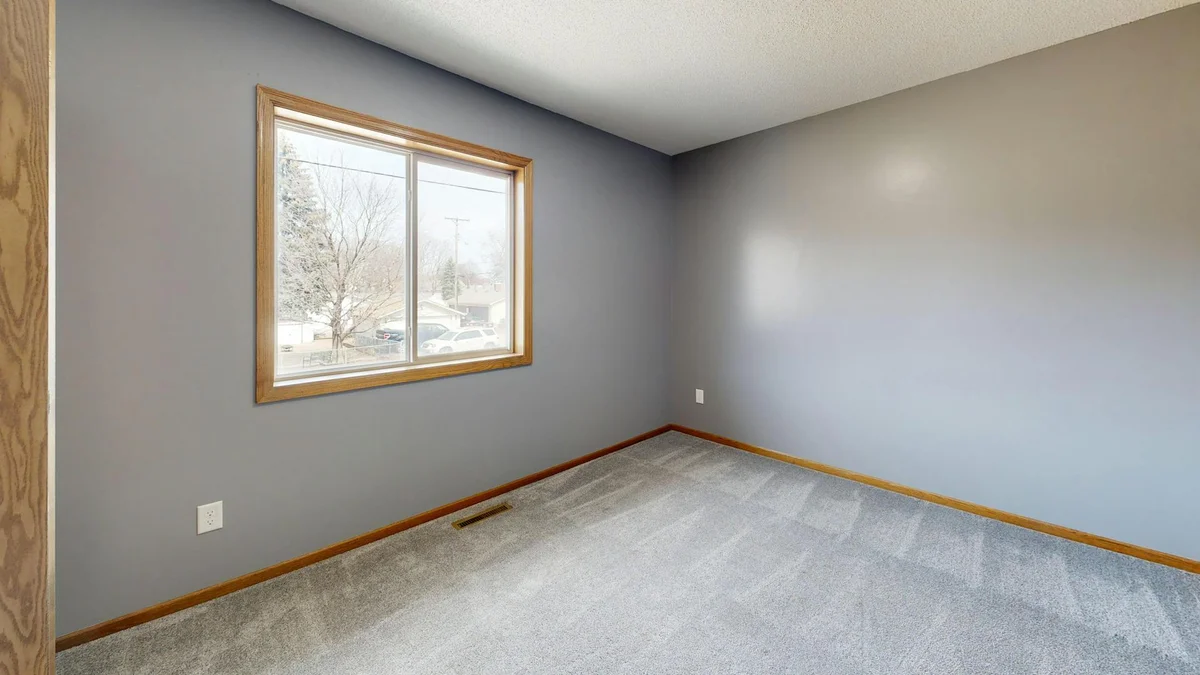
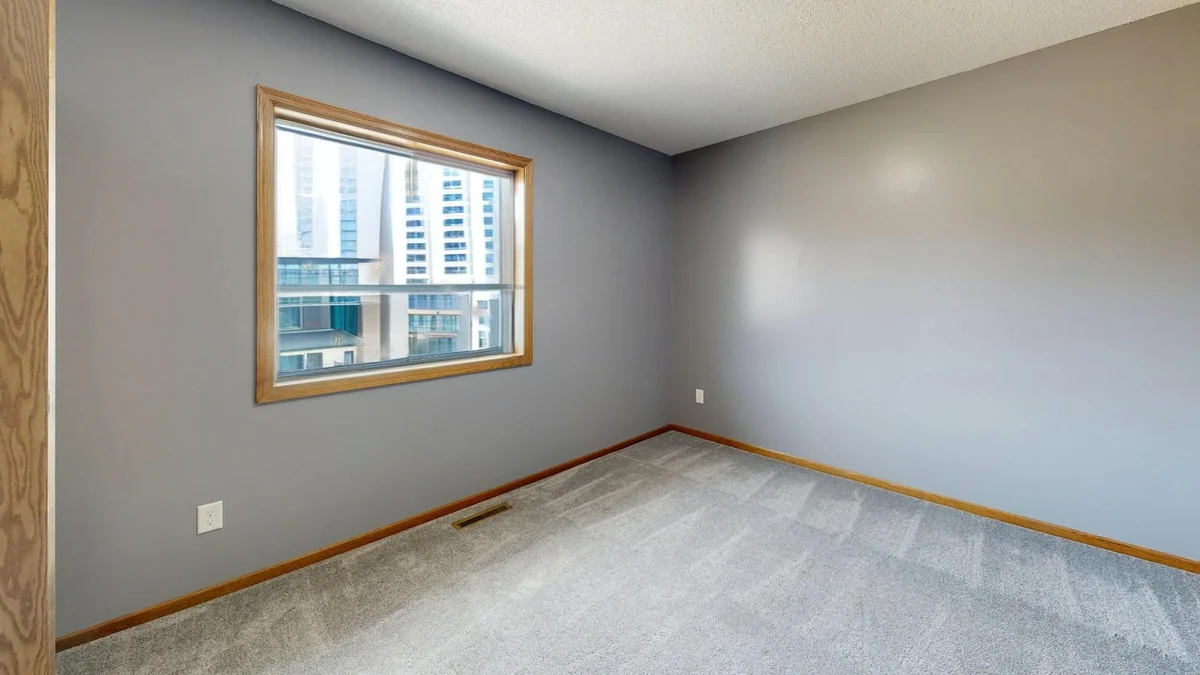
Window Pull
Recovers the blown-out exterior view through a window while keeping the interior correctly exposed.
Before
After
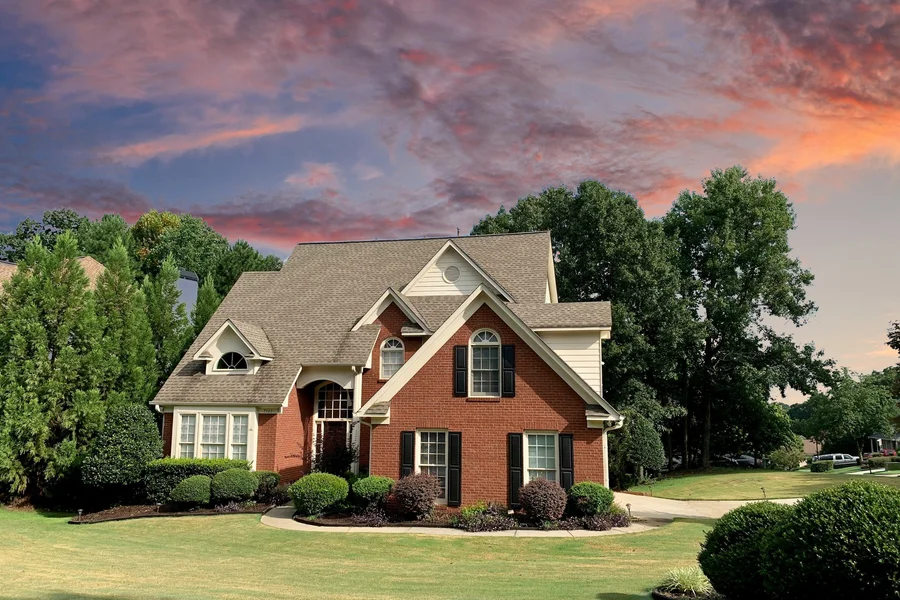
Sky Replacement
Swaps a dull, washed-out sky for clear blue, golden hour, or dramatic cloud cover.
Before
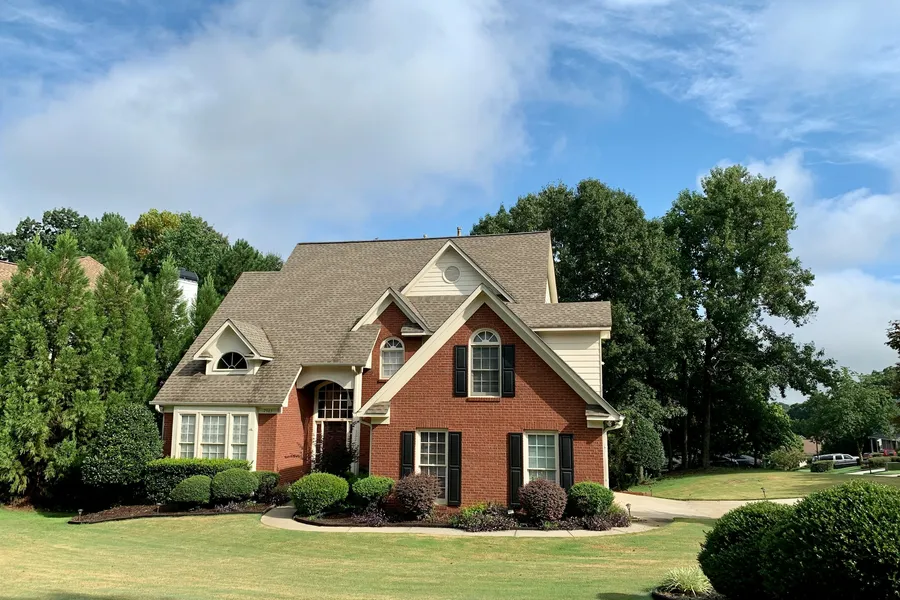
After
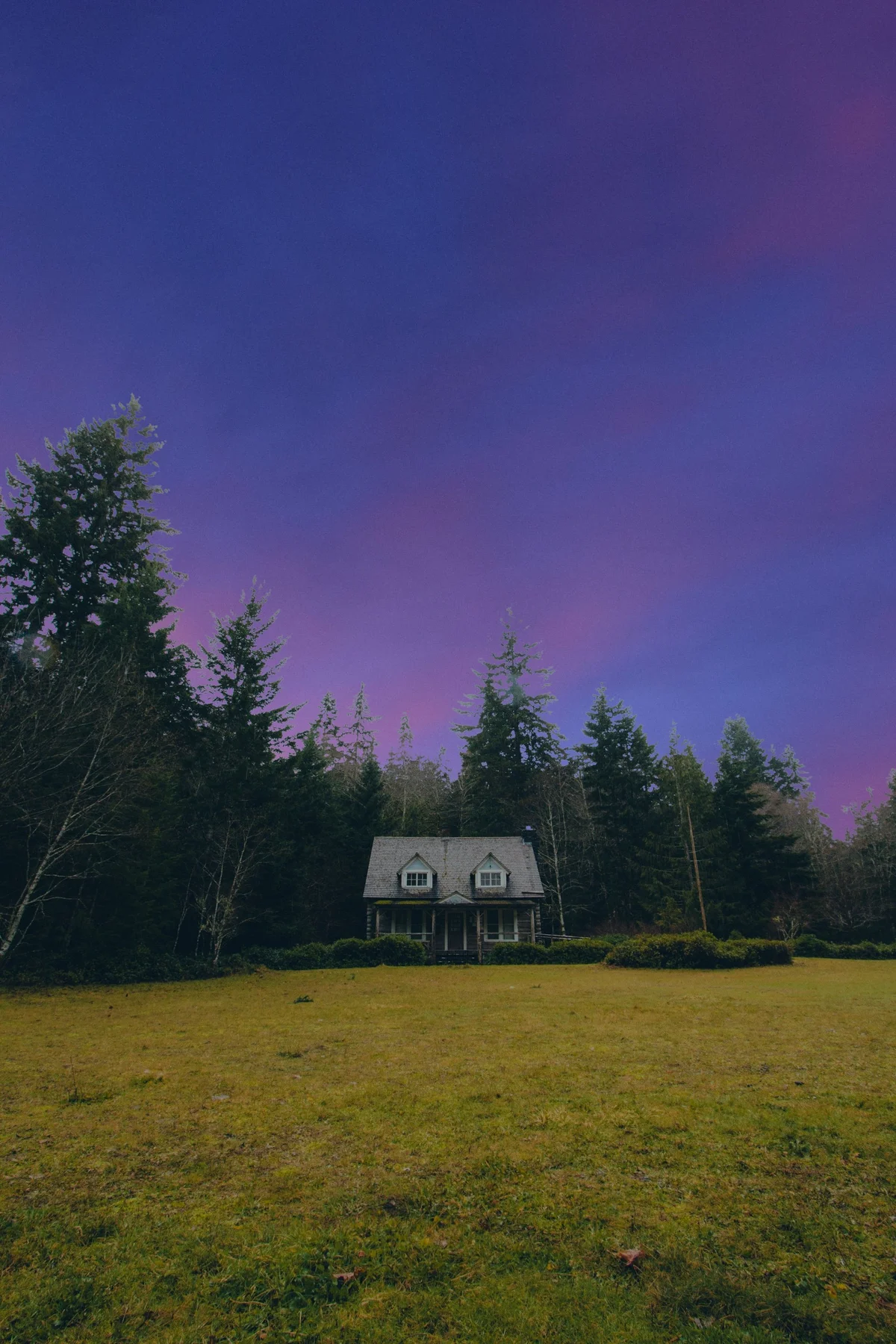
Twilight (Day-to-Dusk)
Turns a daytime exterior into a dusk twilight shot — warm glowing sky and lit windows.
Before
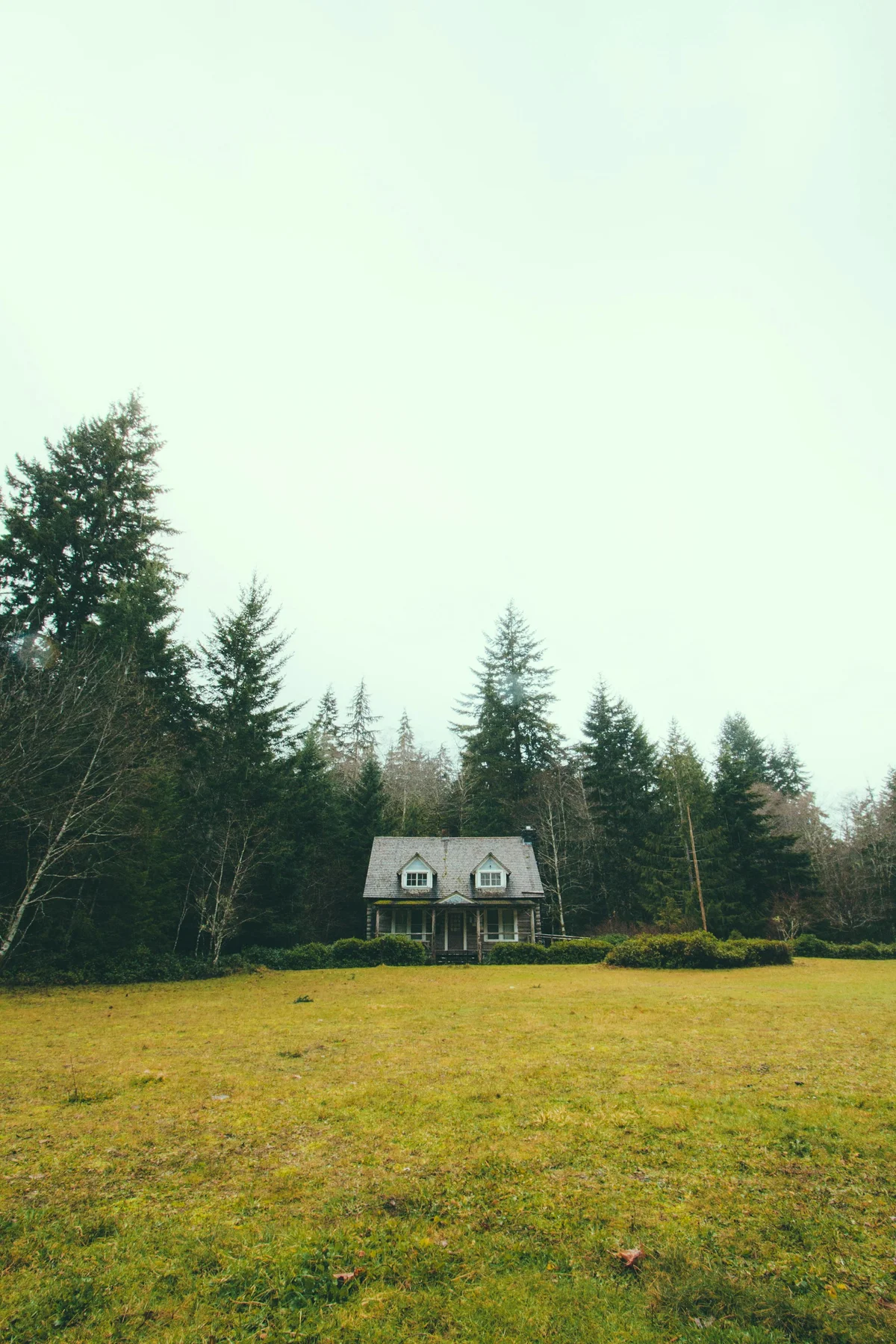
After
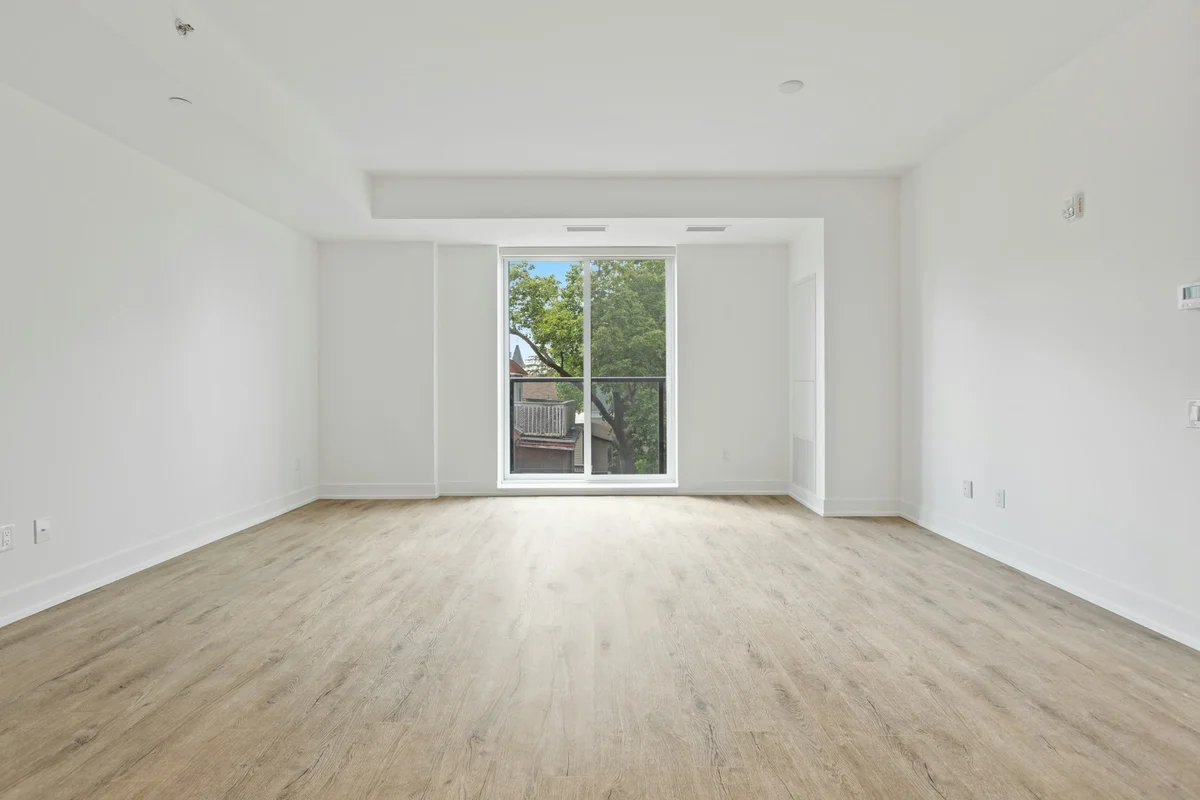
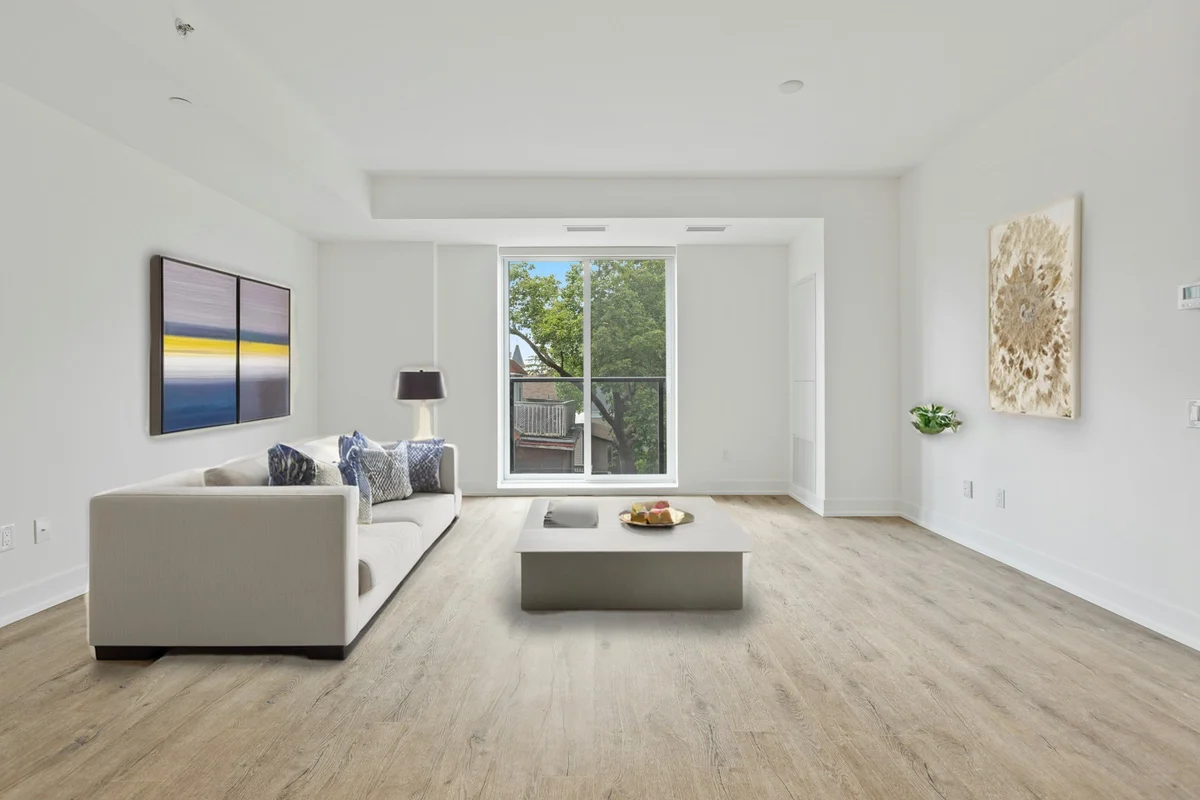
Virtual Staging
Furnishes an empty room with realistic furniture — choose the room type and styling.
Before
After
Enhance & Restore
AI Image Upscaling
4x upscaling with full detail reconstruction — edges, textures, and fine structure preserved at larger size.
Before

After
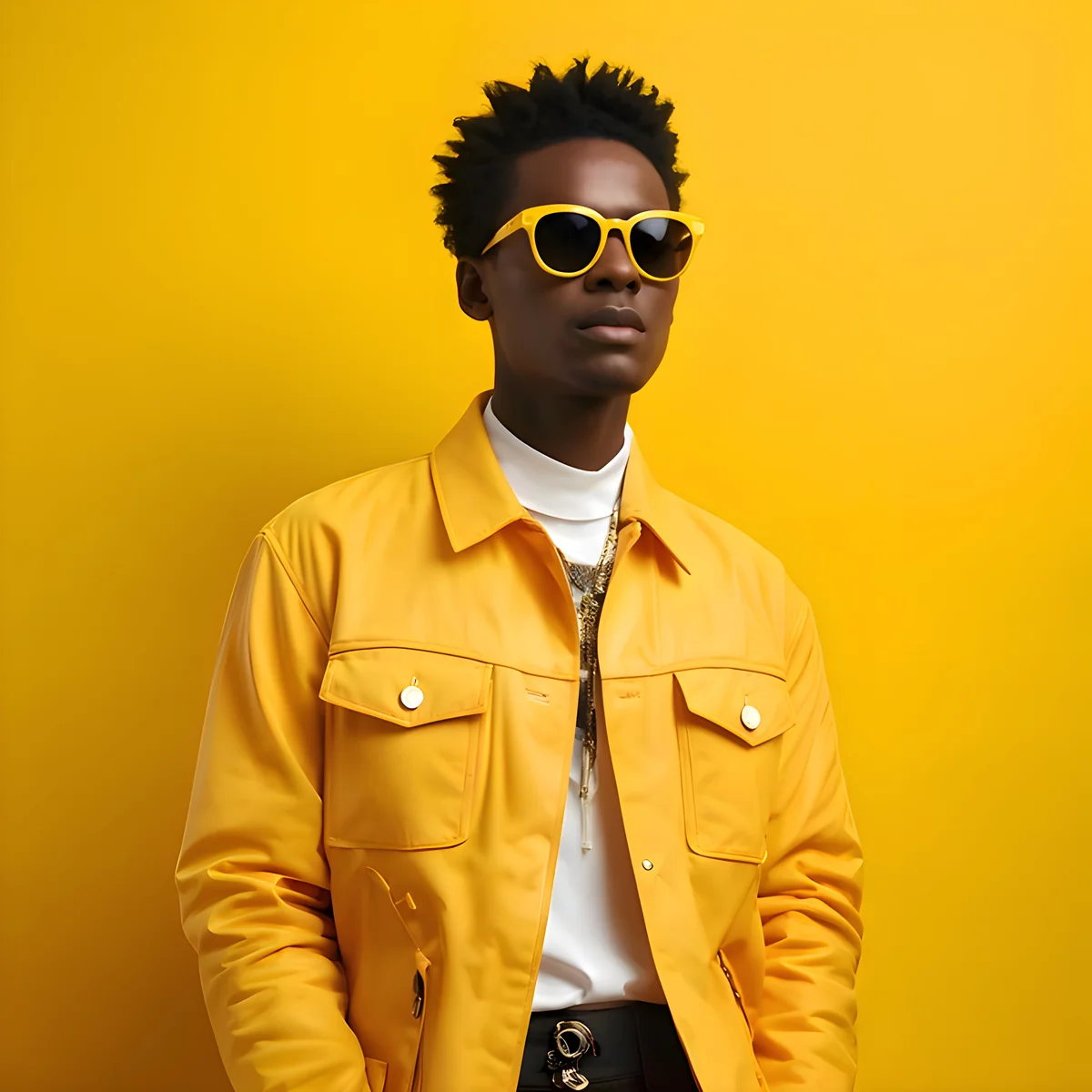
Face Restoration
AI face restoration sharpens blurry portraits, recovers eye and skin detail, and enhances facial clarity.
Before

After

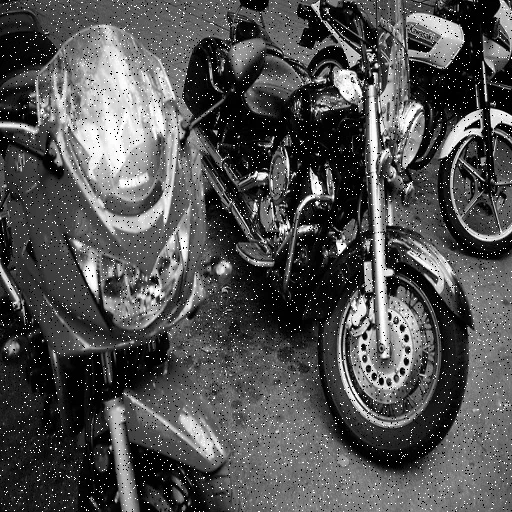
AI Denoising
Removes noise from high-ISO shots, underexposed photos, and compressed images while preserving fine detail.
Before
After
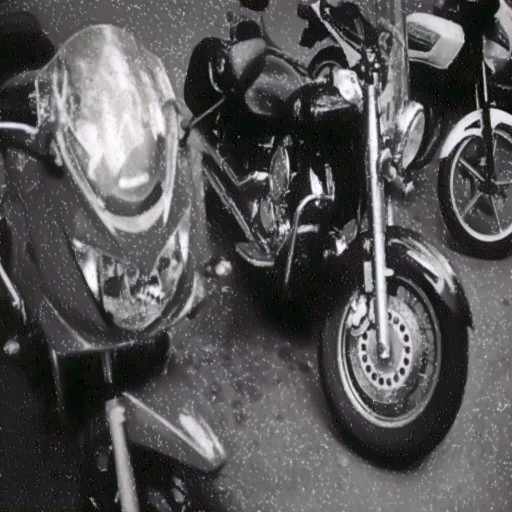
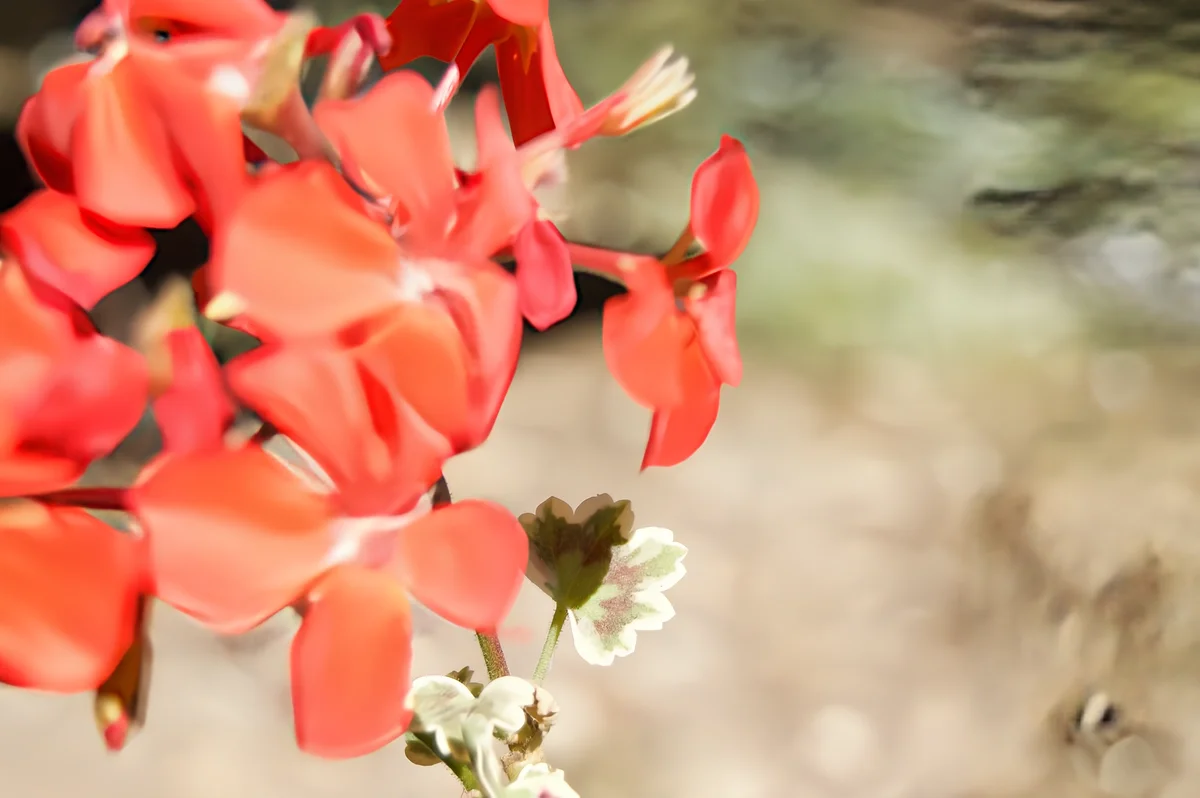
AI Deblurring
Recovers sharpness from motion blur and out-of-focus shots — restoring detail from frames that seemed unusable.
Before
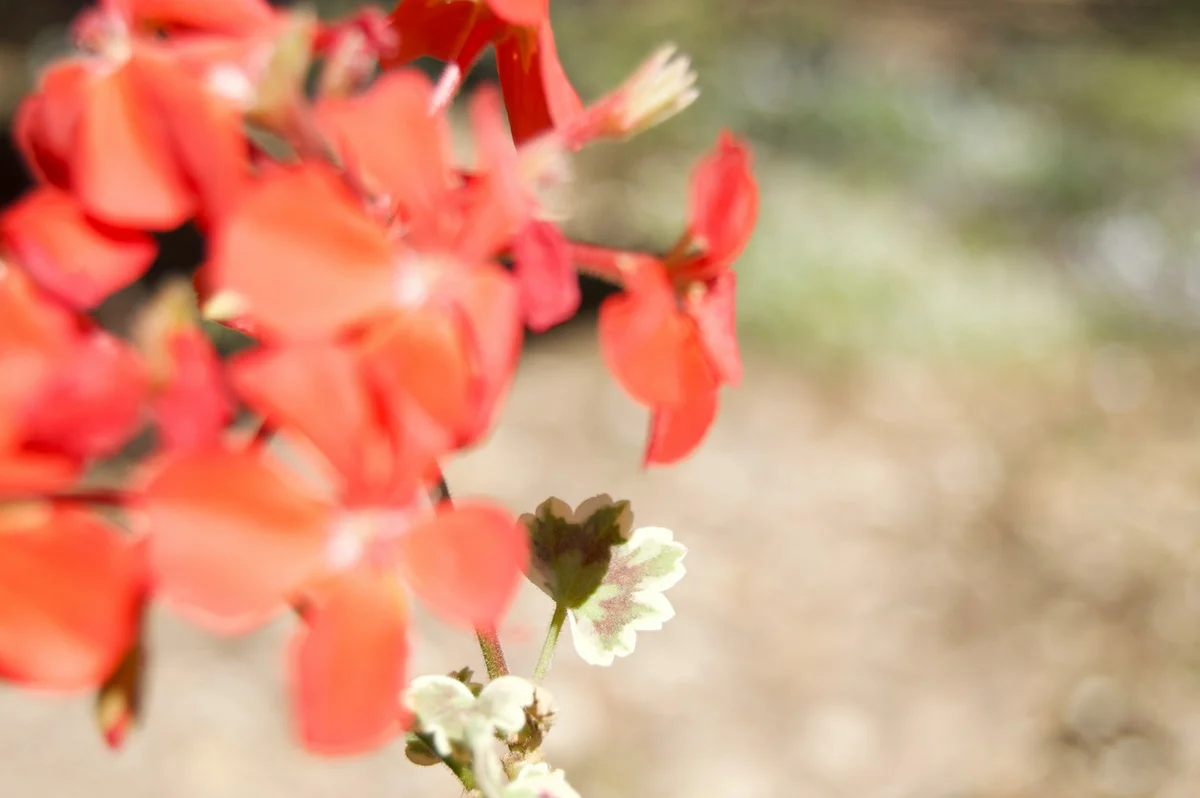
After
AI Dehazing
Cuts through atmospheric haze, fog, and distance flatness to restore contrast and color in landscape shots.
Before
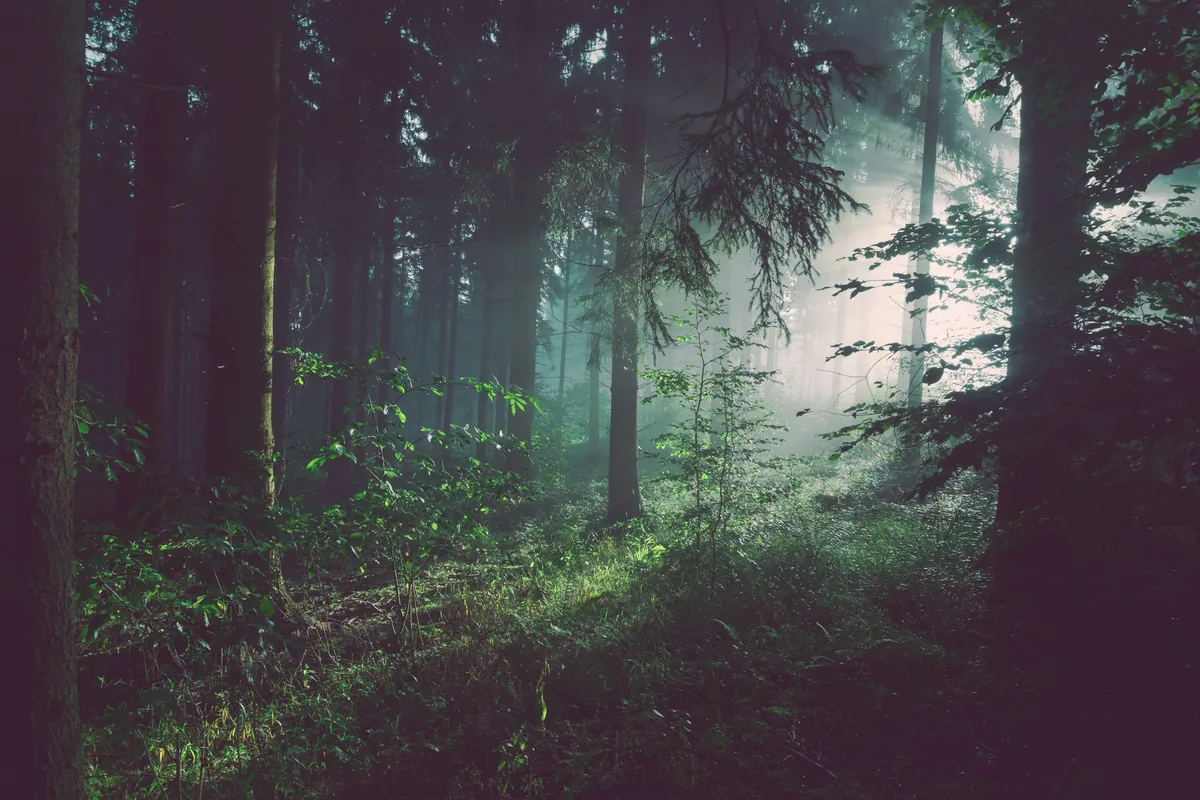
After
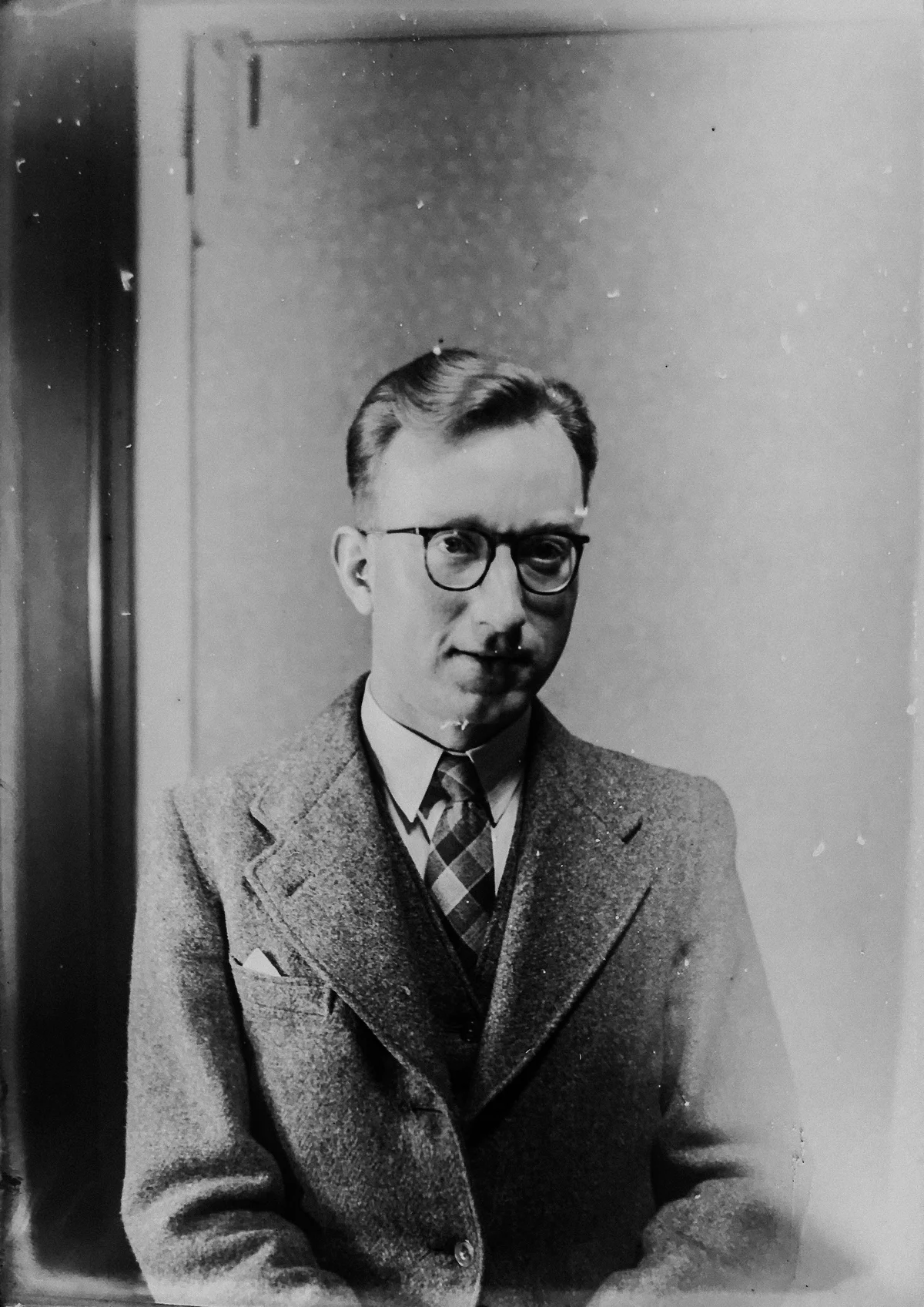
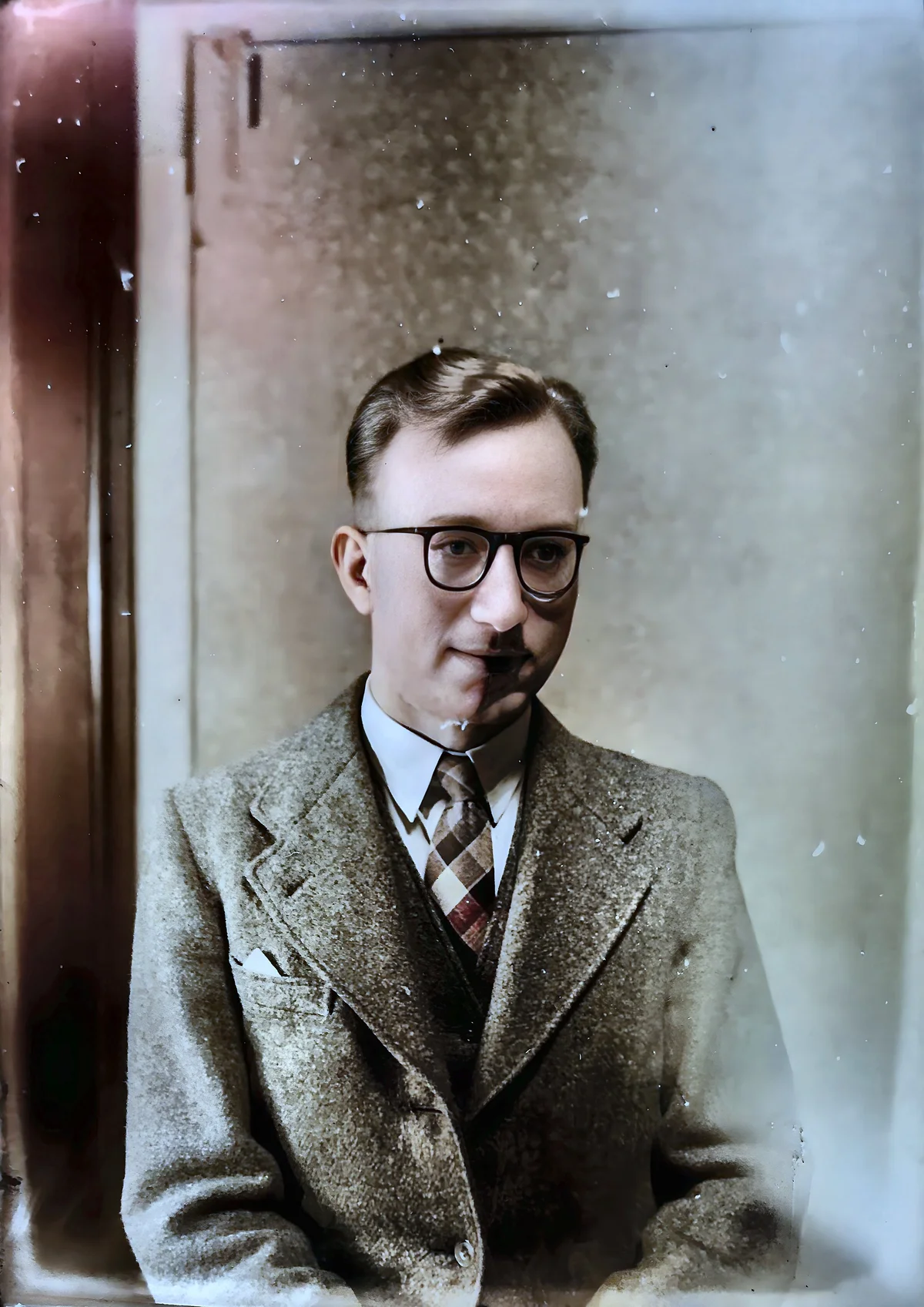
Old Photo Restoration
AI restores faded, scratched, and damaged vintage photos — recovering detail and vibrancy from aging originals.
Before
After
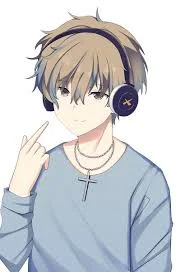
Anime & Illustration Upscaling
4x upscaling optimized for anime, manga, and illustrations — sharp line art, clean colors, no blurring.
Before
After
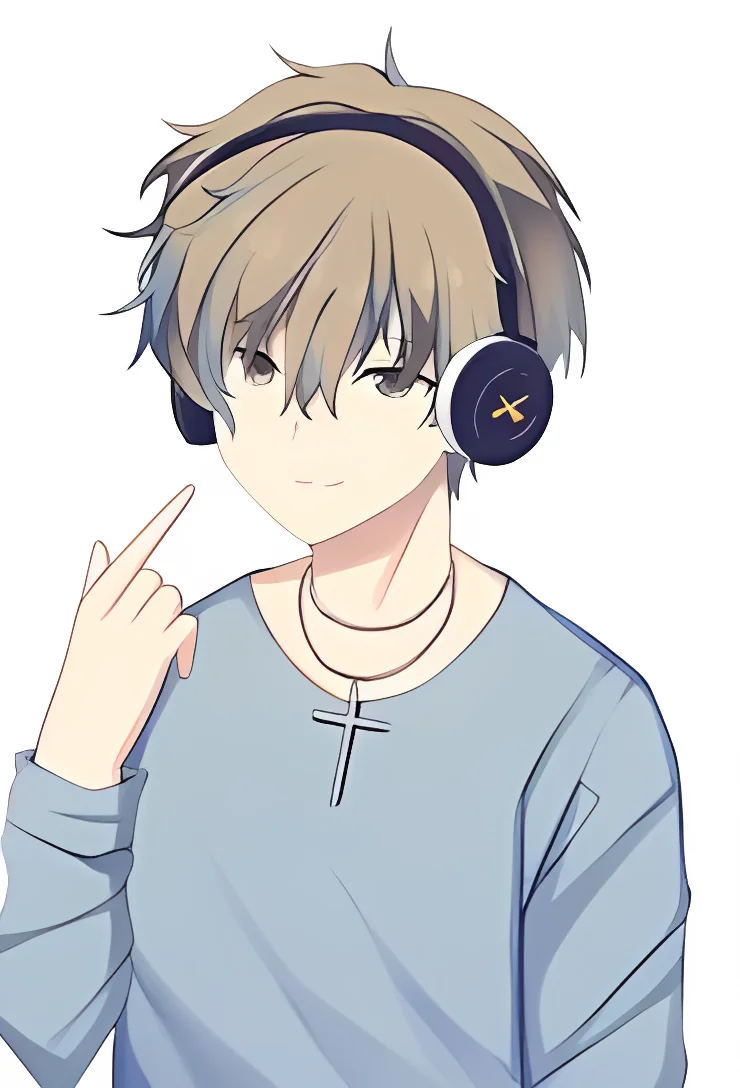
Remove & Replace
Background Removal
One-click AI background removal — clean edges around hair, fur, and fine detail. Transparent PNG output.
Before
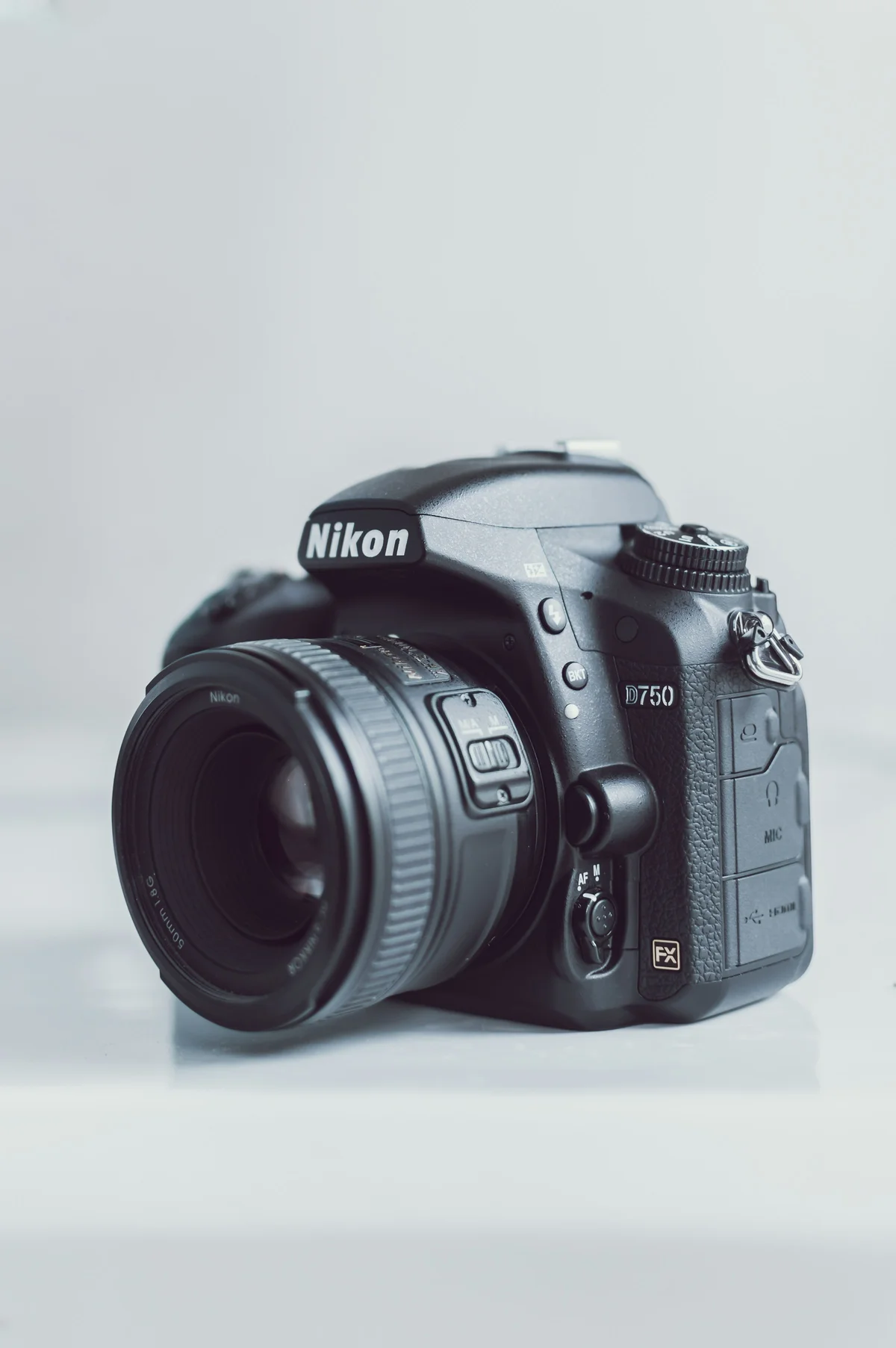
After
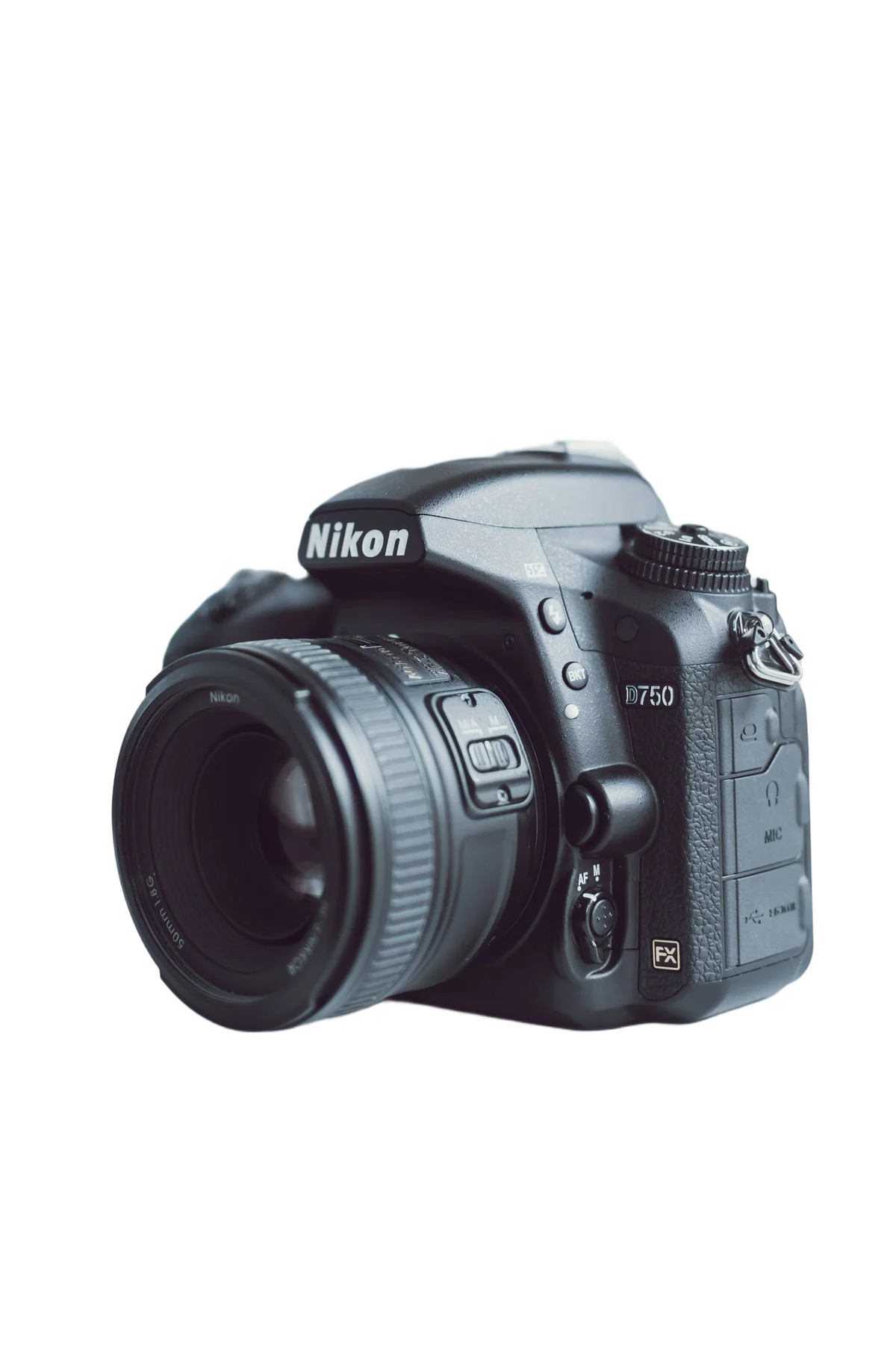
Background Replacement
Replace any background with a custom color, gradient, or AI-generated scene from a text prompt.
Before
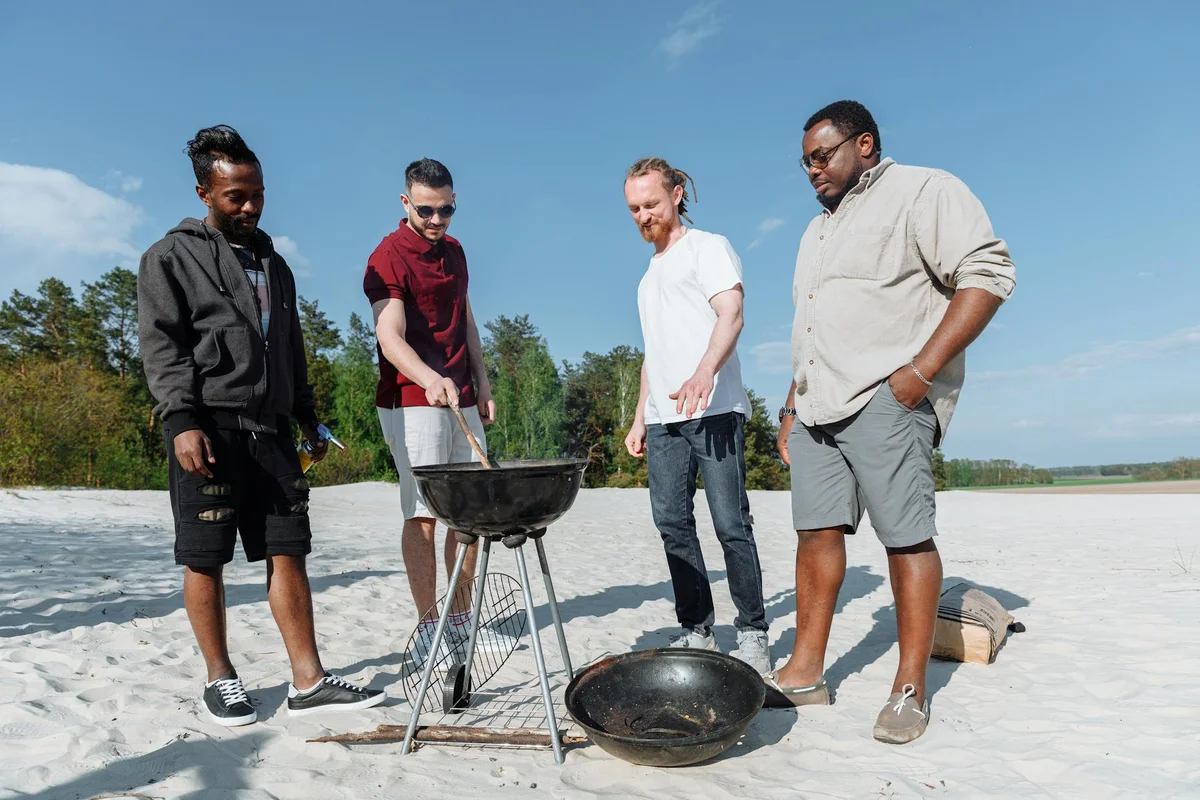
After
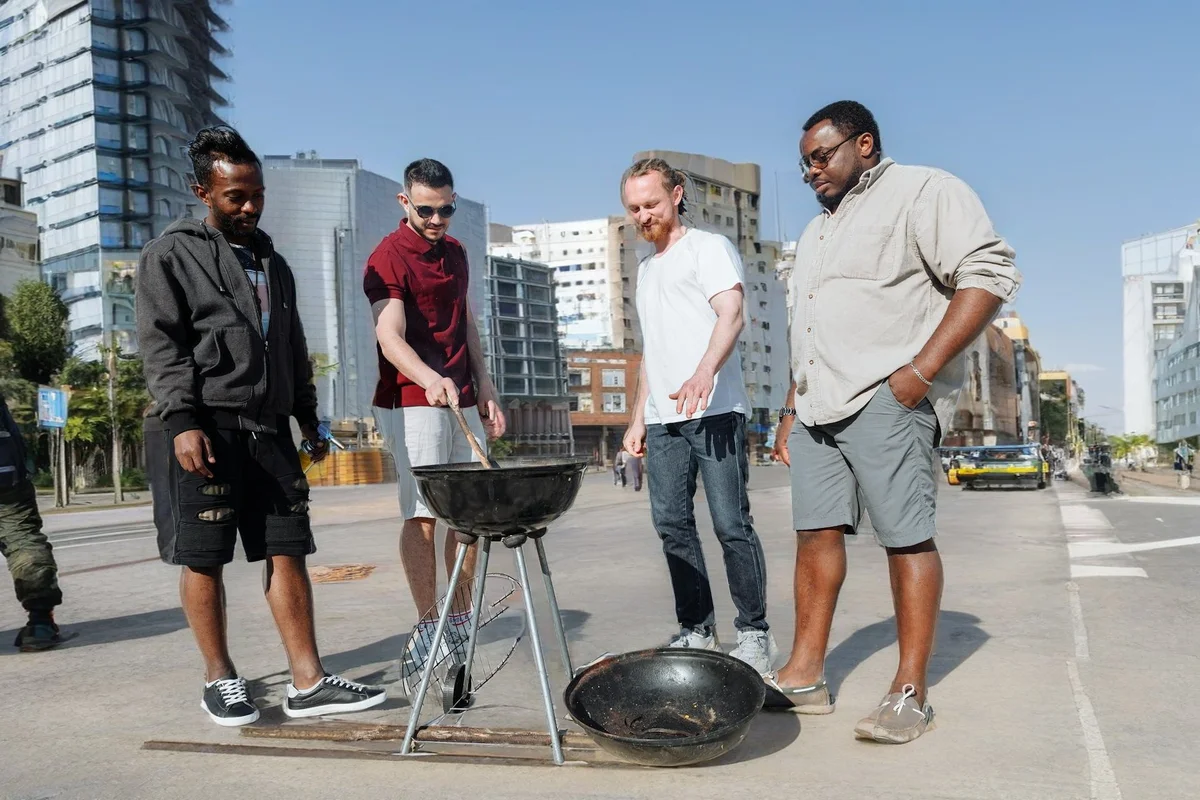
Background Blur
AI-powered background blur creates a natural bokeh effect that focuses attention on the subject.
Before

After

Object Removal
AI inpainting removes unwanted objects, watermarks, and distractions — intelligently filling removed areas.
Before

After
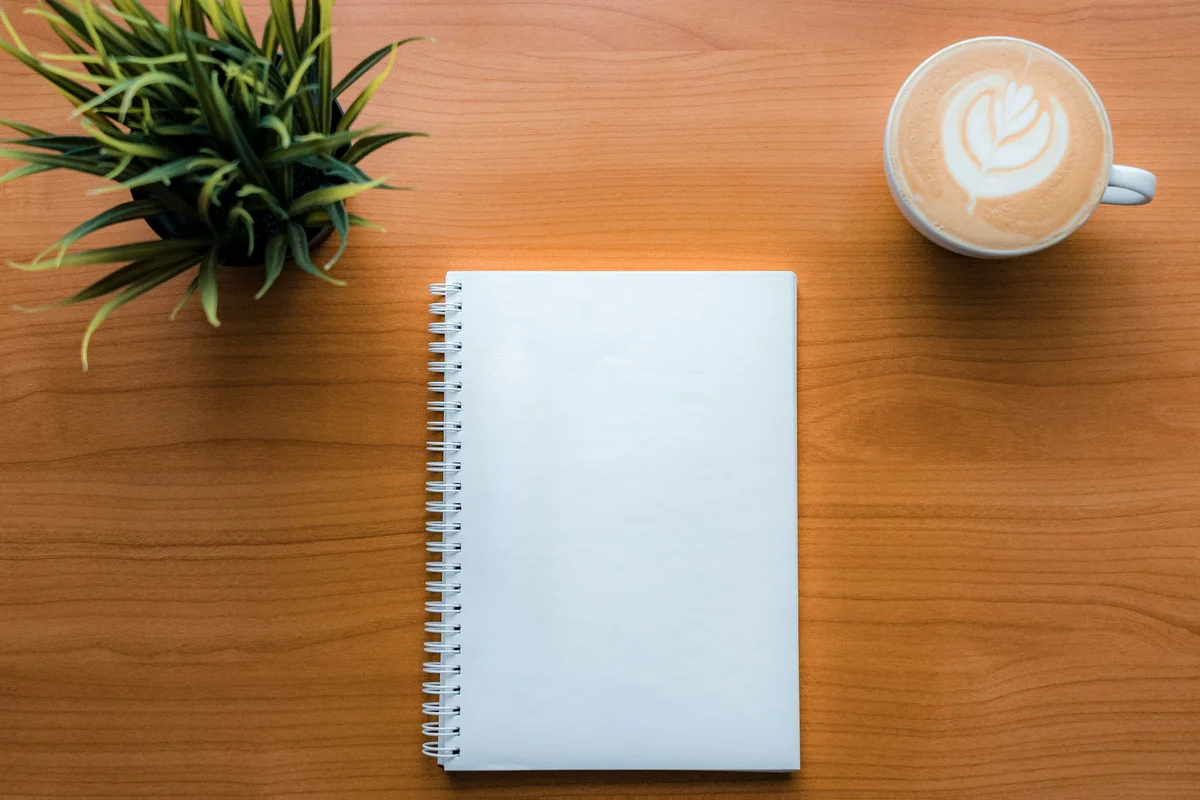
Text Removal
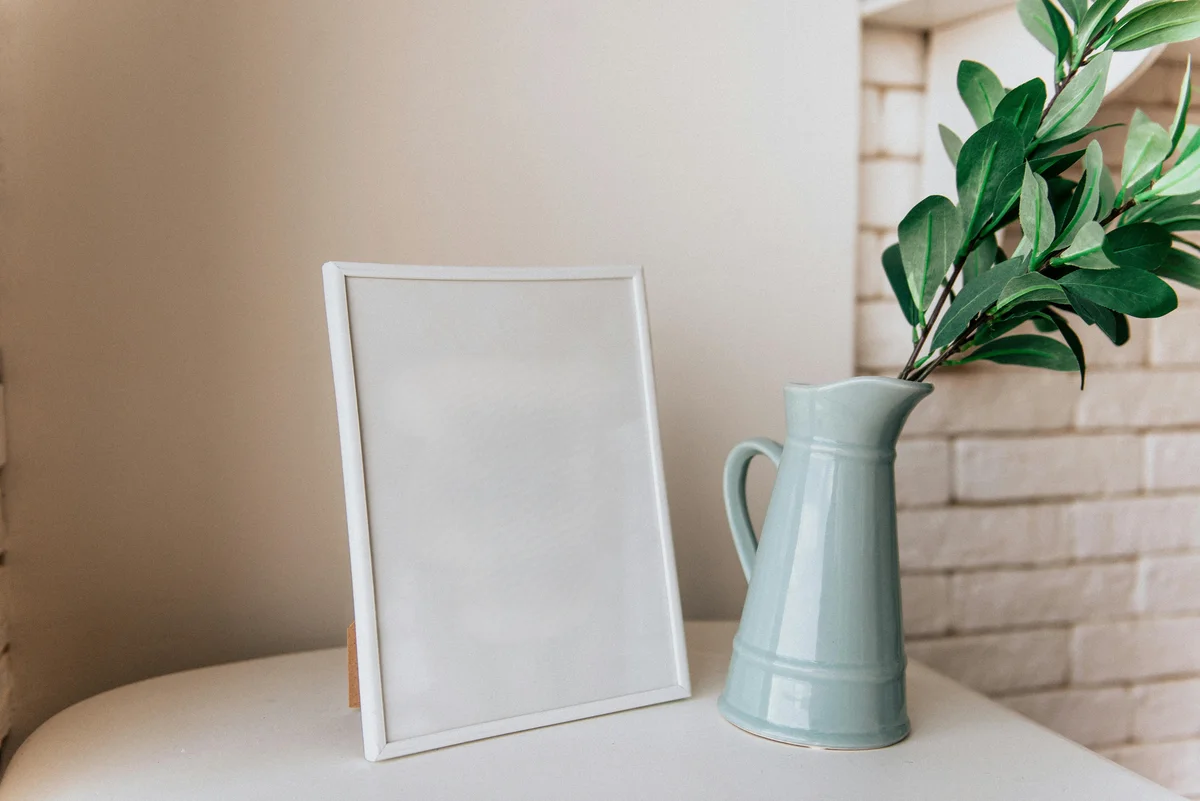
Removes watermarks, overlaid text, and captions from images using AI inpainting that reconstructs the underlying content.
Before
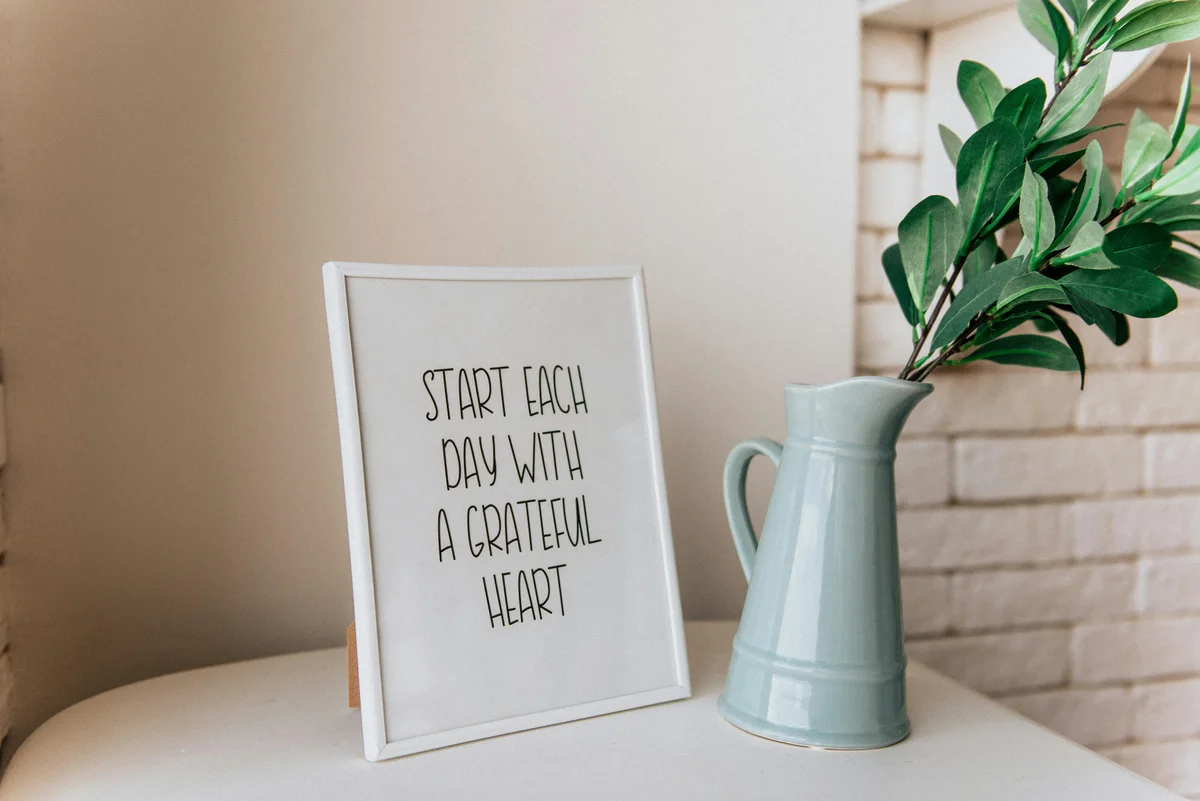
After
Compose & Correct
Smart Crop
AI-powered smart crop automatically detects and centers the subject — perfect for social media aspect ratios.
Before

After

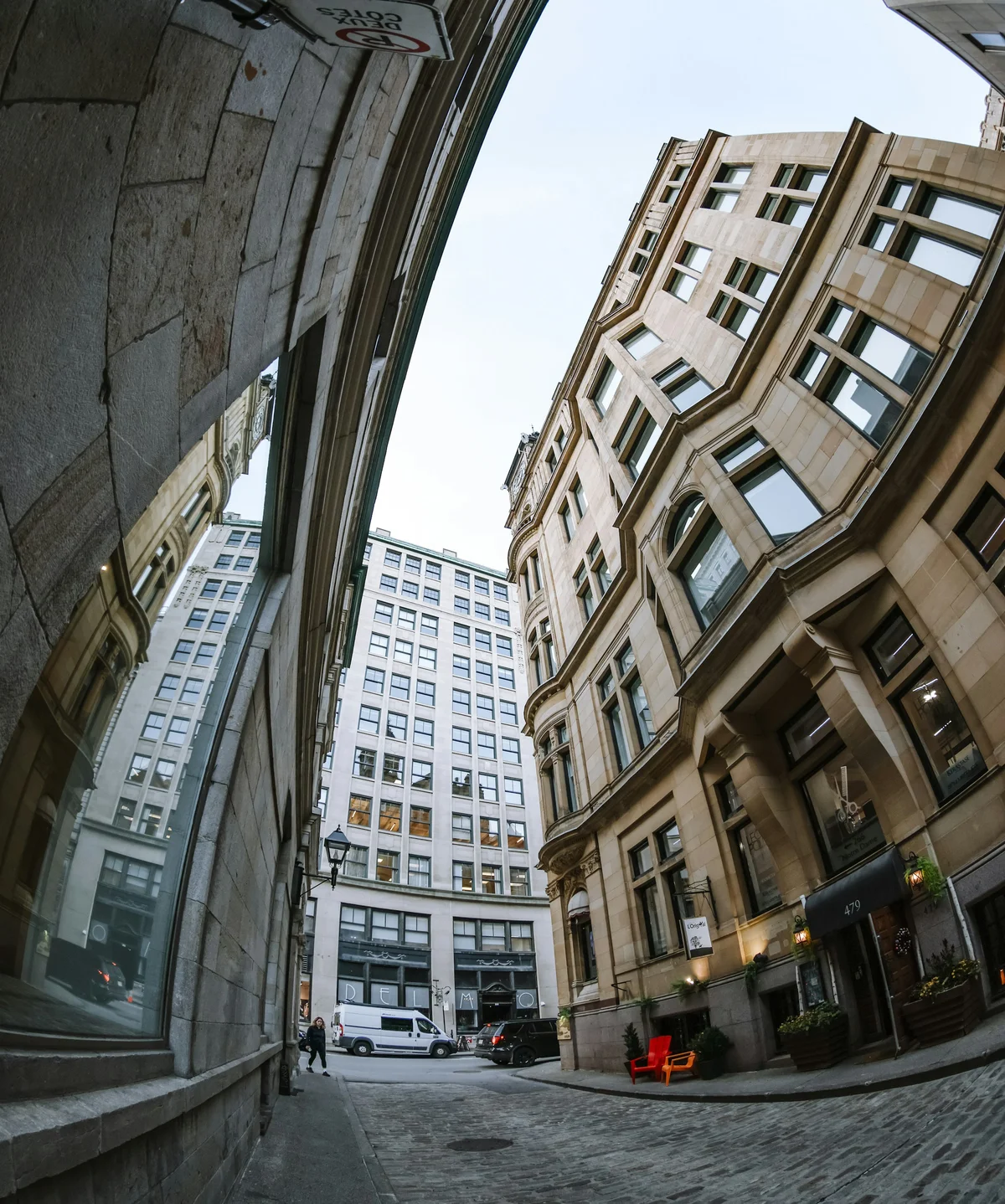
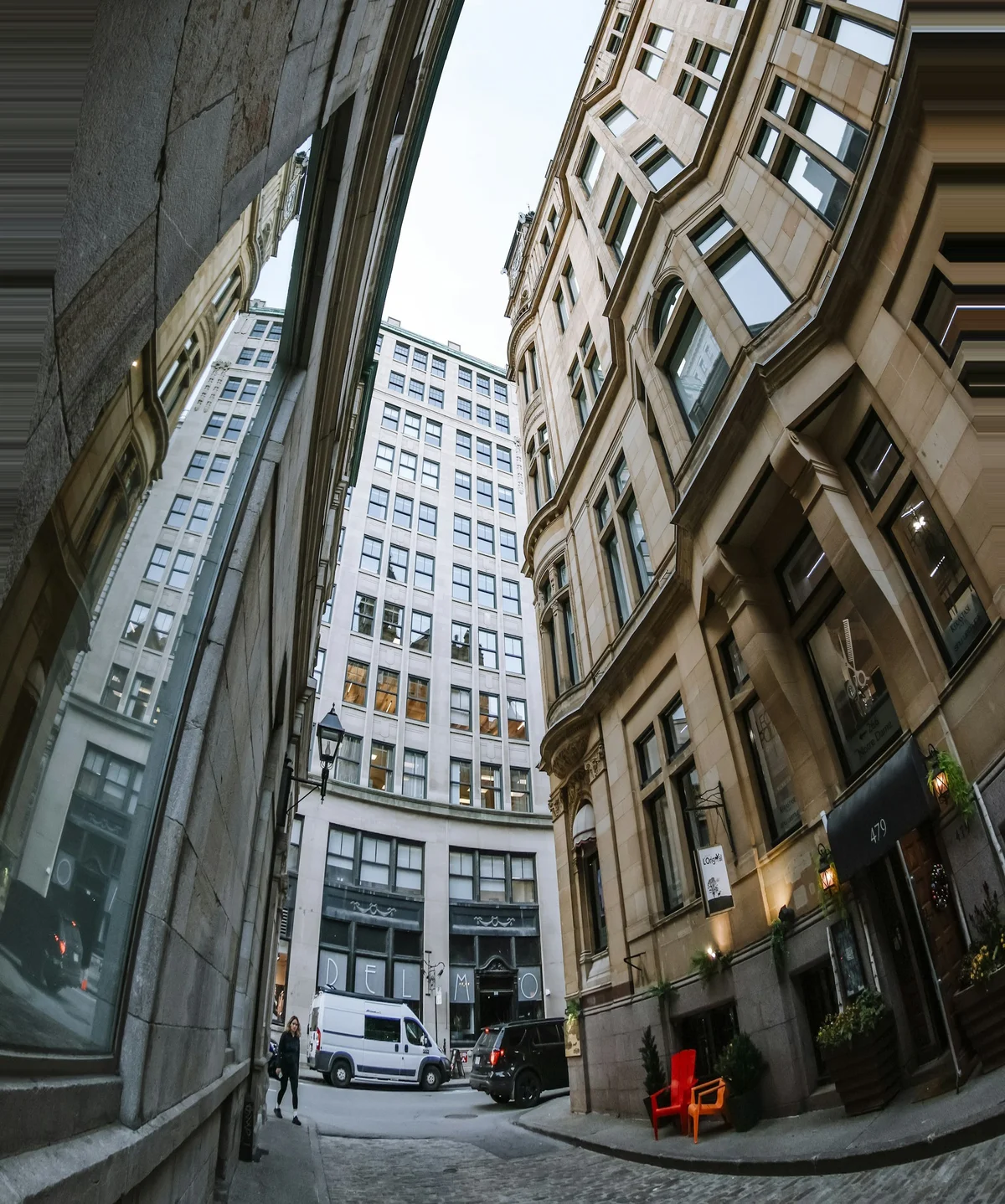
Perspective Correction
Fixes converging verticals and barrel distortion from wide-angle lenses — walls and doorframes pulled straight.
Before
After
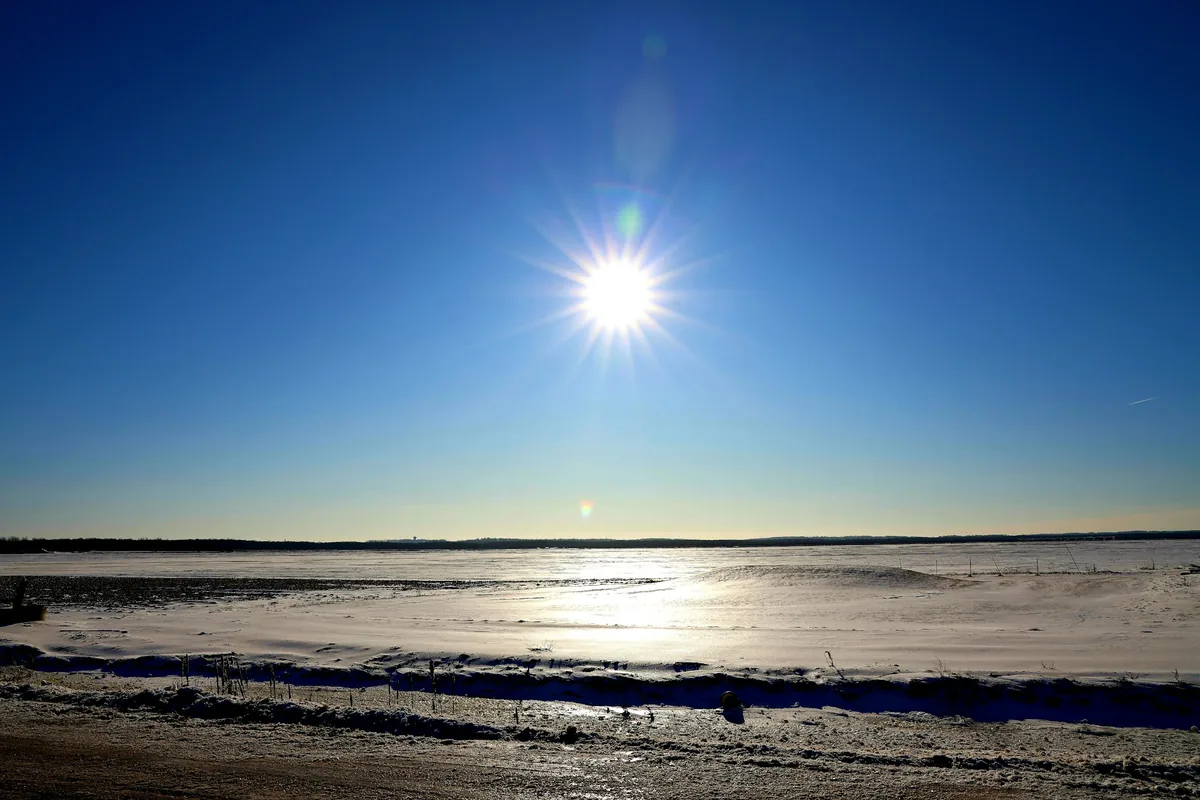
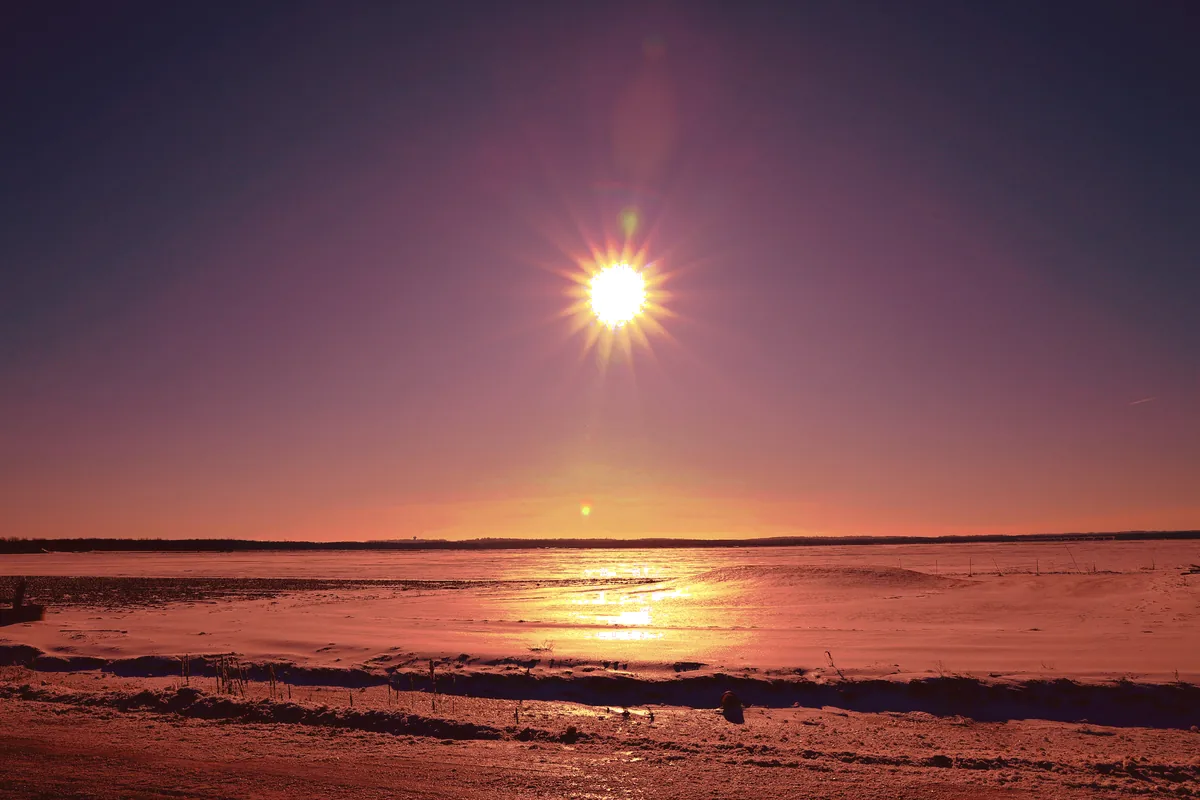
Color Grading
Applies a consistent color grade across a batch so a full set of images matches.
Before
After
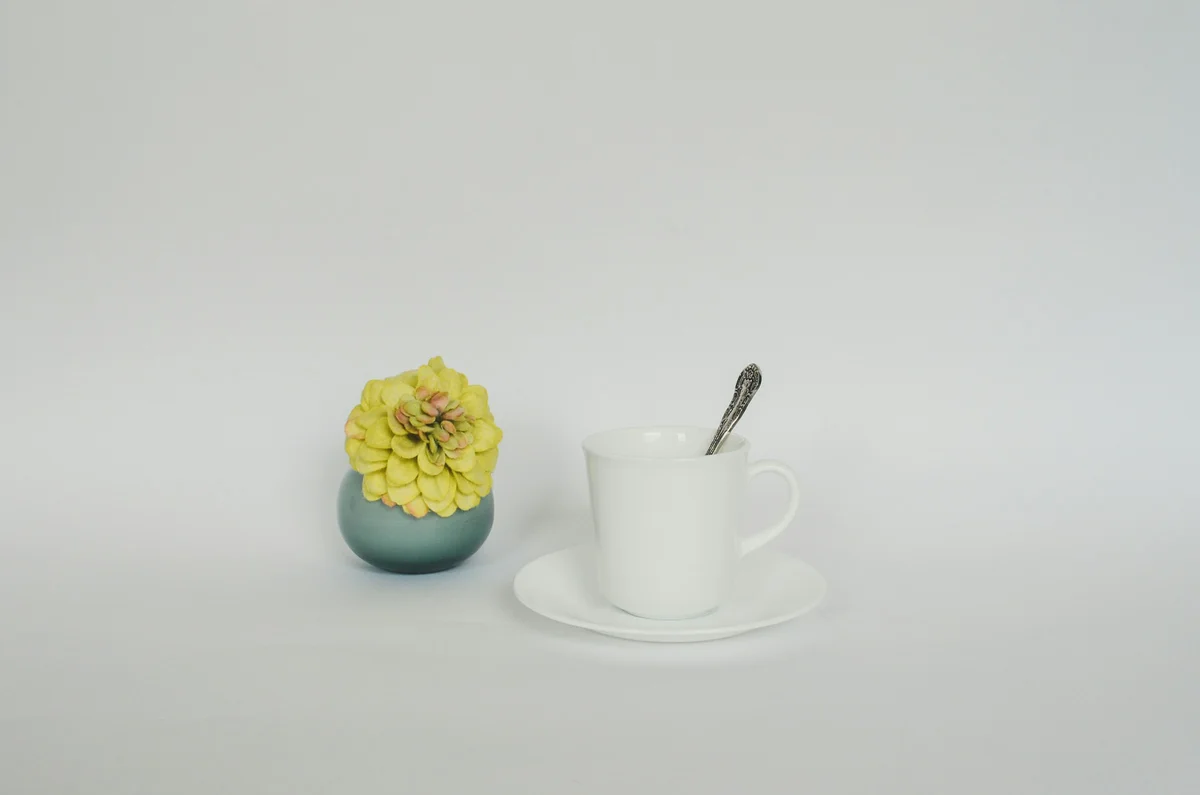
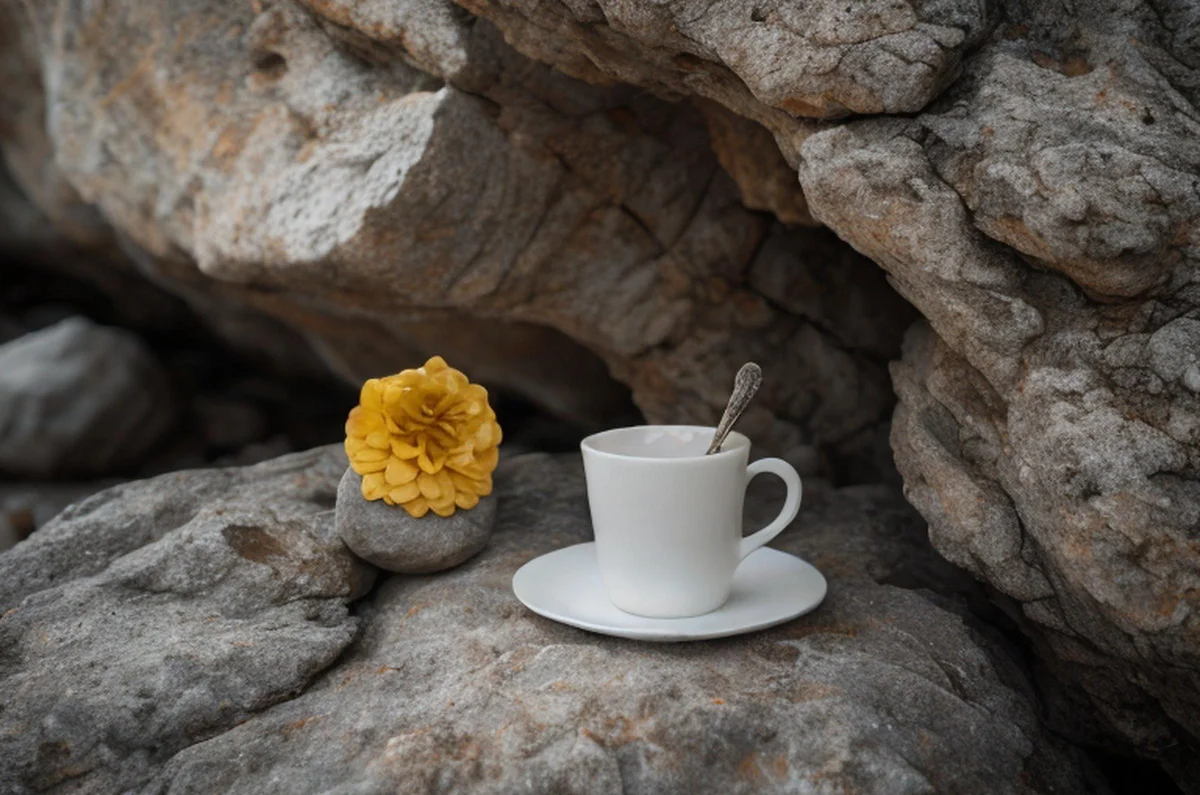
AI Relight
Synthesizes new studio lighting on products and portraits — relit without a reshoot.
Before
After
Try Any Tool Free
25 free credits to start, then 10 every month. No credit card. Process your first image in under 15 seconds.