
AI Real Estate Photo Enhancement & Editing for Agents
Stage vacant rooms, replace flat skies, turn daytime exteriors into glowing dusk shots, recover blown-out windows, and straighten wide-angle distortion — every real estate photo enhancement and standard listing edit in one browser-based platform. Polish a single hero shot or batch an entire property shoot, with no desktop software and no studio.
Quick answer
What AI tools do real estate agents use to enhance and edit listing photos?
Real estate agents use AI to enhance listing photos — staging empty rooms, replacing dull skies, turning daytime exteriors into dusk shots, recovering blown-out windows, and straightening wide-angle distortion. EnhanceCraft brings all of these together in the browser and can batch a whole property shoot at once — no photographer, no Photoshop, no studio.
Before
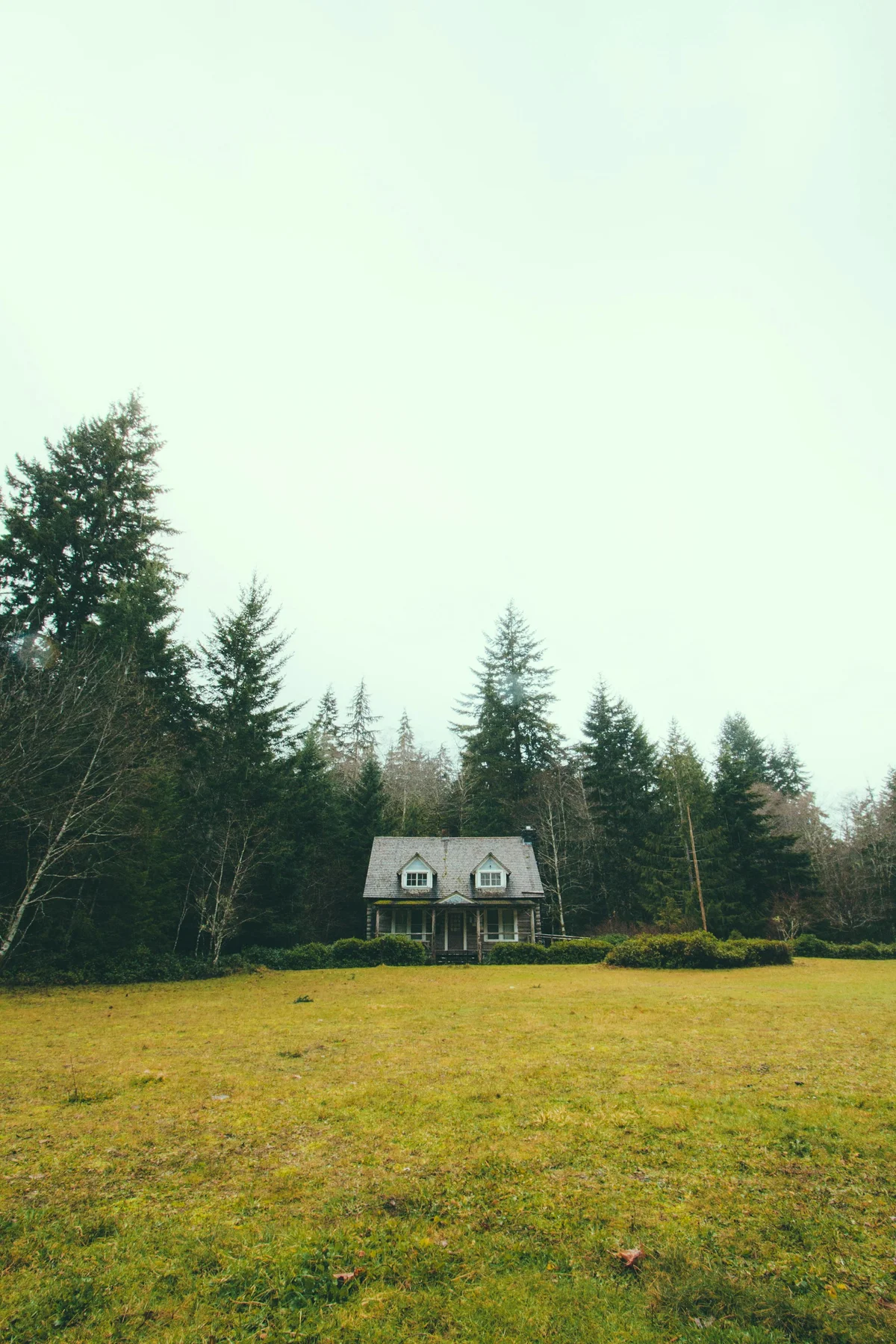
After (AI dusk)
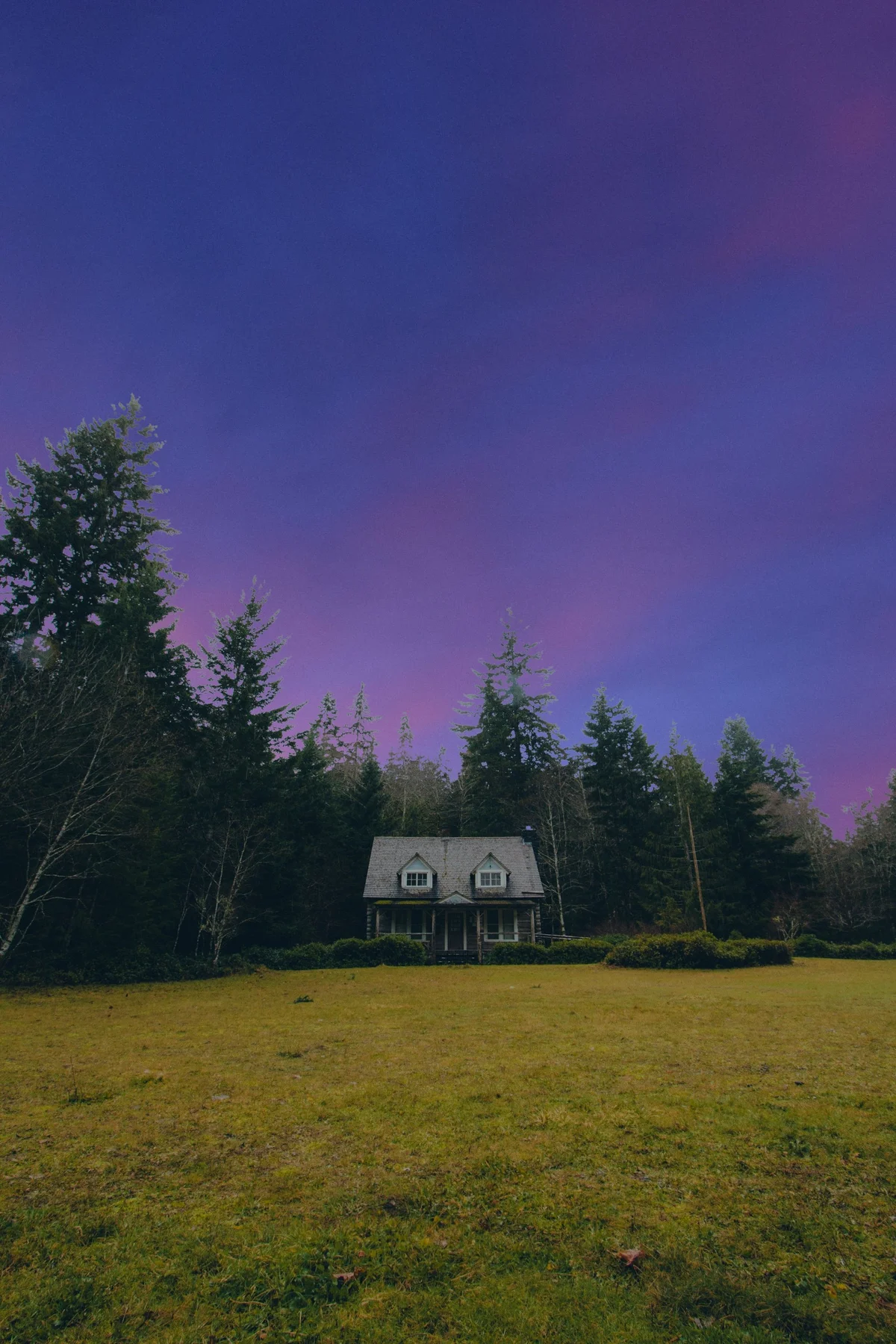
See every real estate before & after example — virtual staging, sky replacement, window pull, and day-to-dusk.
MLS
Ready outputs
25
Free credits to start
Batch
Process a full shoot
AI Tools for Every Stage of a Listing Shoot
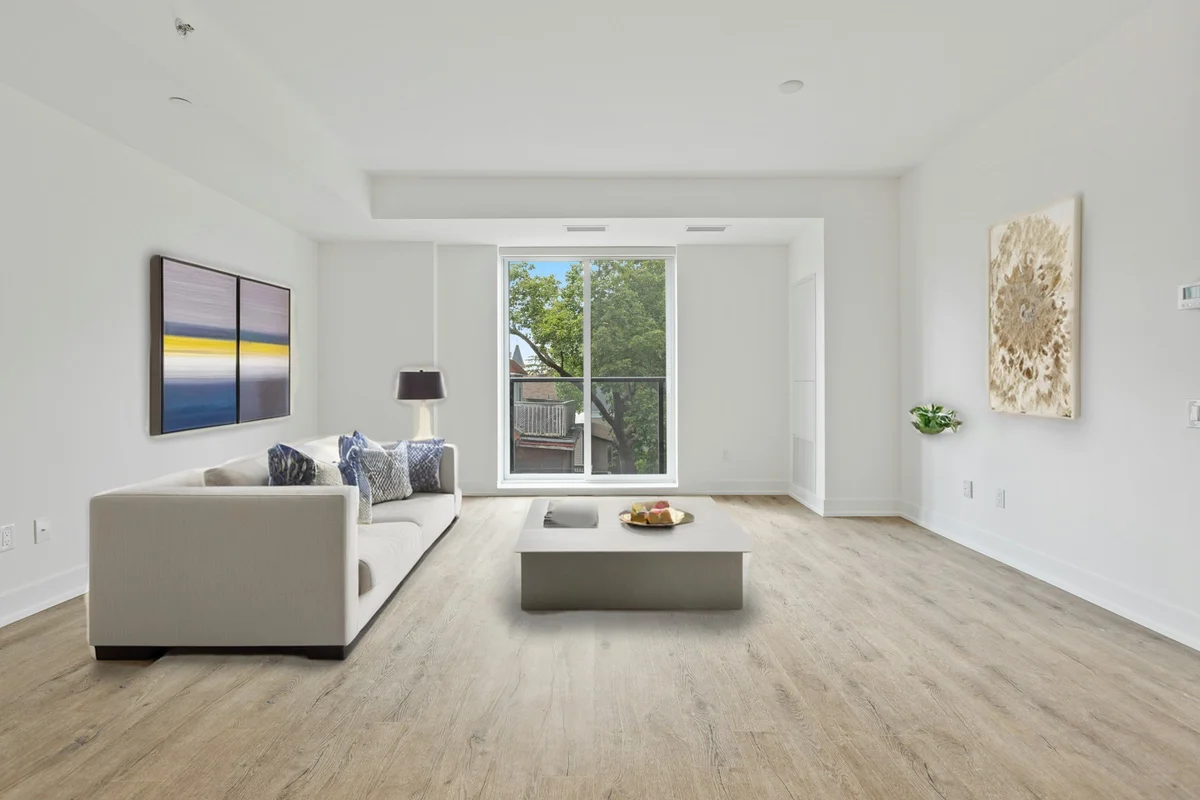
Virtual Staging
Furnish an empty room with realistic, perspective-correct furniture in one click — pick the room type and style so buyers can finally picture living there. Every output carries a discreet 'Virtually Staged' label for listing compliance.
Try free →Day-to-Dusk (Twilight)
Turn a daytime exterior into a glowing dusk hero shot — warm lit windows and a rich evening sky — without waiting for the real 20-minute twilight window. The building, rooflines, and trees stay pixel-for-pixel; only the light changes.
Try free →
Sky Replacement
Swap a grey, overcast sky for clear blue, golden hour, or dramatic clouds. The AI replaces only the sky and harmonises the foreground, so rooflines and trees stay intact and the scene reads as one natural photo.
Try free →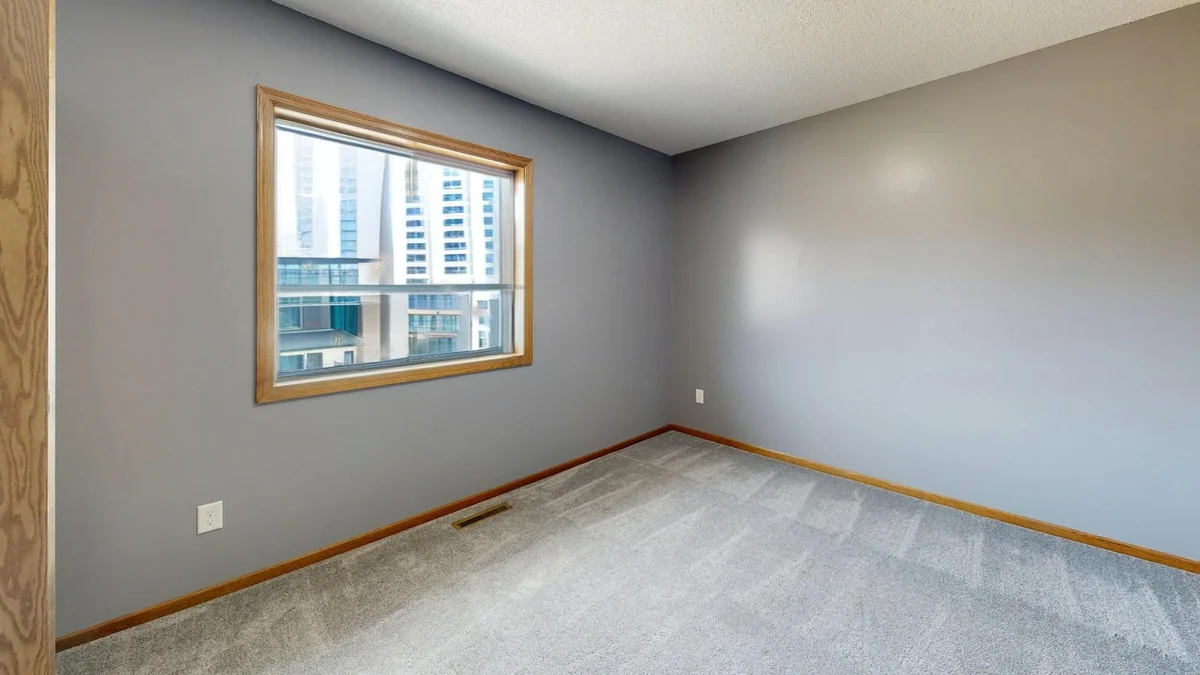
Window Pull
Interior shots blow the windows out to pure white. Window Pull recovers a realistic exterior view through the glass — garden, skyline, or open sky — so rooms look bright and the view helps sell them.
Try free →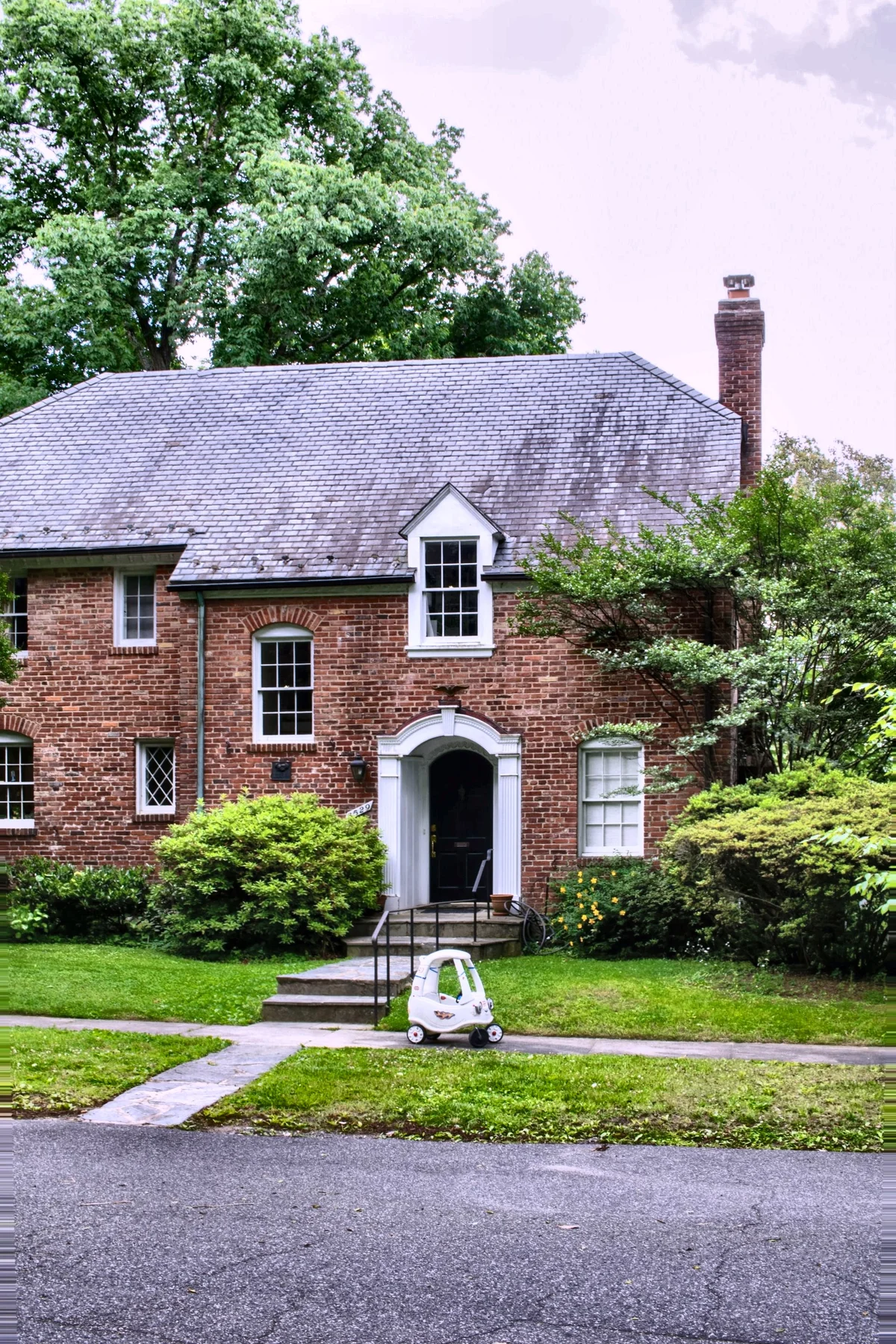
Real Estate Edit Pack
Every standard listing fix in one job — straighten converging walls, cut noise, balance mixed window-and-interior light, and green up the lawn. Run it on a single frame or a whole property set.
Try free →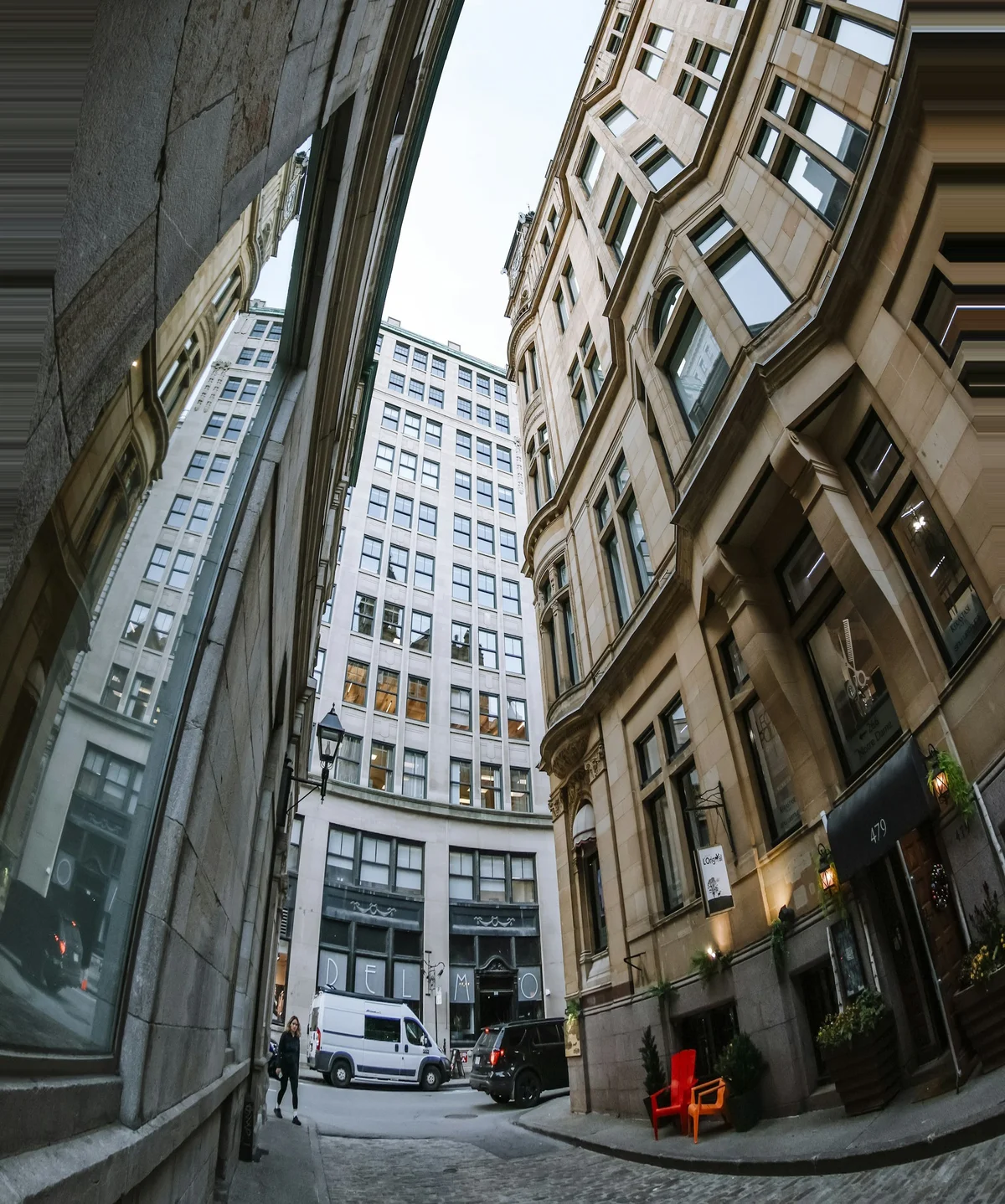
Perspective Correction
Fix the converging verticals and barrel distortion wide-angle lenses add to interiors and exteriors, so walls stand straight and rooms look true to size.
Try free →Virtual Staging by Room
Staging a specific empty room? Each guide covers the furniture, layout, and buyer impact for that space — and every output carries a discreet 'Virtually Staged' label for listing compliance.
A Typical Listing-Photo Workflow
- 1Upload the shoot — Interior and exterior frames — JPEG, PNG, or WebP up to 25 MB (50 MB on paid plans). Start from the original, unedited photos.
- 2Straighten and clean — Run the Real Estate Edit Pack or Perspective Correction to fix converging walls, noise, and colour cast.
- 3Fix the windows — Window Pull recovers the blown-out exterior view in bright interior shots.
- 4Lift the exterior — Sky Replacement swaps a flat sky; Day-to-Dusk turns a daytime shot into a glowing twilight hero.
- 5Stage empty rooms — Virtual Staging furnishes vacant rooms so buyers can picture living there — labelled for compliance.
- 6Apply across the set — Run the chosen edit over the whole property shoot in one batch so every listing photo matches.
Who Uses EnhanceCraft for Real Estate
Listing Agents
Make every listing stand out on the portal — staged rooms, blue skies, and bright windows lift click-through without a reshoot or a staging budget.
Real Estate Photographers
Skip the manual Photoshop sky swaps, window composites, and vertical corrections. Deliver a polished, consistent set to clients in a fraction of the editing time.
Airbnb & Short-Term-Rental Hosts
Show the home at its best — a dusk hero shot, a furnished living room, the real view through the window — so your listing books more nights.
Brokerages & Property Marketers
Apply one consistent look across an entire shoot for brochures, signage, and portal galleries — at scale, with batch processing.
Frequently Asked Questions
Can I edit an entire property shoot at once?
Yes. Every real-estate tool supports batch mode, so you can run the same correction — sky replacement, day-to-dusk, perspective, or the full edit pack — across all the photos in a listing in a single job. Batching keeps the whole set visually consistent, which matters when buyers scroll a portal gallery.
Do I need to disclose AI-edited or virtually staged listing photos?
Yes — disclose digitally staged or materially altered photos. Most MLS systems and real estate associations require it, and EnhanceCraft's Virtual Staging adds a discreet 'Virtually Staged' label to every output for exactly this reason. Cosmetic edits like sky replacement, day-to-dusk, and window pull change lighting and surroundings rather than the property's permanent structure, but when in doubt, note 'Digitally Enhanced' in the listing.
Will sky replacement and day-to-dusk look fake?
No, when used on the original frame. The AI segments the sky pixel by pixel — separating it from rooflines, chimneys, and trees — then harmonises the foreground light so the result reads as one natural scene rather than a sky pasted over a daytime photo. For the most believable result, start from the unedited image and avoid photos with heavy HDR already baked in.
Are the outputs ready for MLS and listing portals?
Yes. Outputs are high-quality images sized for MLS uploads, listing portals, and print brochures. The Real Estate Edit Pack is tuned to standard portal requirements, and because you can batch a full set, every photo in the listing comes out matched and consistent.
Do I need a professional camera or photographer?
No. These tools work on standard listing photos, including smartphone shots. A professional still helps with composition and lighting on the day, but the editing no longer requires one — upload the original frame and the AI handles staging, sky, windows, and geometry.
Enhance Your Listing Photos Free
25 free credits to start, then 10 every month. No credit card. No software to install. Batch a whole property shoot from any device.