Got the shot but the lighting is flat or wrong? AI relighting synthesizes new directional light on your product or portrait while keeping the subject exactly as it is — no reshoot, no studio. Pick a lighting style and the highlights, shadows, and falloff are recalculated to match. Works on its own or after background removal for products dropped into new scenes.
Quick answer
Yes. AI relighting synthesizes new directional light on a product or portrait while keeping the subject unchanged, recalculating highlights, shadows, and falloff to match a chosen style. EnhanceCraft adds studio key light, soft fill, dramatic backlight, or warm side light without a reshoot, and works after background removal for composites.
5 styles
Studio, soft, backlight, side light
Subject-safe
Structure and identity preserved
Free
No credit card required
Before
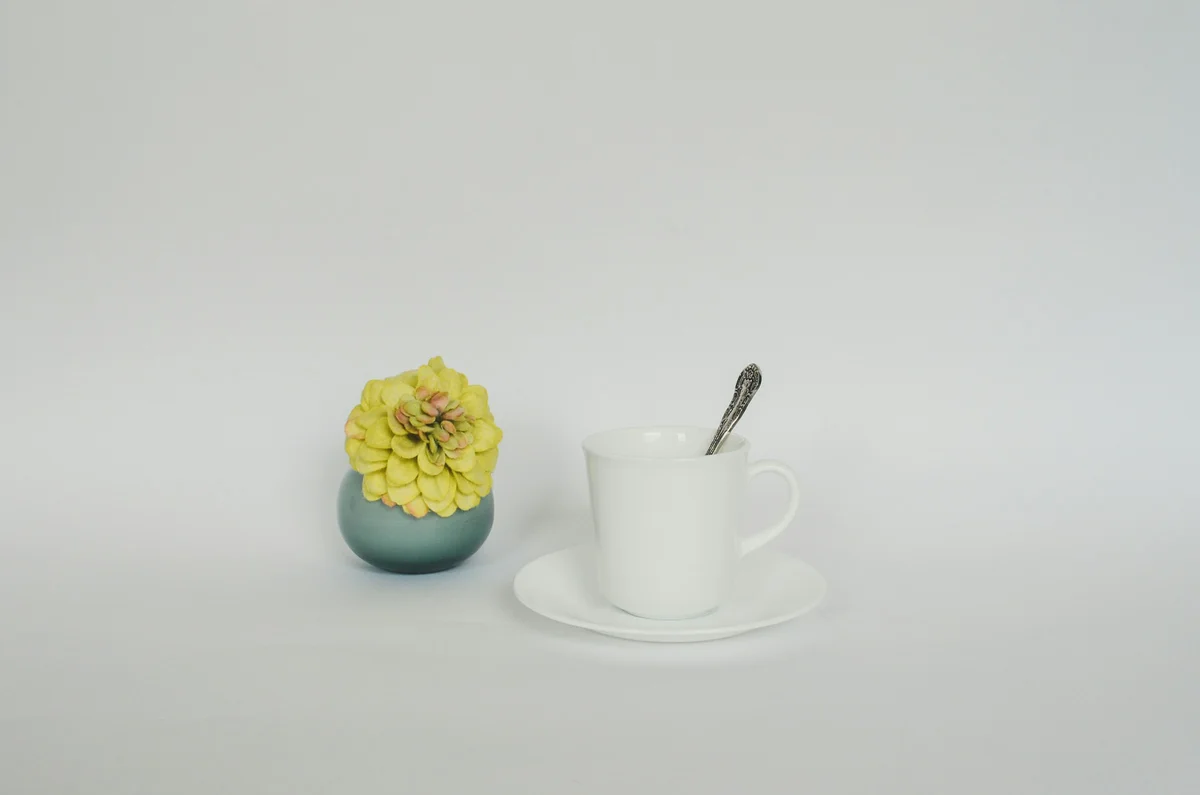
After
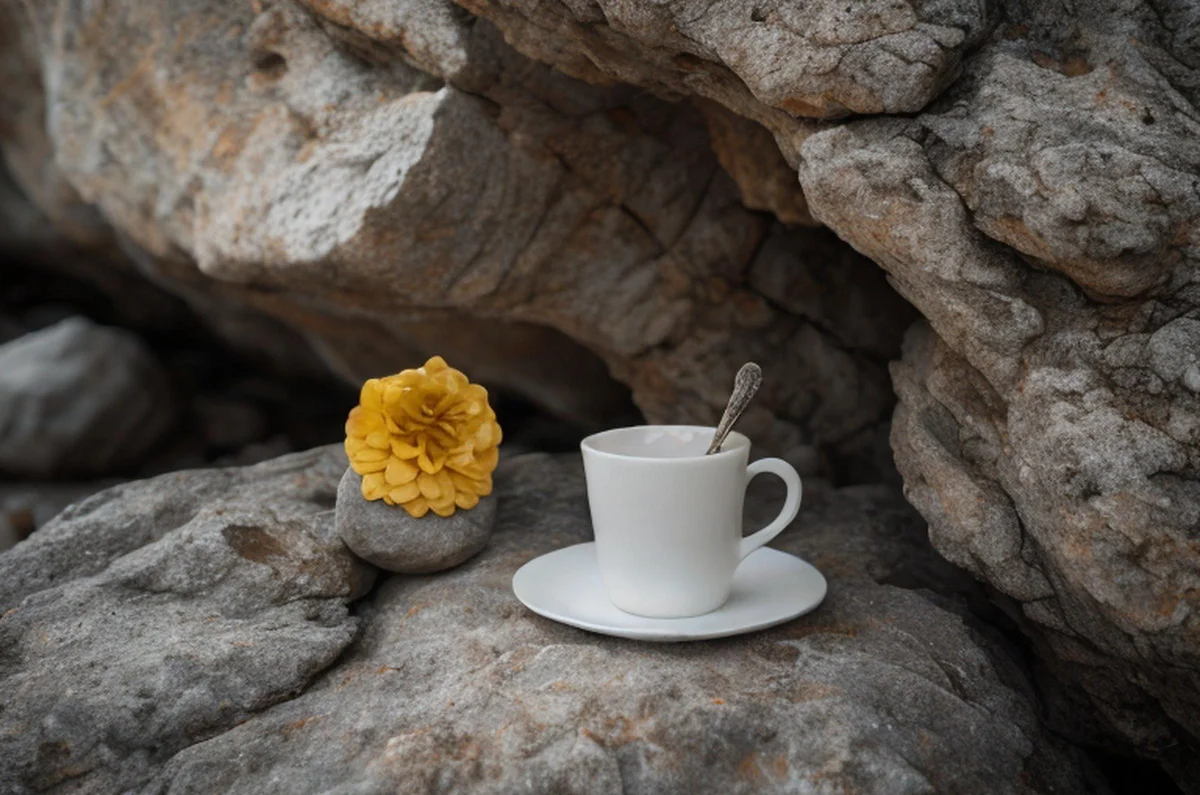
Want more proof? See before & after results for every tool.
Supplier product shots often arrive with flat, unflattering light. Relighting adds a studio look that lifts the product off the page — no lightbox or reshoot needed.
Rescue portraits shot in poor or uneven light by adding a clean directional key light or soft fill after the fact.
Give thumbnails and hero images a consistent, premium lighting style across a whole set of photos taken in different conditions.
Match the lighting on a cut-out product to a new background scene so composites look believable instead of pasted-on.
You can relight 2 images per day free without an account. Create a free account to get 25 credits and remove the watermark.
Studio key light (left or right), soft diffused, dramatic backlight, and warm golden side light. Studio left/right gives directional shadows; soft diffused is the safest all-purpose look.
No. Relighting preserves the structure and identity of the subject and only recalculates how light falls across it. It will not fix blur, so start with a sharp source image.
Yes. Chain it after background removal to relight a product before placing it into a new scene — backlight in particular adds a striking rim glow to bottles, cosmetics, and hero shots.