Cut through atmospheric haze and fog to restore contrast, color depth, and clarity in any outdoor photo. The AI separates the haze layer from the real scene and rebuilds the detail behind it — so distant hills, skylines, and horizons come back sharp instead of washed out. Ideal for drone shots, landscapes, travel photos, and outdoor real-estate images.
Quick answer
AI dehazing separates the atmospheric haze layer from the real scene and rebuilds the detail behind it, restoring contrast, color depth, and clarity. EnhanceCraft brings back distant hills, skylines, and horizons that looked washed out — ideal for drone shots, landscapes, travel photos, and outdoor real-estate images.
< 30s
Average processing time
Adjustable
Intensity for light haze or heavy fog
Free
No credit card required
Before
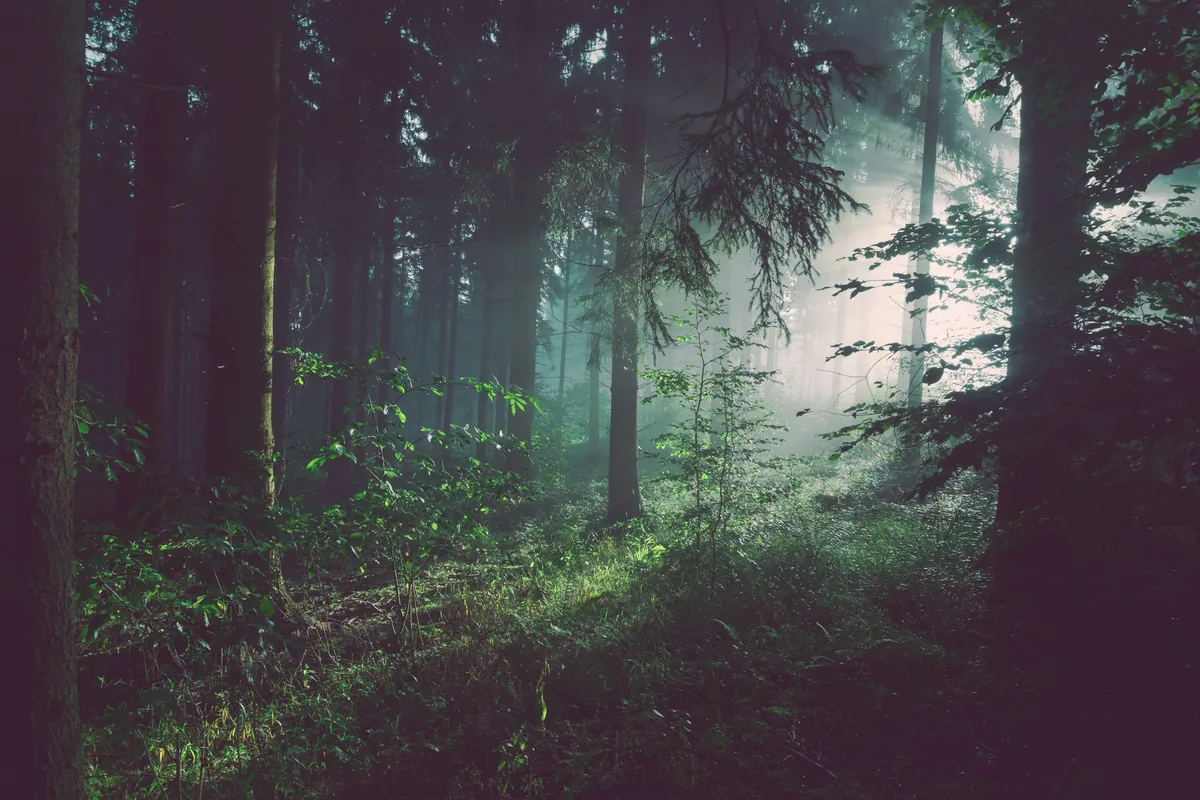
After
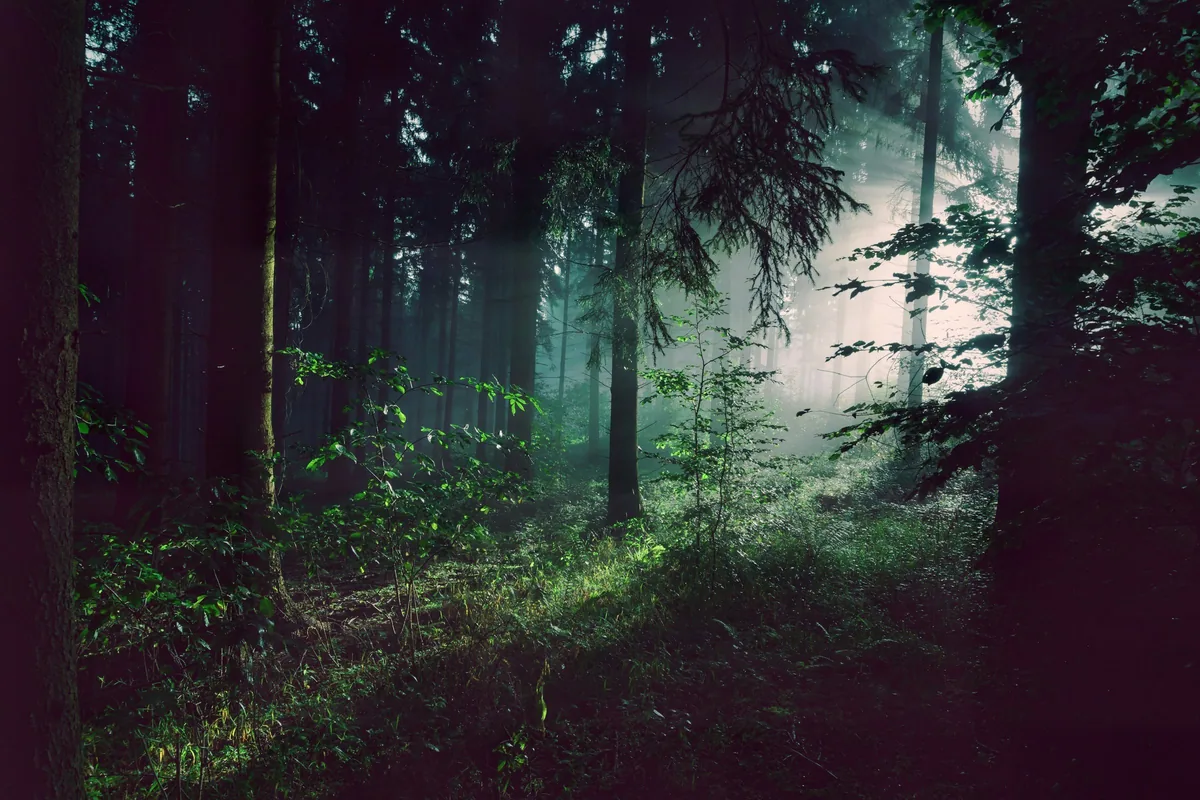
Want more proof? See before & after results for every tool.
Aerial shots almost always pick up atmospheric haze at altitude, flattening contrast and muting color. Dehazing brings back the punch and definition that makes drone footage look professional.
Distant mountains, valleys, and horizons lose detail to atmospheric scattering. Dehaze recovers the depth and clarity that was there in person but did not make it into the shot.
Exterior and twilight property photos often look murky on overcast or humid days. Dehazing restores a crisp, inviting look without a reshoot.
Photos from foggy coastlines, smoky valleys, and hazy summer cities regain their color and contrast, so the scene looks the way it felt.
Yes. You can dehaze 2 images per day without an account. Sign up for a free account to get 25 credits and remove the watermark.
Outdoor scenes with visible haze, fog, or atmospheric distance — drone footage, landscapes, cityscapes, and travel shots. It has little to do on already-clear indoor photos.
Lower the intensity slider for light haze and raise it for heavy fog. At moderate settings the result looks like a clear-weather version of the same scene, not an over-processed one.
Dehaze first. Haze degrades the detail an upscaler has to work with, so removing it beforehand produces a noticeably sharper final image.
JPG, JPEG, PNG, and WebP files up to 25 MB (50 MB on paid plans).