Real estate photo enhancement means the same handful of fixes on every frame: straighten converging walls, clean up noise, balance mixed window and interior light, and make the lawn look lush. This editor chains those corrections into one job — perspective correction, denoise, and white balance, plus lawn enhancement on exterior shots and optional blown-out-window recovery on interiors. Run it on a single photo, or enhance real estate photos across a whole property set in one batch.
Quick answer
An AI real estate photo editor applies every standard property fix in one pass — straightening leaning walls, reducing noise, balancing mixed lighting, and greening up lawns, with optional blown-out-window recovery. EnhanceCraft processes a single photo or a whole property set into MLS-ready, listing-quality images.
One pass
Geometry, noise, color, and lawn
MLS-ready
High-quality JPG output
25 credits
Free to try with an account
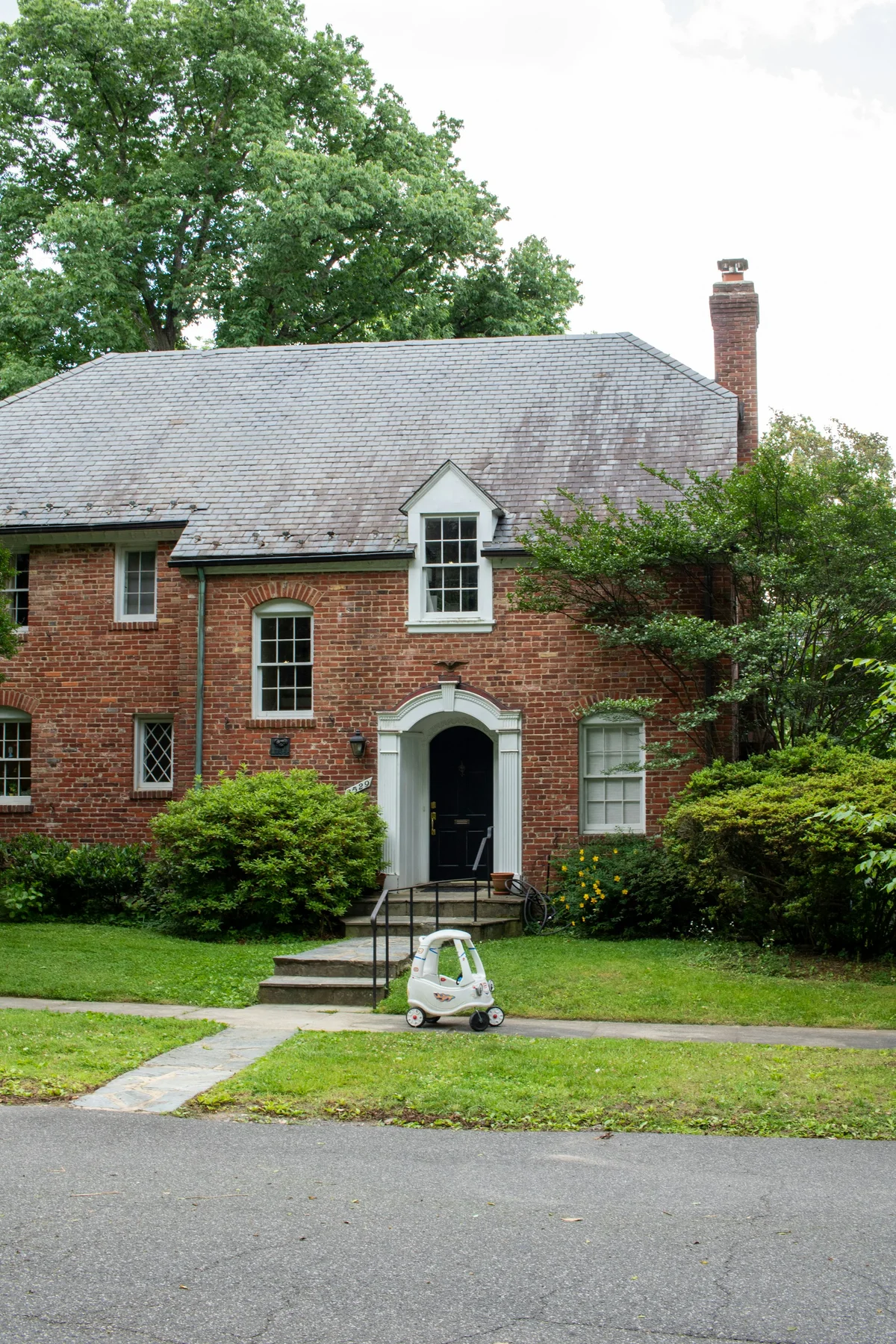
Before
After
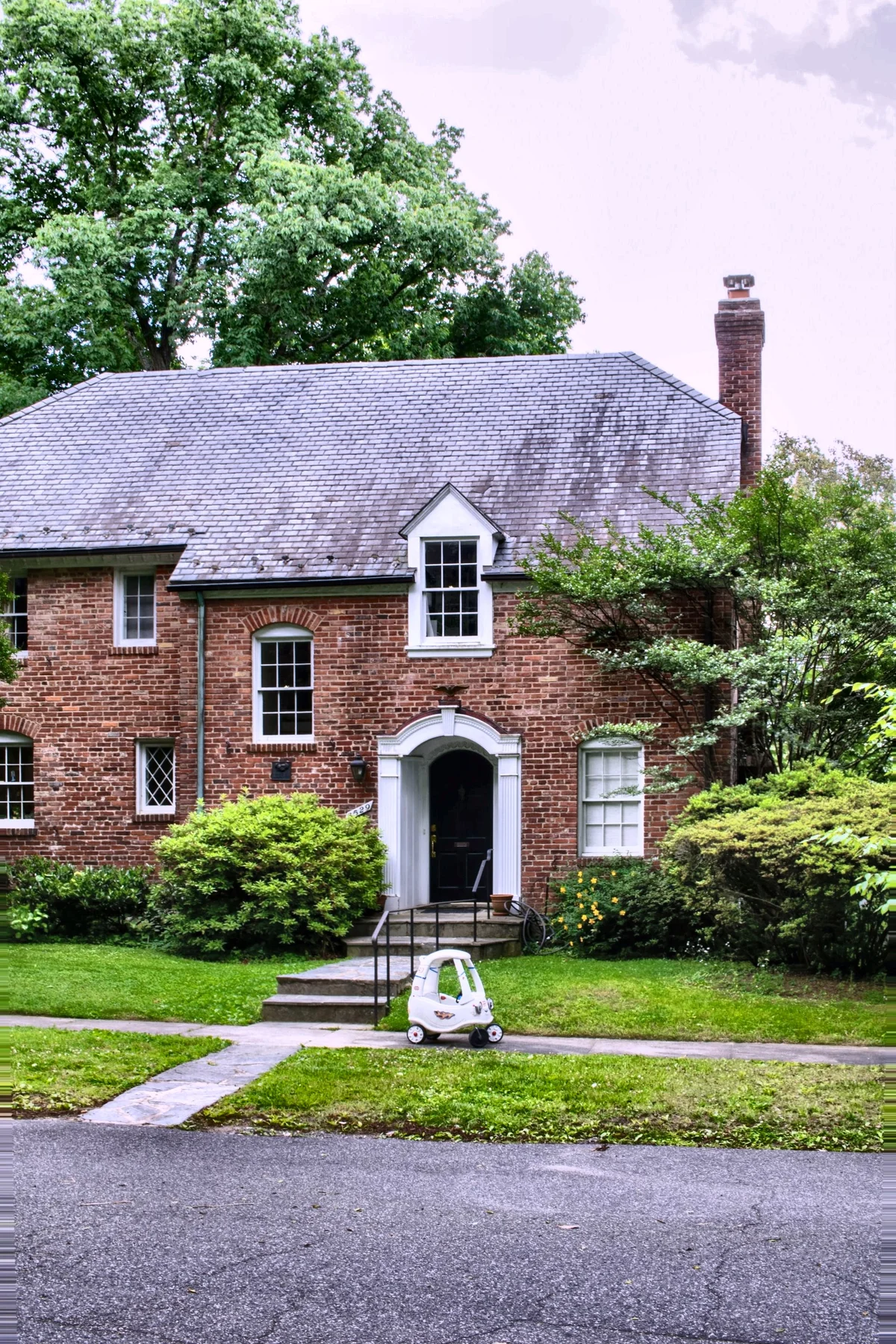
Want more proof? See before & after results for every tool.
Apply a full, consistent edit to an entire property shoot in one batch instead of hand-correcting each frame — straight walls, clean color, and lush lawns every time.
Make do-it-yourself property photos look professionally edited and listing-ready without learning a photo editor.
Standardise photos across many units and listings so every gallery has the same polished, trustworthy look.
Turn phone shots of a space into bright, straight, inviting images that win more bookings.
You can try it with a free account — sign up to get 25 credits. It chains several corrections into one job, so it runs on credits rather than the anonymous daily quota.
Only the photograph, not the property. Enhancement here means correcting how the shot was captured — leaning verticals, sensor noise, mixed colour temperature, a lawn dulled by overcast light. It does not add, remove, or alter fixtures, furniture, or finishes, which is the line disclosure rules draw. Those corrections need no disclosure; alterations such as virtual staging or sky replacement do.
Pick Interior or Exterior. Both correct geometry (leaning walls), reduce noise, and balance color cast from mixed lighting — the corrections almost every listing shot needs. Exterior also enhances the lawn.
Turn it on for interiors with blown-out windows; it adds exterior-view recovery so the window shows a realistic view instead of pure white.
It works by boosting green tones, so on an interior it would also shift green walls, cabinets, or tile — changing how the finishes look. On exteriors it lifts the grass while sky, brick, and roof are left untouched. Output is high-quality JPG sized for MLS and listing portals.
