
Upscale Instagram Photos with AI — Sharper, Higher-Resolution Posts
Instagram compresses and downscales what you upload, so a low-resolution photo ends up soft and pixelated in the feed. AI upscaling enlarges and sharpens your image before you post — recovering detail so feed photos, carousel slides, and reel covers look crisp on every screen size. No reshoot, no expensive editing software.
Quick answer
How do you upscale photos for Instagram?
AI upscaling enlarges and sharpens a photo before you post, so it survives Instagram's compression and looks crisp in the feed. Instagram serves feed images at up to 1,080 pixels wide — EnhanceCraft brings a smaller or soft photo up to that and beyond in seconds, with no reshoot.
4x / 8x
Upscaling options
25
Free credits to start
< 15s
Processing time
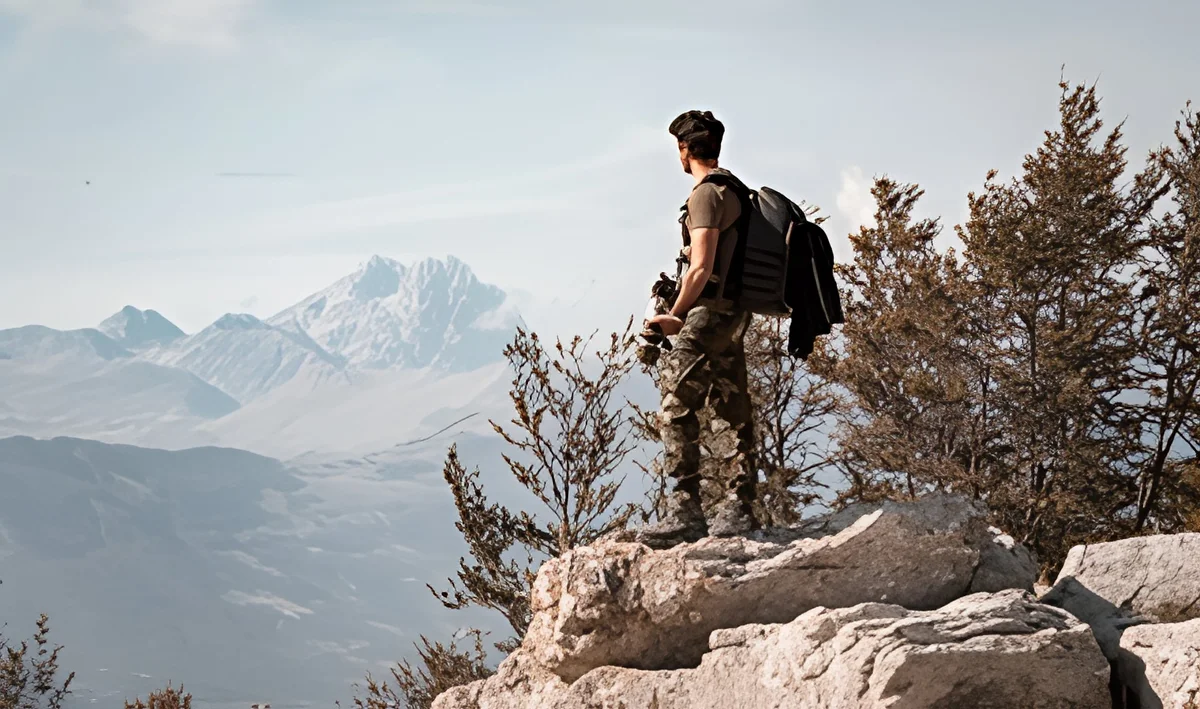
Before
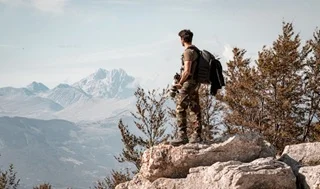
After (AI upscaled)
25 free credits to start, then 10 every month. No credit card. No watermarks.
Upscale Your Instagram Photos FreeHow to upscale images with AI
- 1Upload your image — JPEG, PNG, or WebP, up to 25 MB (50 MB on paid plans).
- 2Select your scale factor — 2x or 4x free, 8x on any paid plan — depending on your target resolution.
- 3AI processes the image in under 15 seconds, reconstructing lost detail.
- 4Download your upscaled image — watermark-free with a free account, up to 1,200px on the long edge (full resolution on paid plans).
Frequently Asked Questions
What resolution should Instagram photos be?
Instagram displays feed photos at up to 1,080 pixels on the long edge and stories and reels at 1,080×1,920. Uploading at or above these sizes avoids the extra softening Instagram applies to smaller images. AI upscaling brings a low-resolution photo up to these dimensions so it stays sharp.
Why do my photos look blurry after posting to Instagram?
Instagram compresses and resizes uploads to save bandwidth, which softens images that were already low resolution or heavily edited. Upscaling the photo to full resolution before posting gives Instagram a higher-quality source to compress, so the result in the feed looks noticeably sharper.
Can I fix a pixelated profile picture by upscaling?
Yes. Profile pictures are small and easily pixelated when enlarged from a low-resolution source. AI upscaling sharpens and enlarges the image; pair it with face restoration for portraits to recover crisp facial detail before you set it as your profile photo.
Is it free to upscale photos for Instagram?
Yes. EnhanceCraft gives you 25 free credits to start, then 10 every month, watermark-free. Free downloads cap at 1200px on the long edge; paid plans export at full resolution. Each upscale uses 1 credit, so you can prepare a month of feed posts at no cost.