
Upscale AI Art with AI — Enlarge Midjourney & AI Images for Print
AI image generators often output at a limited resolution that looks soft the moment you enlarge it for prints, merch, or a large display. AI upscaling enlarges AI-generated art 4x or 8x — reconstructing crisp edges and fine texture instead of stretching pixels — so your Midjourney, DALL·E, or Stable Diffusion pieces stay sharp at poster size without re-generating or paying for a higher-tier render.
Quick answer
How do you upscale AI-generated art?
AI upscaling enlarges AI art 4x or 8x while reconstructing real detail, so images from Midjourney, DALL·E, or Stable Diffusion stay crisp at print and poster sizes. EnhanceCraft takes a standard generation up to several thousand pixels in seconds — no re-rendering and no higher-tier render credits.
4x / 8x
Upscaling options
25
Free credits to start
< 15s
Processing time
Before
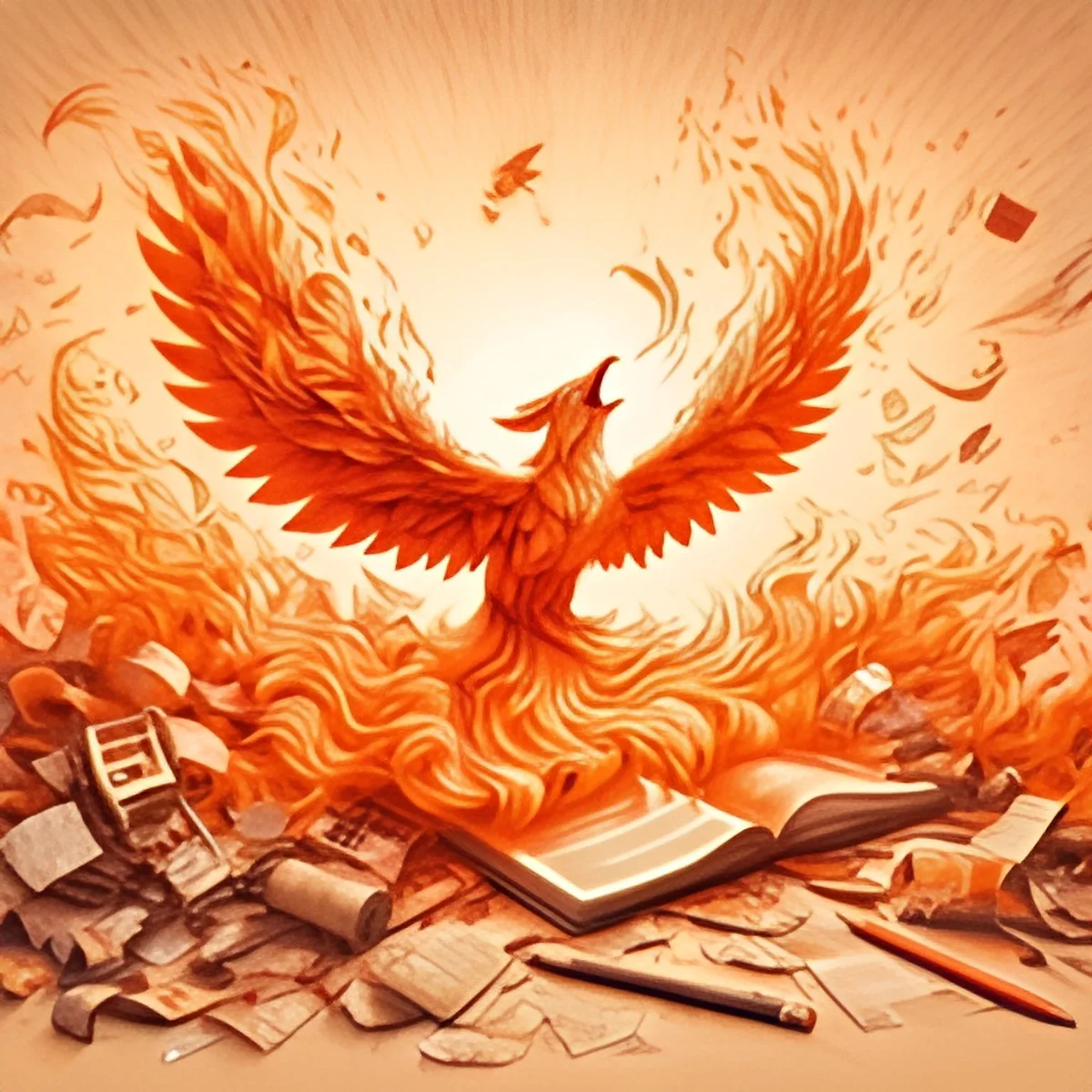
After (AI upscaled)
25 free credits to start, then 10 every month. No credit card. No watermarks.
Upscale Your AI Art FreeHow to upscale images with AI
- 1Upload your image — JPEG, PNG, or WebP, up to 25 MB (50 MB on paid plans).
- 2Select your scale factor — 2x or 4x free, 8x on any paid plan — depending on your target resolution.
- 3AI processes the image in under 15 seconds, reconstructing lost detail.
- 4Download your upscaled image — watermark-free with a free account, up to 1,200px on the long edge (full resolution on paid plans).
Frequently Asked Questions
Can I upscale Midjourney images for printing?
Yes. Midjourney and similar generators output at a limited resolution that softens when printed large. AI upscaling enlarges the image 4x or 8x — reaching the thousands of pixels a poster or canvas print needs — while keeping edges and texture sharp. Upscale after you finish generating, just before export to print.
Will upscaling change how my AI art looks?
No. Upscaling enlarges and sharpens the existing image — it reconstructs detail at higher resolution rather than re-imagining the artwork. Your composition, colors, and style stay intact; the result is simply a larger, crisper version of the piece you generated.
What resolution do I need to print AI art?
For a sharp print, aim for about 300 DPI at your target size — a 12×16 inch print needs roughly 3,600×4,800 pixels. Most AI generations start well below that, so a 4x or 8x upscale brings them up to print-ready resolution.
How many AI images can I upscale for free?
EnhanceCraft gives you 25 free credits to start, then 10 every month, watermark-free. Free downloads cap at 1200px on the long edge; paid plans export at full resolution. Each upscale uses 1 credit, and batch processing on paid plans handles large collections of generations at once.