
Upscale Profile Pictures with AI — Sharper LinkedIn and Social Photos
A pixelated profile picture undermines professional credibility instantly. AI upscaling converts a low-resolution headshot into a sharp, professional-looking photo suitable for LinkedIn, Twitter, GitHub, or any platform — without a photographer or reshoot. Combine with face restoration for maximum sharpness on facial detail.
Quick answer
How do you upscale a profile picture?
AI upscaling turns a low-resolution or blurry headshot into a sharp, professional profile photo for LinkedIn, Twitter, GitHub, or any platform. EnhanceCraft can bring a small 400px image to 1,200px and, paired with face restoration, sharpens eyes, skin, and facial detail — no photographer or reshoot needed.
4x / 8x
Upscaling options
25
Free credits to start
< 15s
Processing time
Before

After (AI upscaled)
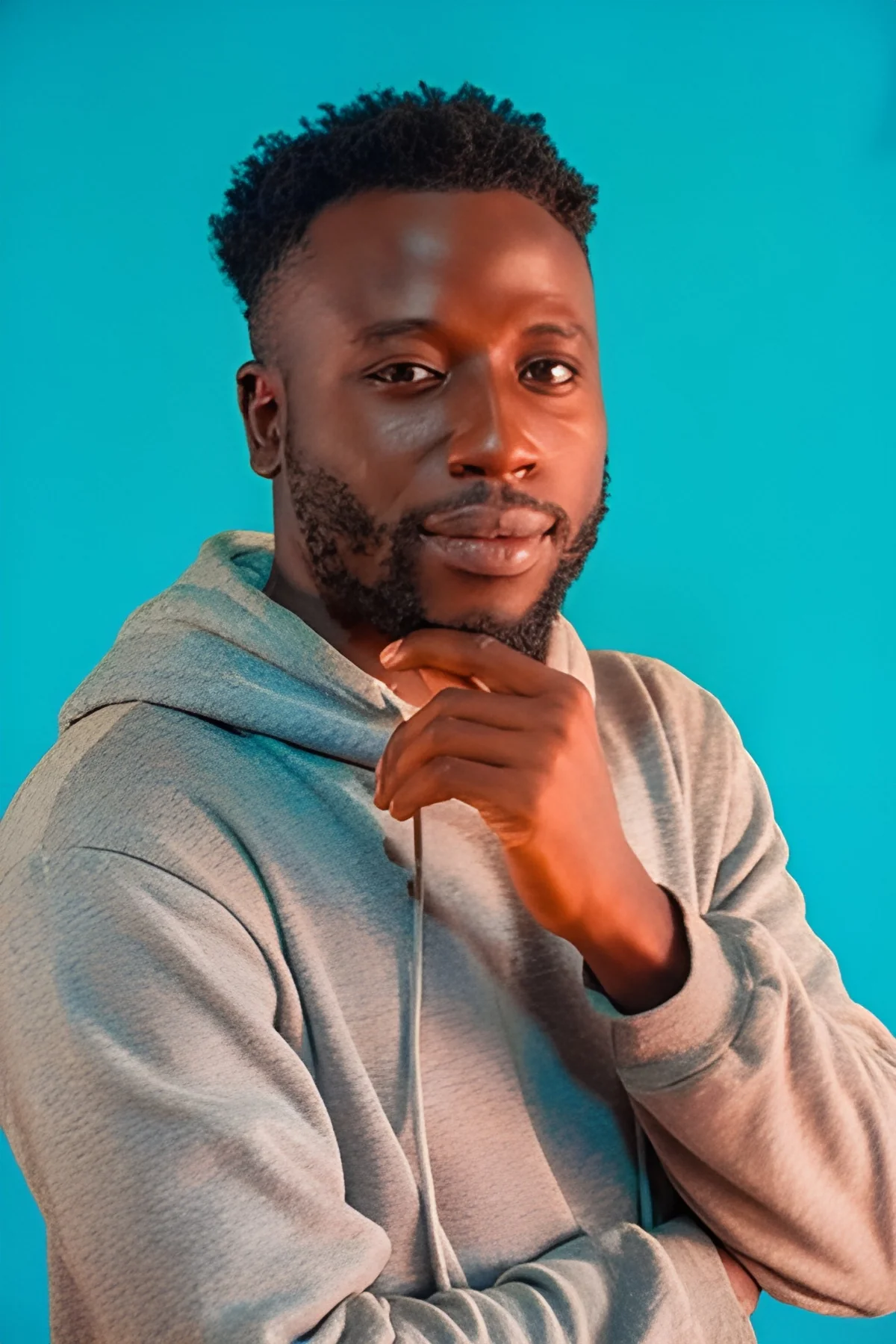
25 free credits to start, then 10 every month. No credit card. No watermarks.
Upscale Your Profile Picture FreeHow to upscale images with AI
- 1Upload your image — JPEG, PNG, or WebP, up to 25 MB (50 MB on paid plans).
- 2Select your scale factor — 2x or 4x free, 8x on any paid plan — depending on your target resolution.
- 3AI processes the image in under 15 seconds, reconstructing lost detail.
- 4Download your upscaled image — watermark-free with a free account, up to 1,200px on the long edge (full resolution on paid plans).
Frequently Asked Questions
What size does a LinkedIn profile photo need to be?
LinkedIn recommends a minimum of 400×400 pixels and a maximum of 20,000×20,000 pixels. The image is displayed at 400×400px. AI upscaling can bring a smaller photo to 1,200×1,200px, giving LinkedIn room to display it at full quality.
Should I use face restoration alongside upscaling for a profile photo?
Yes, if the original photo has soft or blurry facial features. Run the image through face restoration first to sharpen eyes, skin, and facial detail, then upscale. The combination produces significantly sharper results than upscaling alone on portrait images.
Can I upscale a screenshot or screenshot crop for a profile photo?
Yes. Screenshots from video calls (Zoom, Teams) or social media are often low resolution. AI upscaling can enlarge and sharpen these significantly, though results depend on the original screenshot quality.
How long does it take to upscale a profile photo?
Profile photos are typically small files and process in under 10 seconds. Upload, select 2x or 4x scale, download the result.