
Upscale Wedding Photos with AI — Print-Ready 4x Enlargement
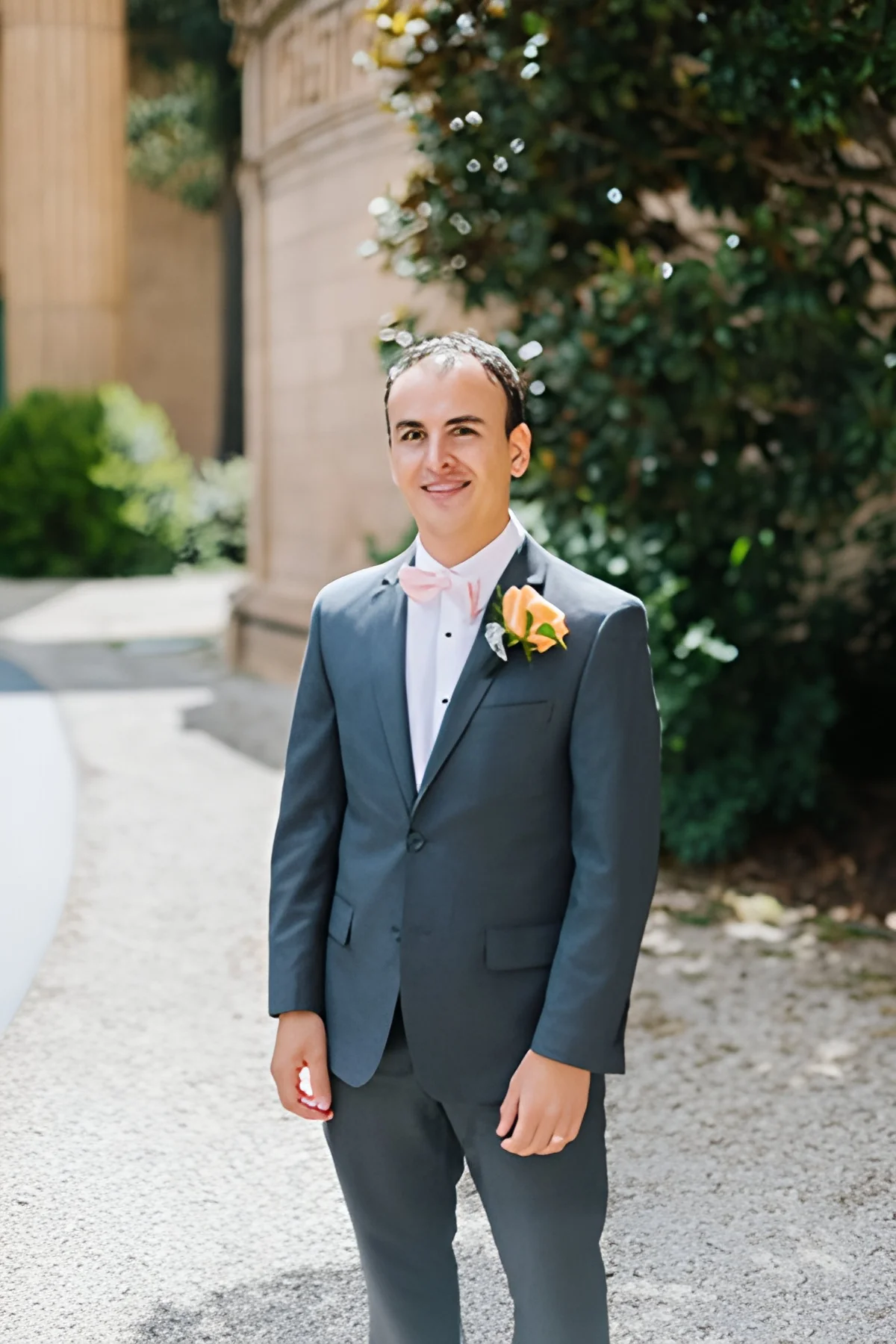
Wedding photos need to look perfect at album size, framed print size, and large-format display. AI upscaling enlarges wedding images to print-ready resolution — preserving the sharp facial detail, delicate fabric textures, and natural bokeh that make wedding photography special — without visible pixelation at any print size.
Quick answer
How do you upscale wedding photos for printing?
AI upscaling enlarges wedding photos to large-format print resolution — a 16x20 inch print at 300 DPI needs about 4,800x6,000 pixels. EnhanceCraft preserves sharp facial detail, delicate fabric texture, and natural bokeh while enlarging 4x or 8x, so album and framed prints stay crisp at any size.
4x / 8x
Upscaling options
25
Free credits to start
< 15s
Processing time
Before
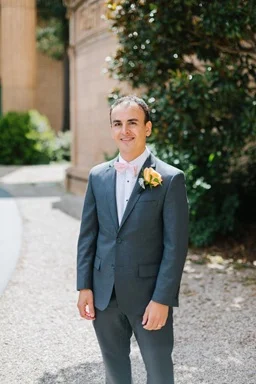
After (AI upscaled)
25 free credits to start, then 10 every month. No credit card. No watermarks.
Upscale Wedding Photos FreeHow to upscale images with AI
- 1Upload your image — JPEG, PNG, or WebP, up to 25 MB (50 MB on paid plans).
- 2Select your scale factor — 2x or 4x free, 8x on any paid plan — depending on your target resolution.
- 3AI processes the image in under 15 seconds, reconstructing lost detail.
- 4Download your upscaled image — watermark-free with a free account, up to 1,200px on the long edge (full resolution on paid plans).
Frequently Asked Questions
What resolution do I need for a large wedding print?
A 16×20 inch print at 300 DPI requires 4,800×6,000 pixels. An 8×10 at 300 DPI requires 2,400×3,000 pixels. AI upscaling can bring a typical DSLR shot from its native resolution up to these print-ready dimensions while preserving sharpness.
Can AI upscaling preserve fine detail in wedding photos?
Yes. AI upscaling is specifically designed to preserve and reconstruct fine detail — including fabric texture in wedding dresses, facial features in portraits, and subtle background bokeh. Results are significantly sharper than standard bicubic or bilinear upscaling.
Will upscaled photos look natural in a wedding album?
Yes. AI-upscaled photos for wedding albums are indistinguishable from originals shot at higher resolution, provided the source image has reasonable quality. The AI adds appropriate texture and detail rather than introducing artifacts.
Can I restore and upscale old wedding photos?
Yes. For damaged or aged wedding photos, combine EnhanceCraft's Old Photo Restoration tool first (to fix fading and damage), then apply face restoration for sharper facial detail, then upscale for print. This multi-step workflow recovers maximum quality from even heavily degraded originals.