The 2026 Product Photo Playbook for Shopify and Etsy Stores
Shopify and Etsy do not accept the same image file. The 2026 playbook: side-by-side specs, the shot list that covers both, and the transparency trap.
Munib Ali Laghari
Founder & Lead Developer
Quick answer
Can you use the same product photo file on Shopify and Etsy?
Not the same file — the same shoot. Shopify renders transparent PNG and WebP cleanly on any theme. Etsy supports neither: it has no WebP support, and transparent areas upload black. So process the photo once, then export twice — transparent for Shopify, flattened onto a solid background for Etsy.
Before

After
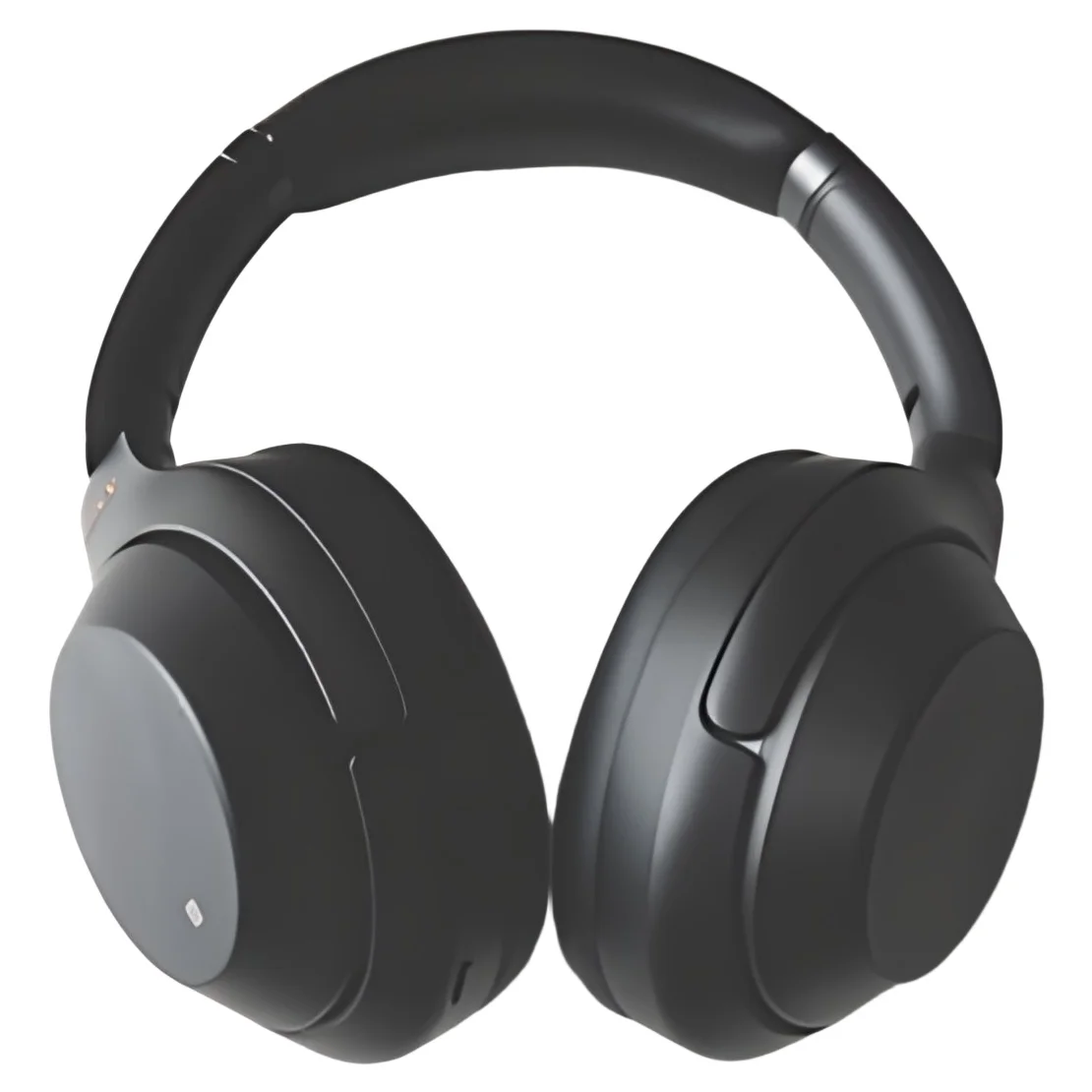
More examples like this: browse before & after results across every tool.
Shopify and Etsy both sell your product from a photograph, but they do not accept the same file. Shopify takes WebP and renders transparent PNGs cleanly against any theme. Etsy accepts neither — it has no WebP support, and a transparent PNG uploads with its see-through areas rendered black. One shoot can serve both stores, but only if you export it twice.
That single difference quietly ruins more listings than bad lighting does. A seller cuts out a product, gets a crisp transparent file that looks perfect on their Shopify storefront, uploads the same file to Etsy, and finds a product floating on a black rectangle — or an upload that simply refuses.
This is the 2026 playbook for both platforms: what each one actually accepts, why the same product needs two different looks, the shot list that covers both stores from one session, and the export workflow that keeps you from shooting twice.
Shopify and Etsy Want Different Files
The rule to remember is short: Shopify wants transparency, Etsy wants a flattened image. Shopify's themes are designed around cut-outs — a transparent PNG or WebP drops onto any background color a theme throws at it. Etsy renders every listing photo against its own white interface and does not support transparency at all, so a cut-out has to be flattened onto a real background before it goes up.
This trips people up because the transparent cut-out feels like the more "professional" asset. It is the more *flexible* asset, and on Shopify that flexibility is exactly what you want. On Etsy it is a liability. Per Etsy's image requirements, the supported file types are JPG, GIF, PNG, SVG, and HEIC — WebP is not among them — and transparent PNGs are explicitly unsupported, with transparent regions appearing black.
Shopify sits at the opposite end. Its product media documentation lists PNG and JPEG as the best choices and also accepts PSD, TIFF, BMP, GIF, SVG, HEIC, and WebP, and Shopify's CDN automatically serves each shopper the best format their browser supports. You can hand Shopify a transparent file and stop thinking about delivery.
Shopify vs Etsy Image Specs, Side by Side
Here is what each platform accepts, drawn from their own documentation. Print this table and you will avoid every format-related rejection:
| Shopify | Etsy | |
|---|---|---|
| Best file types | PNG, then JPEG | JPG, then PNG |
| Also accepted | PSD, TIFF, BMP, GIF, SVG, HEIC, WebP | GIF, SVG, HEIC |
| WebP | Supported | Not supported |
| Transparency | Supported — renders cleanly on any theme | Not supported — transparent areas appear black |
| Size ceiling | Up to 5,000 × 5,000 px (25 megapixels) | No hard ceiling published; upload large and let Etsy optimize |
| Recommended resolution | Large enough for retina and zoom | At least 2,000 px |
| File size | Under 20 MB per image | Keep files light for faster uploading |
| Photos per product | Theme-dependent | Up to 20 per listing |
| Color profile | sRGB | sRGB (CMYK is print-only) |
| Delivery | CDN auto-optimizes and picks the format per browser | Etsy optimizes the upload for display |
Two entries deserve emphasis. Etsy's 2,000-pixel recommendation is higher than most sellers assume — it exists because Etsy crops the same photo for several different placements, so you want headroom. And Etsy's advice to upload images that work at multiple crops and ratios is a composition instruction disguised as a spec: leave breathing room around the product so a square crop and a rectangular crop both survive.
Why the Same Product Needs Two Different Looks
Amazon hands you a spec — pure white, 85% frame fill, no text — and your job is compliance. Shopify and Etsy hand you a blank canvas, and your job becomes something harder: deciding what the product should look like. Most sellers respond to that freedom by copying Amazon's white background everywhere, which is the safest choice and almost never the best one.
On Shopify, the storefront is yours, so consistency beats novelty. Every product sitting identically framed on the same background is what makes a collection page read as a real brand rather than a folder of uploads. Transparency helps here in a way it cannot on a marketplace: a cut-out inherits your theme's background, so a seasonal palette change does not orphan your catalog.
On Etsy, you are one tile in a grid of handmade and vintage competitors, and pure white is the default everyone already uses. Etsy shoppers are buying character as much as product, so context — a wooden surface, a linen backdrop, the item in a hand for scale — is what differentiates a tile. The first photo still has to be clean and legible at thumbnail size, but a completely sterile cut-out on white can read as drop-shipped on a platform whose whole promise is that it is not.
The practical consequence: shoot once, but plan for a clean cut-out *and* a styled context shot. You need both files anyway.
The Shot List That Covers Both Stores
Shoot these six frames in one session and you have everything both platforms need, with no reshoot:
- 1.The hero, straight on. Product centered, evenly lit, filling most of the frame against a plain background. This becomes the transparent cut-out for Shopify and the flattened first photo for Etsy.
- 2.The context shot. The product on a real surface — wood, linen, stone — with room around it. This is your Etsy differentiator and your Shopify lifestyle slot.
- 3.The scale shot. The item held, worn, or beside a common object. Scale confusion is one of the most avoidable causes of returns.
- 4.The detail shot. Close on texture, stitching, grain, or finish — the thing a photo has to prove because the shopper cannot touch it.
- 5.The alternate angle. Back, underside, or open, depending on what a buyer would ask about.
- 6.The packaging or in-use frame. What arrives, or the product doing its job.
Shoot every frame with margin around the product. Etsy will crop that same image square in some placements and rectangular in others, so a tightly framed shot that looks perfect in the listing manager can lose an edge on a browse page.
One Shoot, Two Exports: The 2026 Workflow
The workflow that avoids double work is: process each photo once, then export it twice — a transparent file for Shopify and a flattened one for Etsy. Everything before the export is identical, which is why it makes sense to run it as one pipeline rather than a sequence of manual edits.
For each hero shot, the sequence is the same regardless of destination: remove the background to isolate the product, upscale so the file clears the resolution bar with room to spare, clean up noise and uneven lighting from the shoot, then square and center it. EnhanceCraft's Product Photo Editor runs that entire chain as a single preset — background removal, a 4x upscale, enhancement, and centering in one pass — at 4 credits for the transparent export and 5 for the flattened white square.
Then the export splits:
- ●For Shopify: take the transparent export. It drops onto any theme background, and Shopify's CDN handles format delivery from there.
- ●For Etsy: take the flattened white square, not the transparent file. Etsy cannot use transparency, so the version that already has a solid background behind the product is the one that uploads and displays correctly. If you only have a transparent file, put a background behind it before uploading — converting the format alone will not fix it, because the problem is the alpha channel, not the extension.
That second point is worth repeating because it is the most common failure: running a transparent PNG through a format converter to make it a JPG does not save you if the tool flattens transparency to black instead of white. Choose a background deliberately rather than letting a converter choose for you. Our image converter handles format changes once the background question is settled.
I built these presets after watching sellers chain four separate tools together for a single photo and then repeat the whole routine per marketplace. The supplier-photo-to-marketplace walkthrough covers the same pipeline aimed at Amazon's stricter spec, and the Amazon main-image guide covers what to do once a marketplace photo is compliant but still is not getting clicked.
Selling apparel changes one step: photograph the garment on a mannequin and use the ghost mannequin effect so the clothing holds a natural 3D shape with nothing visible inside it. And because a cut-out product can look pasted-on once it lands on a background, adding a contact shadow is usually what makes the Etsy version look photographed rather than composited.
For a whole catalog rather than a hero SKU, the same pipeline runs across 25 to 500 images in a single batch job, so every product lands on the same framing and the same treatment instead of drifting shop-wide.
The Mistakes That Cost Shopify and Etsy Sellers Sales
Most product-photo problems on these two platforms are not artistic. They are these:
- ●Uploading a transparent file to Etsy. The most expensive five seconds in this article. Flatten first.
- ●Copying Amazon's sterile white onto Etsy. It is allowed, it is safe, and on a platform selling character it makes you look like a reseller.
- ●Shooting too tight. Etsy re-crops your photo for different placements; no margin means a cropped-off product.
- ●Letting the catalog drift. Different backgrounds and color temperatures across products read as improvised. Consistency is a trust signal you get for free by processing the set together.
- ●Under-resolving. Etsy asks for at least 2,000 pixels because it crops and zooms. A file that only just looks fine in the listing manager falls apart in a zoom.
- ●Skipping the scale shot. Nothing generates "not as described" returns faster than a buyer guessing at size.
- ●Editing the product instead of the photo. Cleaning the background, exposure, and resolution is normal post-production. Changing the item's real color or adding parts that are not included is misrepresentation on any platform.
Your Pre-Upload Checklist
Run this before either store goes live:
- ●Shopify file is transparent PNG or WebP; Etsy file is a flattened JPG or PNG with no alpha channel.
- ●No transparent regions remain in anything headed to Etsy.
- ●Etsy images are at least 2,000 pixels; Shopify images are under 20 MB and within 5,000 × 5,000 px.
- ●Both are sRGB, not CMYK.
- ●The hero shot has margin so square and rectangular crops both work.
- ●The listing includes hero, context, scale, and detail frames — not just the hero.
- ●Every product in the catalog shares one background convention and one color temperature.
- ●Every edit is post-production on a real photo of the item that ships.
Ship Two Stores From One Shoot
Shopify and Etsy reward different files and different looks, and the sellers who do well on both stopped treating them as one job. Shoot once with margin, process once, then export deliberately: transparent for the storefront you control, flattened for the marketplace that renders your photo on its own terms.
That is a browser-based job now, which is the whole reason our AI image toolkit exists; the e-commerce hub ties the seller-facing pieces together. Try the free Product Photo Editor — 25 credits to start, then 10 every month, no card required, and any pay-as-you-go credits you add never expire, so a seasonal catalog you start in one quarter is still yours to finish in the next.
Found this helpful?
Share it with your network
Ready to try it yourself?
25 free credits to start, then 10 every month. No credit card. Process your first image in under 15 seconds.
Try Product Photo Editor freeMunib Ali Laghari
Founder & Lead Developer · EnhanceCraft
Munib Ali Laghari is the founder and lead developer of EnhanceCraft, an AI image toolkit. He writes about AI upscaling, photo restoration, and background removal. Connect on LinkedIn