Best AI Tools for Real Estate Photos in 2026: 7 Picks by Job
Seven AI tools for real estate listing photos, sorted by the job each one does best, with honest limits for every pick. Including the one we build.
Munib Ali Laghari
Founder & Lead Developer
Quick answer
What is the best AI tool for real estate photos?
It depends on your files. Photographers who shoot bracketed exposures are best served by Lightroom Classic, Imagen, Autoenhance.ai, or Photomatix Pro, which blend them into one balanced photo. Agents with finished JPEGs or phone photos need a browser tool like EnhanceCraft for corrections, skies, twilight, and staging. Luminar Neo suits single hero exteriors, and Virtual Staging AI handles empty rooms.
Before

After
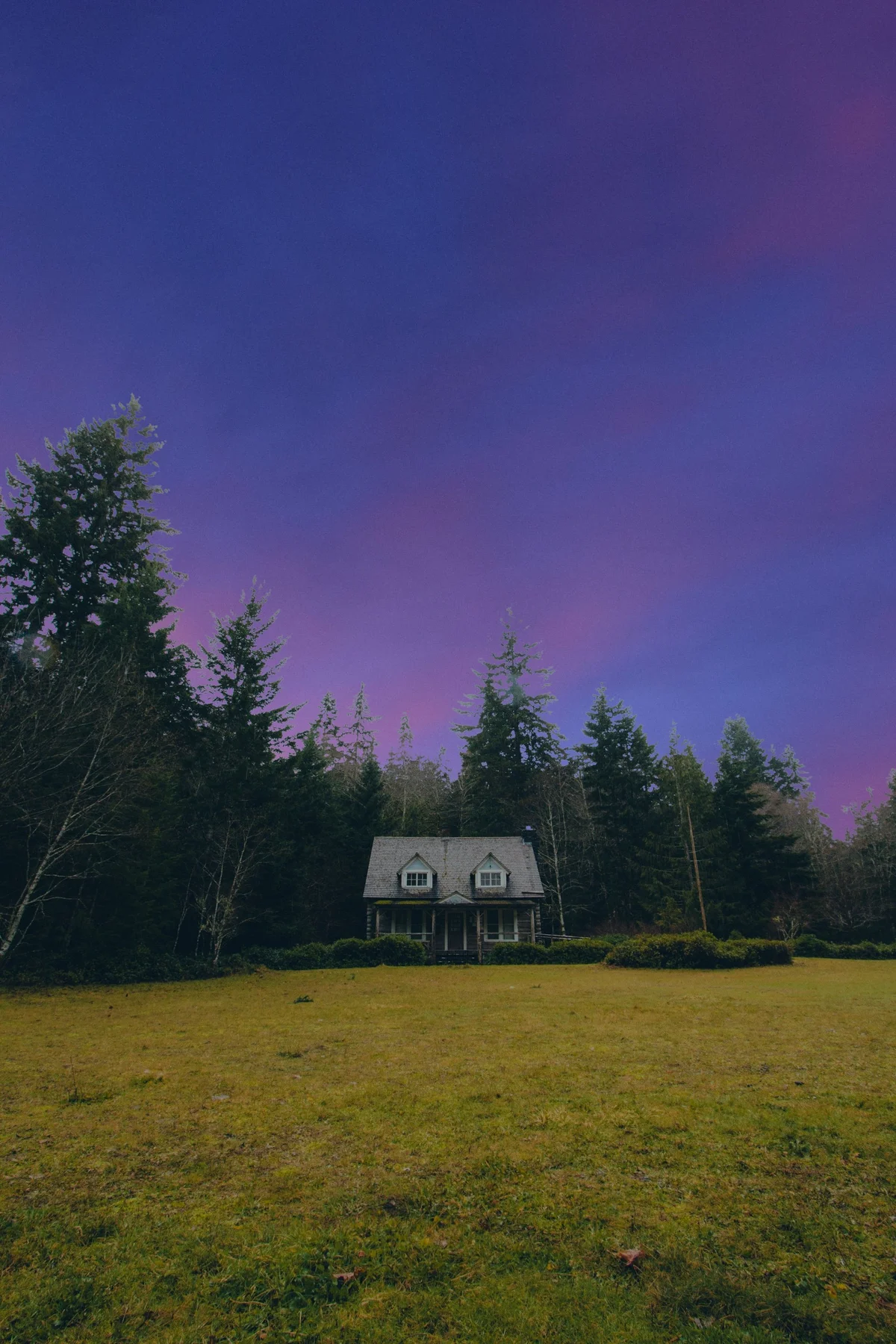
More examples like this: browse before & after results across every tool.
Search for the best AI tool for real estate photos and you get a dozen lists. Read a few and a pattern shows up: most of them are published by a company that sells one of the tools on the list, and that tool tends to land in first place.
This list has the same conflict, so here it is up front. I build EnhanceCraft, and it is on this list at number six. To keep things fair I did two things. Every feature below was checked against the vendor's own website in October 2026, not against another blog. And nothing here is ranked best to worst, because there is no single best tool. A photographer with a card full of RAW files and an agent with twelve phone photos need completely different software.
So the list is sorted by the job. Find the job that sounds like yours and start there.
The Short Answer: Pick by What You Are Starting With
The best AI tool for real estate photos depends on two things: what kind of files you have, and what you need done to them. Photographers who shoot several exposures of each room need a tool that can blend them. Agents holding finished JPEGs need corrections, a better sky, or furniture in an empty room. Very few tools do both well.
| Tool | Best for | Where it runs | What it starts from |
|---|---|---|---|
| Adobe Lightroom Classic | Full hands-on control | Desktop app | RAW files, single or bracketed |
| Imagen | High-volume photographers already in Lightroom | Desktop app, edits in the cloud | Your Lightroom Classic catalog |
| Autoenhance.ai | Hands-off blending and correction | Browser and API | Bracketed exposures, RAW supported |
| Photomatix Pro | Blending exposures without a subscription | Desktop app | Bracketed exposures |
| Luminar Neo | Exteriors and one-off hero shots | Desktop app or plugin | Single photos or brackets |
| EnhanceCraft | Agents with finished photos who need them listing-ready | Browser and API | A single JPG, PNG, or WebP |
| Virtual Staging AI | Furnishing empty rooms, and nothing else | Browser and API | A photo of a room |
A quick word on "bracketed," since it comes up in almost every entry. A bracket is the same room photographed three to five times at different brightness levels, so one frame holds the bright window and another holds the dark corner. Software then blends them into one balanced photo. If you have never done this on purpose, you do not have brackets, and half of this list is not aimed at you.
How to Read This List
Most real estate photo tools fall into one of three groups, and knowing which group you need matters more than which brand you pick.
- ●Blenders take several exposures of one room and merge them into a single balanced photo. This is a photographer's tool.
- ●Correctors fix what the camera got wrong in a finished photo: leaning walls, grainy shadows, yellow light, a tired lawn, a white-out window.
- ●Changers alter what the photo shows: a new sky, a twilight version of a daytime shot, furniture in an empty room. These are the edits with disclosure rules attached, which we will get to.
Some tools do two of the three. None of the seven does all three equally well, and that is the honest reason a single "winner" does not exist.
One note on scope: this list covers property photos only. For general-purpose photo tools, see our separate roundup of the best AI image enhancers.
The 7 Best AI Tools for Real Estate Photos
1. Adobe Lightroom Classic: best for full hands-on control
Lightroom Classic is the right choice when you want to make every decision yourself. Many professional real estate photographers already own it, and the AI features Adobe has added in recent releases cover a lot of the routine work. According to Adobe's own documentation, it merges bracketed exposures into one image, straightens leaning walls with a tool called Upright, cleans up grain with AI Denoise, removes unwanted objects with Generative Remove, and can now take glare off a photo shot through glass.
The honest limit is that nothing in it is real-estate-specific, and nothing is automatic across a whole shoot the way a purpose-built tool is. You build the workflow yourself. It also will not swap a sky or furnish a room; for those you would move to Photoshop or another tool. If you enjoy editing and want control, this is home base. If you want to hand off the editing, keep reading.
2. Imagen: best for photographers editing a lot of listings
Imagen suits a photographer who shoots several properties a week and already lives in Lightroom Classic. It is a desktop app that plugs into your Lightroom catalog, sends the work to the cloud, and returns edited files to the same catalog, so your existing workflow stays intact. Imagen's real estate tools include HDR merge for brackets, perspective correction, sky replacement, and window pull, and the product is built around learning your personal editing style so results look like yours and not like everyone else's.
The honest limit is the audience. Imagen assumes you have Lightroom Classic, a catalog, and a consistent style worth teaching it. An agent with a folder of phone photos will not get much out of it. For a busy photographer, though, it removes the most repetitive hours of the week.
3. Autoenhance.ai: best for hands-off blending and correction
Autoenhance.ai is the pick when you want to upload brackets and get finished photos back without building anything yourself. It runs in the browser, accepts RAW files, and lists HDR merging, window pulls, sky replacement, perspective correction, white balance, relighting, and 360-degree photo enhancement. Two features stand out because few others offer them: it automatically removes a camera or photographer caught in a mirror, and it can blur faces and license plates for privacy. There is also an API for teams that want to wire it into their own system.
The honest limit is that it corrects photos and stops there. Its published feature list does not include virtual staging or a day-to-dusk conversion, so an empty room stays empty. We compared it with our own tool in detail in EnhanceCraft vs Autoenhance.ai, including the places where it is the better choice.
4. Photomatix Pro: best for blending exposures without a subscription
Photomatix Pro does one job, and it has done it for a long time: it blends bracketed exposures into a single photo. It runs on Windows and Mac, processes whole batches, includes presets made for real estate interiors, and is sold as a one-time purchase, according to its maker, HDRsoft. A Lightroom plugin is available separately.
The honest limit is scope. Photomatix blends, and that is all. It will not straighten walls across a shoot, replace a sky, or stage a room, so it is one step in a workflow and never the whole thing. If your only real problem is windows that blow out to white and you would like to buy software once and own it, this is the simplest answer on the list.
5. Luminar Neo: best for exteriors and one-off hero shots
Luminar Neo is the tool to reach for when one photo needs to look its best, usually the front exterior that leads the listing. It is a desktop app for Mac and Windows that also works as a plugin inside Lightroom Classic and Photoshop. Skylum lists Sky AI for replacing skies, HDR Merge for blending exposures, an eraser for removing objects, and a Twilight Enhancer for evening tones. It offers batch processing and a one-time purchase option.
The honest limit is that Luminar is a general photo editor with strong creative tools, and it is not built around a property shoot. You will get a beautiful lead image out of it. You are less likely to use it to push forty interiors through in one evening.
6. EnhanceCraft: best for agents who need finished photos made listing-ready
This is ours, so weigh the praise accordingly. EnhanceCraft is aimed at the person holding finished photos, whether from a hired photographer or from a phone, who needs them cleaned up and ready for the MLS tonight. It runs in the browser with nothing to install. The real estate photo editor applies the standard corrections in one pass: straighter walls, less grain, balanced color, and a greener lawn, with an optional fix for blown-out windows. Separate tools handle the bigger changes: sky replacement, day-to-dusk twilight conversion, and virtual staging that adds a "Virtually Staged" label by default. Every one of them can run across a full property set in a single batch.
The honest limit is a real one. EnhanceCraft works from a single JPG, PNG, or WebP. It does not accept RAW files and it does not blend brackets, so a photographer who shoots five exposures per room should pick a blender from higher up this list first. It also has no automatic privacy blur or mirror cleanup; you would remove those by hand with the object remover.
On price, the standard correction pack costs 3 credits per photo, sky replacement 2, day-to-dusk 3, and virtual staging 6. A free account includes 25 credits to start, then 10 every month, with no card needed.
7. Virtual Staging AI: best for furnishing empty rooms and nothing else
Virtual Staging AI is a specialist. If your only problem is vacant rooms, a tool that does nothing but staging is a reasonable choice. Its website lists furniture for bedrooms, living rooms, kitchens, dining rooms, home offices, and outdoor spaces across more than 50 design styles, plus furniture removal for rooms that are already furnished, unlimited re-dos, and an API. It is sold as a monthly plan with a set number of photos.
The honest limit is the same as the strength: it stages, and you will need something else for corrections, skies, and windows. Before using any staging tool, read up on virtual staging versus physical staging, because staging is the edit with the strictest disclosure rules.
Which One Should You Actually Pick?
Match the tool to your situation, not to a ranking. These five cases cover most people who search for this.
- ●You are an agent with photos from your phone or a finished set from a photographer. You need a corrector, and possibly a changer. EnhanceCraft is built for this case. Lightroom works too if you are willing to learn it.
- ●You are a photographer who shoots brackets and edits a few listings a month. Photomatix Pro or Lightroom Classic for the blending, then finish in whatever you already use.
- ●You are a photographer shooting several listings a week. Imagen if you want results in your own style inside Lightroom. Autoenhance.ai if you would like to upload and walk away.
- ●You have a vacant property. Virtual Staging AI if staging is all you need. EnhanceCraft if you also want the corrections and a twilight shot from the same account.
- ●You need one stunning front exterior. Luminar Neo, or a day-to-dusk conversion.
Many working photographers end up with two tools: a blender for the shoot and something else for the finishing touches. That is normal, and cheaper than it sounds.
The Question Most Lists Skip: Will the Edit Need a Disclosure?
Some AI edits now come with a legal duty to disclose them, and which tool you pick affects how easy that is. California's Assembly Bill 723, in force since January 1, 2026, requires agents to disclose listing images that were digitally altered to add, remove, or change things like furniture, fixtures, flooring, paint, or landscaping, and to give buyers a way to see the original photo. Ordinary lighting, color, cropping, and straightening fixes are excluded.
In plain terms, the corrector tools are the safe group. Blending exposures, straightening walls, and fixing color do not trigger the rule. Virtual staging clearly does. Sky replacement and twilight conversions are named on neither list, so the cautious move is to label them and keep the original.
Two habits cover you whichever tool you use. Save the untouched original of every photo you alter. And check whether your tool can label a staged image for you, since adding one by hand to twenty photos gets old fast. The wider picture is in our guide to what changed in real estate photography in 2026, and your own board's rules are covered in the MLS photo requirements checklist.
When AI Is Not the Right Answer
AI editing is not always the best choice, and it is worth saying so. A human editing service still makes sense for a luxury listing where every frame gets individual attention, for difficult composites like a fireplace that needs a fire added or a TV screen that needs a picture, and for anyone who simply does not want to touch software. The trade is time. A person usually returns photos the next day, where software returns them in minutes.
It also helps to remember that no tool rescues a bad photo. A dark, crooked shot taken from the doorway will come out as a brighter, straighter shot from the doorway. Good light and a level camera still do more than any software on this list.
Frequently Asked Questions
What is the best AI tool for real estate photos? There is no single best one, because the right tool depends on your files. Photographers who shoot bracketed exposures should look at Lightroom Classic, Imagen, Autoenhance.ai, or Photomatix Pro. Agents working from finished JPEGs or phone photos are better served by a browser tool such as EnhanceCraft. For furnishing empty rooms only, a staging specialist like Virtual Staging AI is enough.
Is there a free AI tool for real estate photos? Several offer a free way to try them. EnhanceCraft includes 25 free credits to start and 10 every month after, with no watermark and no card, which covers a handful of corrected photos. Most other tools on this list offer a free trial or a preview, so check each vendor's current terms before you rely on one for a live listing.
Can AI edit real estate photos taken on a phone? Yes, as long as the tool accepts ordinary image files. Phone photos are single JPEGs, so tools that expect bracketed RAW exposures are a poor fit. A corrector that straightens walls, cleans up grain, and balances color from one file will do the most good. Hold the phone level and shoot from chest height to give the software a better starting point.
Do I have to disclose AI-edited listing photos? It depends on the edit. In California, AB 723 requires disclosure when an image is altered to add, remove, or change physical elements such as furniture, fixtures, or landscaping, and it excludes ordinary lighting, color, cropping, and straightening fixes. Virtual staging needs a label. Rules differ by state and by MLS, so check yours.
What is the difference between HDR blending and AI photo enhancement? HDR blending combines several photos of the same room, each taken at a different brightness, into one balanced image. AI enhancement improves a single photo that already exists by fixing color, noise, and geometry. Blending needs you to shoot brackets on site. Enhancement works on whatever photo you already have.
Which AI tool is best for virtual staging? For staging alone, a specialist such as Virtual Staging AI offers a wide choice of rooms and styles. If you also need corrections, a new sky, or a twilight shot for the same listing, an all-round tool such as EnhanceCraft keeps everything in one account and adds a "Virtually Staged" label automatically.
The Bottom Line
The best AI tool for real estate photos is the one that fits the files you already have. Brackets and RAW files point to Lightroom Classic, Imagen, Autoenhance.ai, or Photomatix Pro. One hero exterior points to Luminar Neo. An empty house points to a staging tool. And a folder of finished photos that needs to be listing-ready tonight is the job we built EnhanceCraft for.
If that last one is you, try the real estate photo editor free with 25 credits to start and 10 every month, no card required. You can also see how the pieces fit together in the full real estate workflow, or read the step-by-step guide to editing real estate photos.
Found this helpful?
Share it with your network
Ready to try it yourself?
25 free credits to start, then 10 every month. No credit card. Process your first image in under 15 seconds.
Try Real Estate Photo Enhancer freeMunib Ali Laghari
Founder & Lead Developer · EnhanceCraft
Munib Ali Laghari is the founder and lead developer of EnhanceCraft, an AI image toolkit. He writes about AI upscaling, photo restoration, and background removal. Connect on LinkedIn