MLS Photo Requirements in 2026: The 12-Point Check Before You Go Live
The precise MLS photo specs quoted online are not in the rulebooks. Here is what two major MLSs actually publish, and the 12 checks to run before you upload.
Munib Ali Laghari
Founder & Lead Developer
Quick answer
What are the MLS photo requirements?
They vary by MLS, and the published rules are mostly about provenance and accuracy, not pixels. Bright MLS requires that you own the copyright or hold a release, that an unbranded curbside exterior is uploaded within 72 hours, and that images contain no identifiable people, superimposed text, or reused prior-listing photos. Format, dimensions, and file size must be checked against your own board.
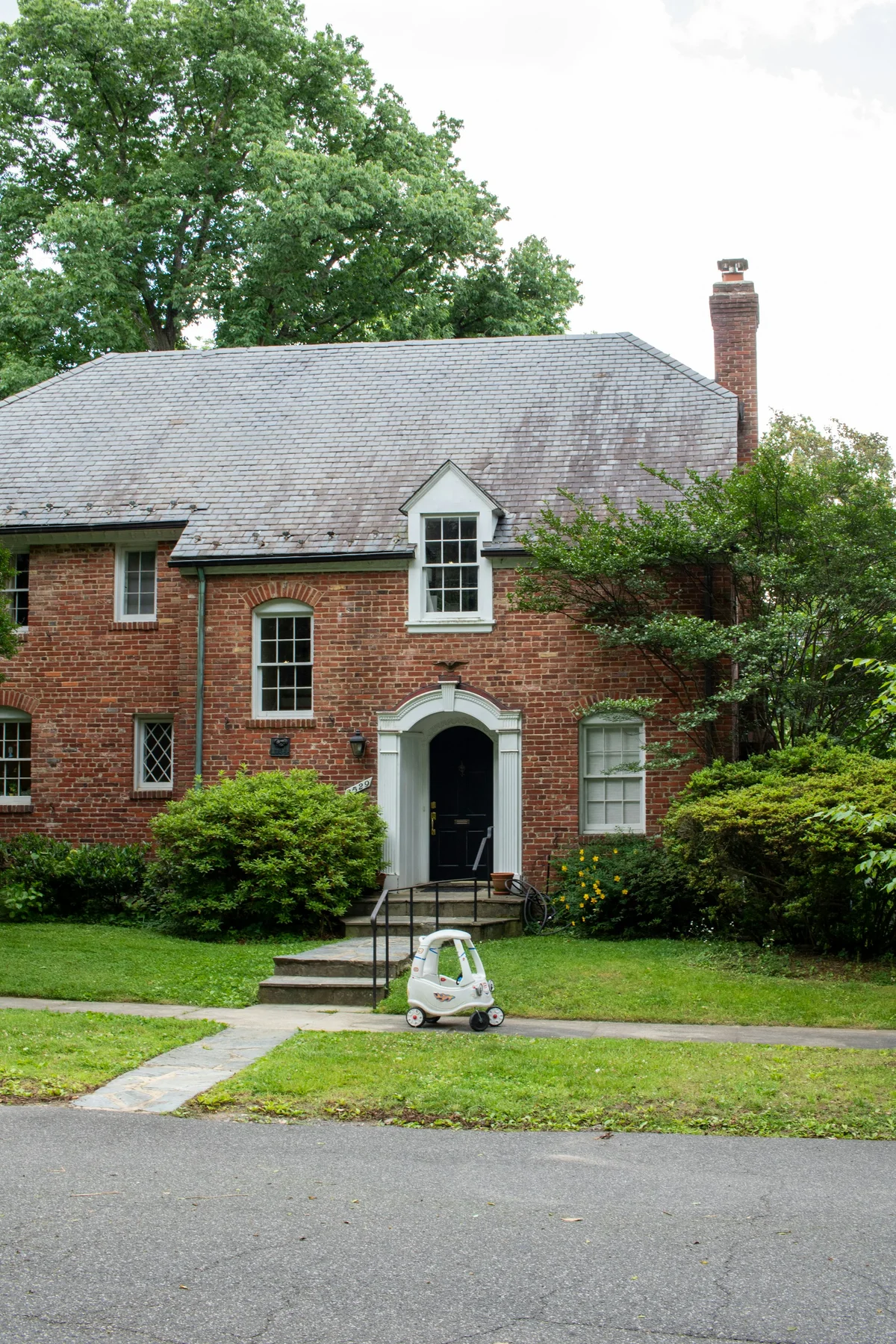
Before
After
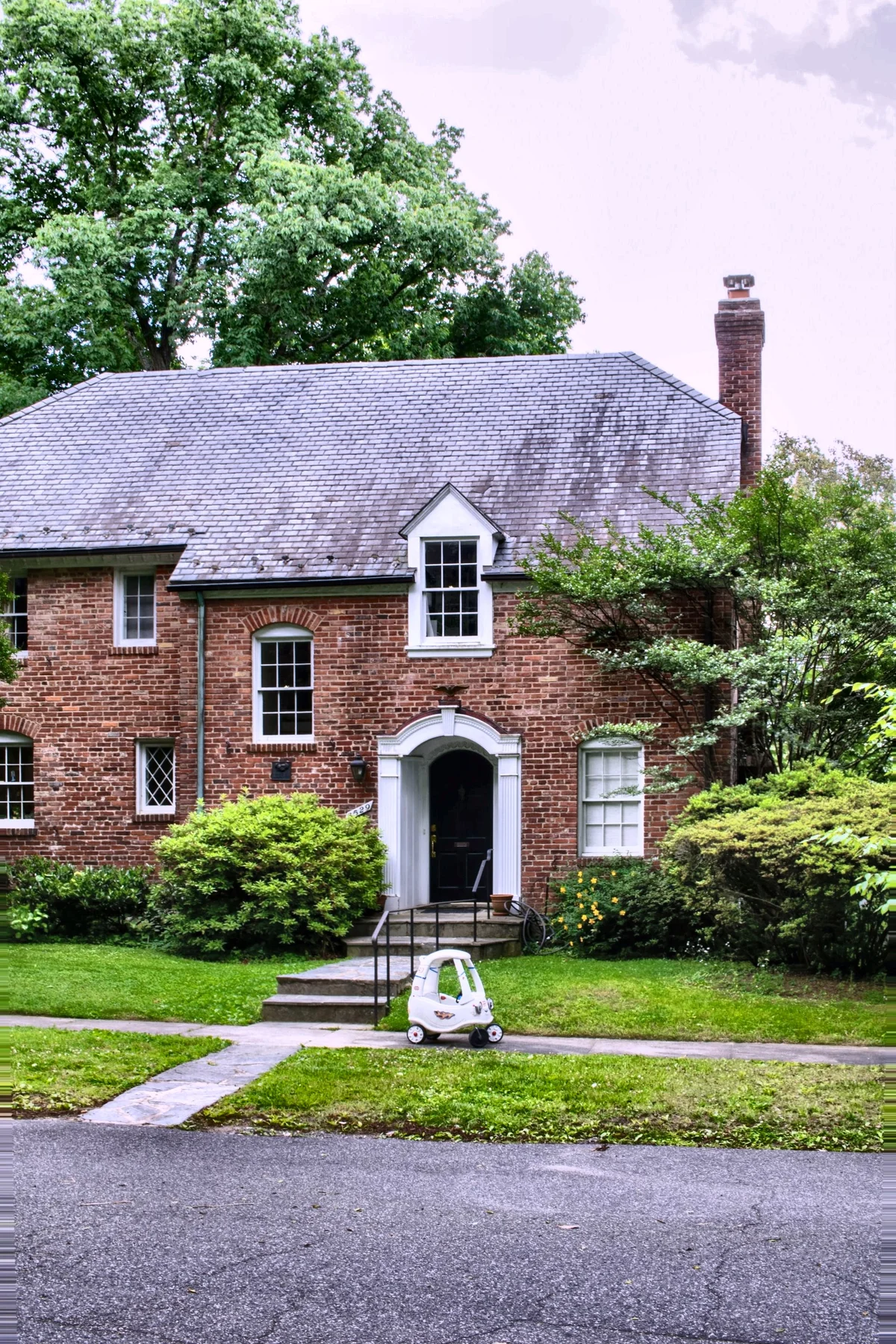
More examples like this: browse before & after results across every tool.
There is no single set of MLS photo requirements. There are hundreds of MLSs writing their own rules, and the confident numbers you will find quoted online — 1024x768 minimum, JPEG only, 100KB to 3MB — do not appear in the published image policies of the MLSs they are attributed to. What those policies do contain is a different and more consequential list: copyright releases, an unbranded curbside exterior inside 72 hours, no identifiable people of any kind, and hard limits on which edits are allowed.
That mismatch is why listings get kicked back. Agents optimise for a pixel dimension nobody is enforcing and miss the rule that actually removes an image. Below is what two major MLSs publish in their own words, where they openly disagree with each other, and a twelve-point check to run on a finished set before it goes live.
The Numbers You Will Find Online Are Not in the Rulebooks
We read Bright MLS's Policy on Images and Documents in the MLS, dated 28 February 2024, end to end. It contains no file format, no pixel dimensions, no resolution minimum, no file-size ceiling, and no photo count. Not one number. Yet page after page of "MLS photo requirements" content states Bright's specs to two decimal places.
Be precise about what that does and does not prove. It does not prove Bright has no upload limits — a system can enforce a ceiling at the upload screen without writing it into policy, and we could not reach Bright's member support article to check. What it does prove is that those figures are not published rules, they are being repeated without a source, and an agent planning around them is planning around someone's guess. The same pattern turns up across this topic: a lot of confident specificity, very little citation.
Meanwhile the requirements that are unambiguously written down get almost no attention.
What MLSs Actually Publish
Bright's policy is mostly about provenance and honesty rather than pixels, and every clause below is quoted from it directly.
You need the copyright, or written permission. Subscribers warrant that they own the copyright or have obtained consent, and if you did not take the photo, "a copyright release must be obtained from the individual holding the copyright interest." Hiring a photographer does not automatically transfer that right. Bright even suggests putting a transfer provision in the photographer agreement.
The first photo has a job and a deadline. "All listings must include one exterior photograph within 72 hours of submission to Bright," and "the exterior photograph must be an unbranded curbside view of the property that shows the property upon arrival." Stellar MLS is stricter on placement: a front exterior photo, rendering, aerial or water view must be loaded before the listing goes active, and it must sit in the first photo slot for all property types.
No people, and that includes generated ones. Bright's images may not include "images of any identifiable person real, animated, computer-generated, or otherwise." Stellar separately bars lifestyle photos and virtual tours featuring people, including people in costume. The phrase "computer-generated" matters more every year: a synthetic model dropped into a room to make it feel lived in is prohibited under the same clause as a real one.
Nothing added on top of the photograph. Bright prohibits "any readable text, graphics, contact information", "any contact or identifying information nor any text or graphics that have been added or superimposed on them", and "any signs or identifying logos". Images also "may not convey any marketing or promotional messages" for the broker or agent.
Old photos are not automatically yours to reuse. Subscribers may not use content from a prior listing of the same property for a current listing "without the express consent of the owner of proprietary rights in the media content." A property coming back on the market is exactly when agents reach for last year's gallery.
And the enforcement is blunt: "the MLS may remove any image from the MLS Database that does not conform."
Where Two Major MLSs Openly Disagree
Both Bright and Stellar publish rules on digital alteration. They do not match, which is the clearest possible argument against trusting any universal checklist — including this one — over your own board's rulebook.
| Edit | Bright MLS | Stellar MLS |
|---|---|---|
| Virtual staging of an empty room | Permitted, must be disclosed in the MLS | Permitted, listing must stay accurately portrayed |
| Digitally removing existing furniture and replacing it | Explicitly permitted | Not addressed in the same permissive terms |
| Changing paint colours | Not addressed | Explicitly prohibited |
| Removing or swapping permanent fixtures | Not addressed | Explicitly prohibited |
| Removing utility lines | Restricted under the "elements not within a property" clause | Explicitly prohibited |
| Adding landscape plantings | Not addressed | Explicitly prohibited |
| Covering up material flaws | Prohibited in effect | Explicitly prohibited |
| Inventing a view from a window | "Strictly prohibited" | Accuracy rule applies |
| Identifiable people in images | Prohibited, including computer-generated | Prohibited in lifestyle photos and tours |
Bright's wording on the view is worth quoting because it settles a question agents ask constantly: modifying a photo "to include visual elements not within a property control is strictly prohibited. For example, editing in a view of a scene that is not physically possible from the specified location in the real world." That is the rule behind the honesty line we drew in the window pull guide — recover the view that exists, never invent a nicer one — and it applies equally to sky replacement.
The 12-Point Check Before You Go Live
Run this on the finished set, not on each export. It takes a few minutes and catches nearly everything that gets an image pulled.
- 1.Copyright cleared. You took the photos, or you hold a written release from whoever did.
- 2.First photo is an unbranded curbside exterior, in the first slot, uploaded inside your MLS's deadline.
- 3.No identifiable people anywhere — in reflections, through windows, in a framed portrait on the wall, or generated.
- 4.No text, logos, signs, or watermarks superimposed on any image, including your own branding.
- 5.No photos recycled from a previous listing unless you have express consent from the rights holder.
- 6.Every altered image disclosed as your MLS requires, and labelled where the rules call for it.
- 7.Alterations checked against your board's list, not a generic one — paint, fixtures, utility lines, and plantings are treated differently in different states.
- 8.No invented views. Windows show what is actually outside them; skies are plausible for the location.
- 9.Format converted — iPhones shoot HEIC by default and most MLSs will not take it. JPEG is the safe answer.
- 10.Landscape orientation, with enough resolution that the portal's zoom does not turn soft.
- 11.File size inside your MLS's ceiling, which you have confirmed rather than assumed.
- 12.Privacy sweep — mail with an address, prescription labels, a calendar, a visible security panel, a screen showing a logged-in account, children's photos on the fridge.
Items 1 through 8 come from published rules. Items 9 through 11 are the ones you genuinely have to look up. Item 12 is not in any rulebook and is the one sellers actually complain about afterwards.
The Three Specs You Have to Look Up Yourself
Format, dimensions, and file size vary, and there is no shortcut that survives contact with a real board. The reliable route takes about five minutes: sign in to your MLS, search its knowledge base or rules section for "photo" or "image", and read the current page rather than a blog summary of it. If the upload screen states a limit, that limit is the one being enforced. Write the three numbers on a sticky note; they will not change often.
What is safe to generalise is narrower than the internet suggests. JPEG is accepted essentially everywhere and is the only format you can rely on. Landscape orientation is expected almost universally, because portals build their galleries around it. Beyond those two, verify.
The Two That Get Listings Kicked Back Most
Format, because of the phone. An iPhone photographing a listing produces HEIC unless the setting has been changed, and HEIC is not accepted by most MLSs. The file looks fine on the phone, fails at upload, and the agent assumes the photo is broken. Converting to JPEG is the entire fix, and in EnhanceCraft format conversion costs zero credits — it runs in the image converter or as the final step of a listing pipeline, so a whole shoot comes out in the right format without a separate pass.
Quality, because "clear and well lit" is a rule, not a preference. Boards reserve the right to pull an image that does not conform, and dark rooms, blown-out windows, and leaning verticals are the usual reasons a gallery looks amateur even when every individual rule is met. Those four corrections — geometry, noise, colour, and the lawn — are deterministic, which is why we bundle them: the real estate photo enhancer runs the standard pack at 2–3 credits an image (interior or exterior), or about six to nine cents, and the edit pack guide walks through why the order matters. Everything altering the property rather than the photograph — virtual staging, sky replacement, twilight — sits on the disclosure side of the line, which we covered in what actually changed in 2026.
Before You Hit Publish
The useful mental model is that MLS photo rules are about two things and only rarely about pixels. Did you have the right to use this image, and does it honestly represent the property? Nearly every published clause resolves to one of those questions. The specs everyone argues about are the part you look up once and stop thinking about.
Run the corrections on the whole set, disclose whatever you altered, and check the three numbers against your own board. That is the job, and most of it is automatable — which is the point of our AI image toolkit, with the agent-facing pieces gathered in the real estate hub. Try the free Real Estate Photo Enhancer — 25 credits to start with no card, enough for eight listing photos through the full pack, then 10 every month, and pay-as-you-go credits never expire, so a slow month costs you nothing.
Found this helpful?
Share it with your network
Ready to try it yourself?
25 free credits to start, then 10 every month. No credit card. Process your first image in under 15 seconds.
Try Real Estate Photo Enhancer freeMunib Ali Laghari
Founder & Lead Developer · EnhanceCraft
Munib Ali Laghari is the founder and lead developer of EnhanceCraft, an AI image toolkit. He writes about AI upscaling, photo restoration, and background removal. Connect on LinkedIn